How to Control Multiple Docker Instances with Portainer
TL;DR
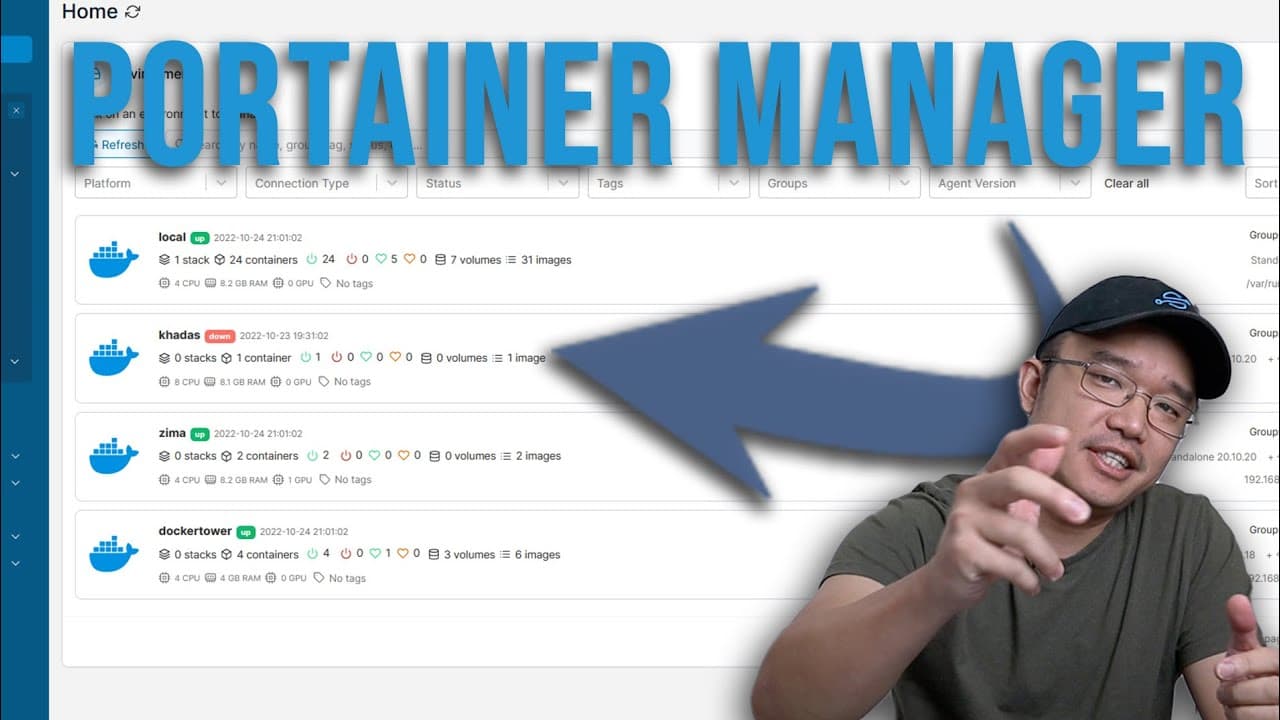
To manage multiple Docker containers from a single console, install the Portainer agent on each host device, then connect them to your main Portainer interface. Ensure all devices have the same architecture (ARM or AMD) to avoid compatibility problems when deploying applications.
Transcript
hey guys what's going on it's Don here from Nova Spirit Tech and welcome back to the channel and today I'm going to show you guys how to manage all your Docker containers through one console so let's get started so I'm guessing we are right about that time where you are running maybe one or two Pi hosted servers or one or two Dockers or possibly ev... Read More
Key Insights
- 👻 Portainer simplifies Docker container management by allowing multiple hosts to be controlled from a single interface.
- 🐕🦺 The installation of the Portainer agent enables any connected device to communicate directly with the main Portainer service, enhancing management capabilities.
- 😀 Users must ensure that all devices share the same architecture to avoid deployment issues when using app templates.
- 👤 The Portainer console provides a user-friendly interface to manage containers, making it accessible even for those with limited experience.
- ❓ Keeping Docker images updated across all instances is crucial for maintaining system compatibility and performance.
- 🕸️ The tutorial highlights practical usage scenarios, such as deploying web applications and file servers, demonstrating Portainer's versatility.
- ❓ It addresses potential frustrations with managing multiple Docker interfaces and offers a streamlined solution.
Install to Summarize YouTube Videos and Get Transcripts
Explore YouTube Video Summarizer or Get YouTube Transcript Extractor
Questions & Answers
Q: What is the main benefit of using Portainer with an agent for Docker management?
Using Portainer with its agent enables you to manage multiple Docker containers from a single central console, which streamlines the monitoring and management process. This consolidation eliminates the hassle of logging into individual Portainer instances for each device, allowing for faster configuration and updates.
Q: How do you install the Portainer agent on a device?
To install the Portainer agent, SSH into the desired device and run the installation command specific to the agent version. For example, executing a command that downloads the latest agent image from the Docker repository ensures that your Portainer agent is up to date and can communicate seamlessly with your main Portainer server.
Q: What are the potential compatibility issues when connecting different devices through Portainer?
The primary compatibility issue arises from differences in CPU architecture (e.g., ARM vs. AMD). If devices running different architectures are connected, you may encounter problems when trying to deploy applications designed for a specific architecture, leading to obstacles in managing certain containers from the centralized interface.
Q: Can I add new containers to one of my Docker hosts through the Portainer console?
Yes, by selecting a connected environment in Portainer, you can easily add new containers using the same process as if you were logged into that specific Portainer instance. This includes deploying new containers from app templates directly through the central console.
Summary & Key Takeaways
-
This tutorial demonstrates how to use Portainer and its agent to manage multiple Docker containers across different hosts from a single interface, simplifying container management.
-
The process involves setting up the Portainer agent on each host device, allowing for centralization of management tasks without the need to log into multiple Portainer interfaces.
-
A key consideration for users is ensuring that all connected devices share the same architecture (ARM or AMD) to avoid compatibility issues when running applications.
Read in Other Languages (beta)
Share This Summary 📚
Summarize YouTube Videos and Get Video Transcripts with 1-Click
Try YouTube Summary with ChatGPT & Claude or YouTube Transcript Generator
Explore More Summaries from Novaspirit Tech 📚






Summarize YouTube Videos and Get Video Transcripts with 1-Click
Try YouTube Summary with ChatGPT & Claude or YouTube Transcript Generator