How to Install Nextcloud on Raspberry Pi with DietPi
TL;DR
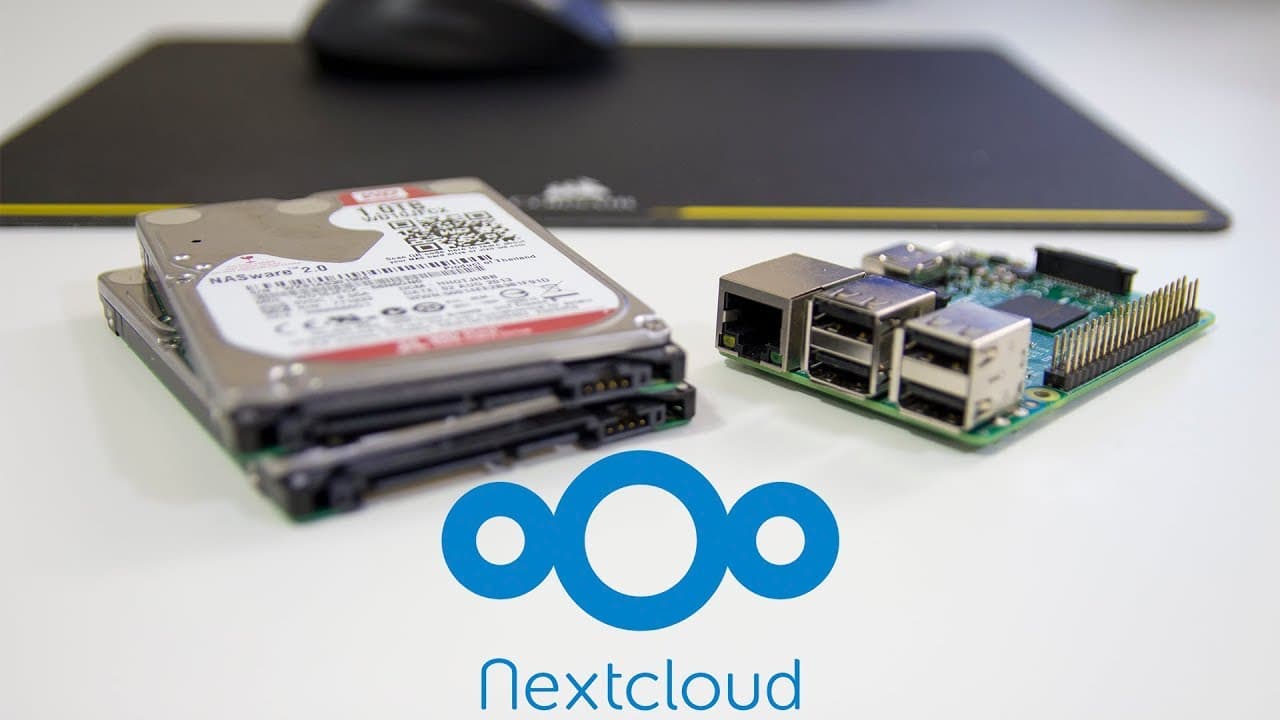
To install Nextcloud on a Raspberry Pi using DietPi, start by downloading the DietPi image and setting up your Wi-Fi. Select Nextcloud in the software optimizer, install the necessary components, and configure a MySQL database. Ensure proper permissions for folders to avoid setup errors and connect an external hard drive for data storage.
Transcript
hey guys what's going on it's down here from Nova spirit Tech and as you've seen we are gonna be installing Nick's cloud on our Raspberry Pi using diet pi so let's get started now this video is going to be very similar to the last video I did with installing own cloud onto Raspberry Pi the steps are practically identical other than having to select... Read More
Key Insights
- ♓ The installation of Nextcloud on Raspberry Pi using DietPi is straightforward with a few specific steps.
- 👤 Configuring a database user is crucial for avoiding errors during the setup of Nextcloud.
- 🪛 Utilizing external hard drives with a Raspberry Pi for data management is feasible with the correct setup procedures.
- 👤 DietPi provides a user-friendly environment with a launcher to optimize software installation.
- 👤 Nextcloud's user interface and features are largely similar to those of OwnCloud, raising interesting discussions about user experience.
- ♓ Proper permissions and configurations ensure that Nextcloud operates smoothly on Raspberry Pi.
- 👤 Each installation step is critical and time-consuming, requiring users to be patient during the process.
Install to Summarize YouTube Videos and Get Transcripts
Explore YouTube Video Summarizer or Get YouTube Transcript Extractor
Questions & Answers
Q: Why should I use a Raspberry Pi for Nextcloud installation?
While the presenter suggests that a Tinker Board might be more powerful due to its Gigabit LAN capabilities and additional RAM, the Raspberry Pi is a more accessible option for many users, allowing them to set up their Nextcloud servers in an affordable and efficient manner.
Q: What should I do if I encounter an "access denied" error during database setup?
The presenter explains how to resolve access errors by creating a new database user with appropriate privileges. It's crucial to drop any existing problematic users and grant privileges to the newly created user to access the Nextcloud database.
Q: How do I format my hard drive for use with Nextcloud on a Raspberry Pi?
Users are required to delete any existing partitions on the hard drive, create a new partition, format it to ext4, and then configure the fstab file for automatic mounting at startup. This ensures the hard drive is ready for Nextcloud's data storage needs.
Q: Is there a comparison between Nextcloud and OwnCloud in this video?
Yes, the video mentions that Nextcloud is based on the same foundational structure as OwnCloud, highlighting similarities in setup and functionality. The presenter plans to conduct a future video comparing their performance metrics like transfer speeds and load times.
Summary & Key Takeaways
-
The video demonstrates the installation of Nextcloud on Raspberry Pi using the DietPi image, which is essentially similar to the previous installation of OwnCloud.
-
Viewers are guided through the setup process, including downloading the DietPi image, configuring Wi-Fi, installing Nextcloud, and addressing potential errors related to database setup.
-
The video also covers how to connect and mount a hard drive to the Raspberry Pi for data storage required by Nextcloud, ensuring a smooth user experience.
Read in Other Languages (beta)
Share This Summary 📚
Summarize YouTube Videos and Get Video Transcripts with 1-Click
Try YouTube Summary with ChatGPT & Claude or YouTube Transcript Generator
Explore More Summaries from Novaspirit Tech 📚






Summarize YouTube Videos and Get Video Transcripts with 1-Click
Try YouTube Summary with ChatGPT & Claude or YouTube Transcript Generator