How Is Gemini Turning Google Chrome Into an AI Browser?
TL;DR
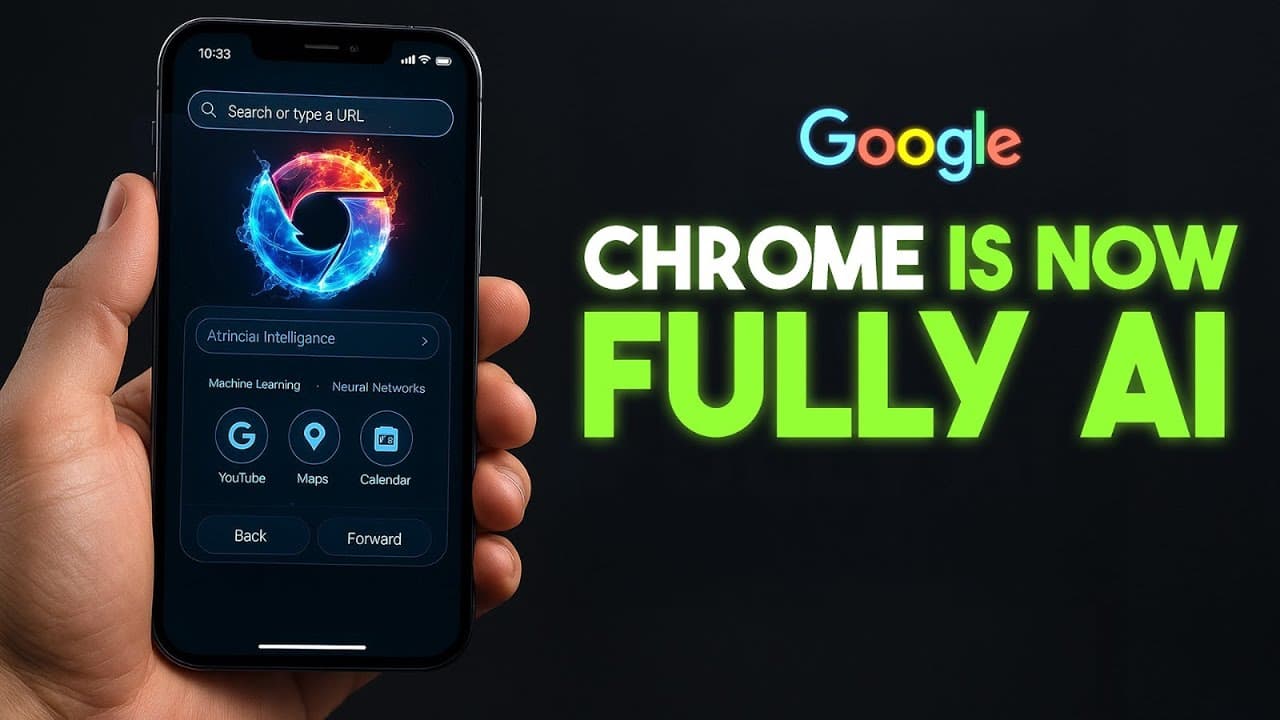
Gemini is turning Google Chrome from a passive browser into an AI assistant that understands pages, compares tabs, recalls previously visited sites, and connects with YouTube, Maps, and Google Calendar. AI mode also accepts complex questions in the omnibox, while a coming autonomous agent can complete multi-step tasks but requires approval for irreversible actions. Read on to see how these browsing, automation, and security features work.
Transcript
So, Google just pulled the trigger on what it's calling the biggest upgrade in Chrome's history. The browser that dominates the internet is being rebuilt as an AI system with Gemini wired directly into it. One of the most striking changes is context awareness. Chrome now studies everything you search, read, and watch, learning your pattern so close... Read More
Key Insights
- Gemini is integrated into Google Chrome, transforming it into an AI-driven browser.
- Chrome now features context awareness, predicting user needs based on browsing habits.
- AI mode in Chrome's omnibox allows for complex question answering without leaving the page.
- Gemini can automate multi-step tasks, enhancing productivity by running them in the background.
- Security features include scam blocking and smarter permissions, reducing intrusive prompts.
- One-click password changes are available for supported sites, improving user convenience.
- Chrome's AI integration positions it as a central hub for accessing Google's ecosystem.
- The AI-driven enhancements aim to make browsing more intuitive and secure for users.
Install to Summarize YouTube Videos and Get Transcripts
Explore YouTube Video Summarizer or Get YouTube Transcript Extractor
Questions & Answers
Q: How does Gemini change Google Chrome's browsing experience?
Gemini lets Chrome understand the current page, compare information across multiple tabs, and recall websites visited previously. Chrome can also use browsing context to anticipate what a user may want next and respond without requiring them to leave the page.
Q: Who can currently use Gemini in Google Chrome?
Gemini is available to Chrome users on Mac or Windows in the United States when their language is set to English. The transcript says it had previously been a subscriber-only perk, but that restriction has been removed.
Q: What can AI mode in Chrome's omnibox do?
AI mode lets users enter full, complex questions into Chrome's address bar and receive answers without leaving the current page. It can summarize a product page, suggest follow-up questions, and support multi-part questions and clarifications.
Q: Can Gemini recall websites previously visited in Chrome?
Yes. Gemini can recall sites visited days earlier or during the previous week without requiring the user to search through browser history. The transcript gives the example of asking for the site that displayed a walnut desk and having Gemini retrieve it.
Q: How does Gemini connect Chrome with Google's other services?
Gemini connects Chrome with YouTube, Maps, and Google Calendar. It can jump to a specific moment in a YouTube video, add something to a calendar, or retrieve location information from Maps without leaving the current page.
Q: What tasks will Chrome's autonomous browsing agent handle?
The coming agent can perform multi-step tasks such as booking a haircut appointment, filling a grocery cart from a list in an email, or writing a message. It works in the background while the user continues browsing and handles repetitive clicking and form completion.
Q: Will Chrome's AI agent complete purchases or send emails automatically?
No, the agent is designed not to perform irreversible actions without explicit approval. It waits for final confirmation before actions such as sending an email or checking out with a credit card.
Q: What security improvements does AI bring to Google Chrome?
The transcript says Chrome can block scams before they load and rewrite compromised passwords. The existing page summary also identifies smarter permissions and one-click password changes for supported sites as parts of Chrome's security improvements.
Summary & Key Takeaways
-
Google Chrome has undergone a significant transformation with the integration of Gemini, an AI system. This upgrade introduces context-aware browsing, allowing the browser to predict user needs and respond intelligently. Users can ask complex questions in the omnibox and receive immediate answers without leaving their current page, streamlining the browsing experience.
-
Gemini enables Chrome to automate multi-step tasks, such as booking appointments or filling out forms, running them in the background while users continue browsing. Enhanced security features include scam blocking and smarter permissions, minimizing intrusive prompts and protecting users from potential threats.
-
The integration of AI into Chrome positions it as a central hub for accessing Google's services, such as YouTube and Maps, directly from the browser. With features like one-click password changes and context-aware browsing, Chrome aims to provide a more intuitive and secure internet experience, potentially reshaping how users interact with AI technology.
Read in Other Languages (beta)
Share This Summary 📚
Summarize YouTube Videos and Get Video Transcripts with 1-Click
Try YouTube Summary with ChatGPT & Claude or YouTube Transcript Generator
Explore More Summaries from AI Revolution 📚






Summarize YouTube Videos and Get Video Transcripts with 1-Click
Try YouTube Summary with ChatGPT & Claude or YouTube Transcript Generator