How Does UI-TARS-1.5 Automate Computer Screens?
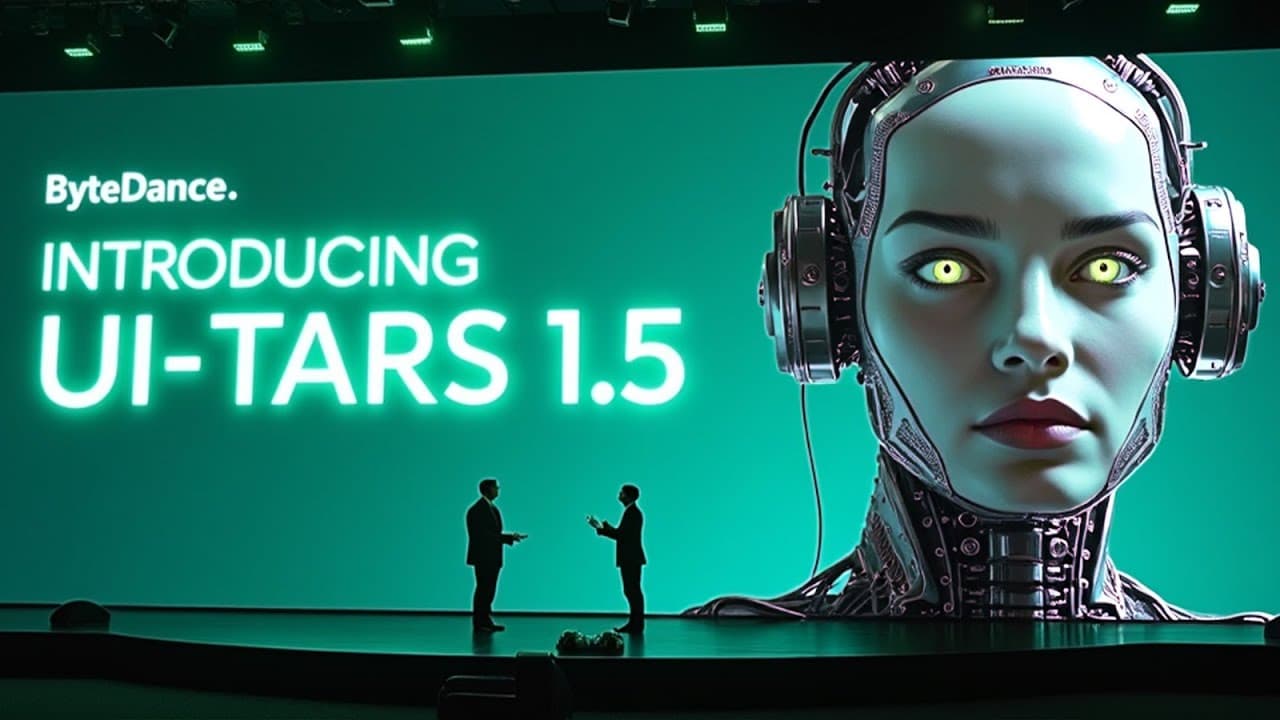
TL;DR
UI-TARS-1.5 controls graphical interfaces by interpreting screenshots, reasoning about tasks, and issuing actions such as clicks, typing, dragging, scrolling, and hotkeys. ByteDance trained it with GUI screenshots, tutorials, metadata, action traces, and correction examples, producing strong results across desktop, mobile, web, professional software, games, and unfamiliar environments while releasing the 7B checkpoint under Apache 2.0.
Transcript
So, Bite Dance just dropped Utar's 1.5. And the short version is this. It's a vision language agent that treats your screen like one big image. It can read, reason about, and then manipulate directly. Instead of juggling DOM trees, calling external tools, or stuffing the prompt with handcrafted instructions, the model ingests a screenshot, figures ... Read More
Key Insights
- • UI-TARS-1.5 is a vision-language agent that interprets an entire screen as an image, reasons about a requested task, and manipulates the interface directly. This design reduces reliance on DOM trees, external tools, and large collections of handcrafted instructions.
- • The model family includes 2B, 7B, and 72B variants built around Qwen2-VL. Training used approximately 50 billion tokens containing screenshots, interface-element metadata, GUI tutorials, and bootstrapped action traces, with additional direct preference optimization applied to the 72B variant.
- • Screen perception is trained through element descriptions, dense captions, state-transition captions, screenshot question answering, and set-of-mark prompting. These data formats teach the agent to identify small controls, understand overall layouts, detect subtle visual changes, and connect language with particular screen coordinates.
- • The unified action space includes clicking, dragging, scrolling, typing, waiting, hotkeys, right-clicking, pressing back, and long-pressing. It also includes finished for completed tasks and call user for obstacles such as login walls, enabling a consistent control format across desktop and mobile environments.
- • Long-horizon control is learned from millions of normalized multi-step traces drawn from open datasets and ByteDance recordings. The in-house traces average about 15 steps, helping the model learn sequences of actions instead of limiting training to isolated clicks or taps.
- • Deliberate reasoning supports task decomposition, milestone recognition, trial-and-error behavior, and reflection after failures. On the unseen AndroidWorld environment, the thought-enabled 72B model reached 46.6% success, compared with 34.5% for its reflex-only mode, indicating stronger out-of-domain planning.
- • Direct preference optimization teaches recovery by contrasting an incorrect move with a human-labeled correction. After several bootstrapping rounds, the 72B model improved from roughly 17 points to more than 24 points on OSWorld under a 50-step budget.
- • Targeted training can matter more than parameter count for particular tasks. A desktop-optimized 7B configuration reached 42.5 points on OSWorld, while ScreenSpot Pro results progressed from 27.5 for a smaller release to 49.6 for the newer 7B and 61.6 for the full UI-TARS-1.5 system.
Install to Summarize YouTube Videos and Get Transcripts
Explore YouTube Video Summarizer or Get YouTube Transcript Extractor
Questions & Answers
Q: What is UI-TARS-1.5 and how does it control a screen?
UI-TARS-1.5 is a vision-language agent that receives a screenshot, interprets the visible layout, reasons about a task expressed in natural language, and produces interface actions. Rather than requiring DOM trees or separate external tools, it can directly click coordinates, type text, drag items, scroll, wait, use hotkeys, right-click, press back, or perform a long press.
Q: How was UI-TARS-1.5 trained to understand graphical interfaces?
UI-TARS-1.5 was trained with screenshots from websites, Windows applications, Android interfaces, CAD tools, and office software. Its perception data includes element descriptions, dense layout captions, state-transition captions, screenshot question answering, and colored markers that connect language to pixels. The broader training collection also contains element metadata, GUI tutorials, action traces, and correction examples across approximately 50 billion tokens.
Q: How does UI-TARS-1.5 learn multi-step computer tasks?
The agent learns multi-step behavior from millions of action traces collected from open datasets and ByteDance's own recorded sessions. Every step is converted into a shared action template, and the in-house traces average about 15 steps. Thoughts were added before actions through prompting and bootstrapping, with unsuccessful thought-action pairs discarded so that retained examples correspond to actions that actually work.
Q: How does UI-TARS-1.5 recover from mistakes?
ByteDance ran an early model checkpoint on hundreds of virtual computers and collected unsuccessful or messy trajectories. Rules, vision-language scoring, and human annotation were used to identify both the wrong action and the appropriate correction. Direct preference optimization then rewarded the correction, penalized the error, and kept the resulting policy close to the stable supervised fine-tuning baseline.
Q: What benchmark results did UI-TARS-1.5 achieve on desktop tasks?
On OSWorld, UI-TARS-1.5 reportedly achieved a 42.5% success rate with a 100-step budget, compared with 36.4% for OpenAI Operator and 28% for Claude 3.7. On Windows Agent Arena, it reached 42.1% under a 50-step challenge, improving on the stated 29.8 baseline. The transcript also reports a DPO checkpoint score of 24.6 on OSWorld.
Q: How well does UI-TARS-1.5 perform on visual grounding and mobile control?
On ScreenSpot V2, UI-TARS-1.5 reached 94.2% grounding accuracy, while Operator reached 87.9 and Claude reached 87.6. On the more demanding ScreenSpot Pro benchmark for high-resolution professional applications, it scored 61.6%, compared with 23.4% for Operator and 27.7% for Claude. Its 7B model also recorded 64.2% on AndroidWorld, above the stated previous result of 59.5%.
Q: Why does deliberate reasoning help UI-TARS-1.5?
Deliberate reasoning gives the agent a planning buffer for decomposing tasks, tracking milestones, exploring alternatives, and correcting failures. Reflex-only behavior can sometimes perform better with a single sample because generated thoughts may hallucinate. With best-of-16 or best-of-64 sampling, however, the thought-based policy improves because it can explore multiple paths, and it also performs better in unfamiliar environments such as AndroidWorld.
Q: Can developers download and commercially use UI-TARS-1.5?
ByteDance released the 7B checkpoint on Hugging Face under the Apache 2.0 license, which the transcript says permits commercial products, modifications, and paid services without royalties. The complete 72B weights are available through early research access by contacting the team. The associated GitHub repository provides training scripts, the unified action schema, screen-capture tools, replay data, screenshots, annotation guidance, and evaluation scripts.
Summary & Key Takeaways
-
UI-TARS-1.5 is an end-to-end vision-language agent that treats a screen as an image rather than depending on DOM trees or handcrafted tool integrations. It combines visual perception, task planning, coordinate grounding, and interface actions, allowing one model to operate websites, Windows programs, Android apps, professional software, and games from natural-language instructions.
-
Its training pipeline combines roughly 50 billion tokens with screenshots, element metadata, GUI tutorials, multi-step action traces, and reflection examples. Training progresses through continual pre-training, an annealing stage focused on high-quality and difficult examples, and direct preference optimization that rewards corrected actions while penalizing mistakes without moving far from the supervised baseline.
-
Reported evaluations show strong results in desktop automation, Android control, visual grounding, professional applications, web navigation, and games. ByteDance released the 7B checkpoint on Hugging Face under Apache 2.0, while the 72B weights require early research access. Its GitHub repository includes training scripts, evaluation resources, action schemas, capture tools, and replay data.
Read in Other Languages (beta)
Share This Summary 📚
Summarize YouTube Videos and Get Video Transcripts with 1-Click
Try YouTube Summary with ChatGPT & Claude or YouTube Transcript Generator
Explore More Summaries from AI Revolution 📚
Summarize YouTube Videos and Get Video Transcripts with 1-Click
Try YouTube Summary with ChatGPT & Claude or YouTube Transcript Generator