How to Build a Node.js Backend with Express and MongoDB
TL;DR
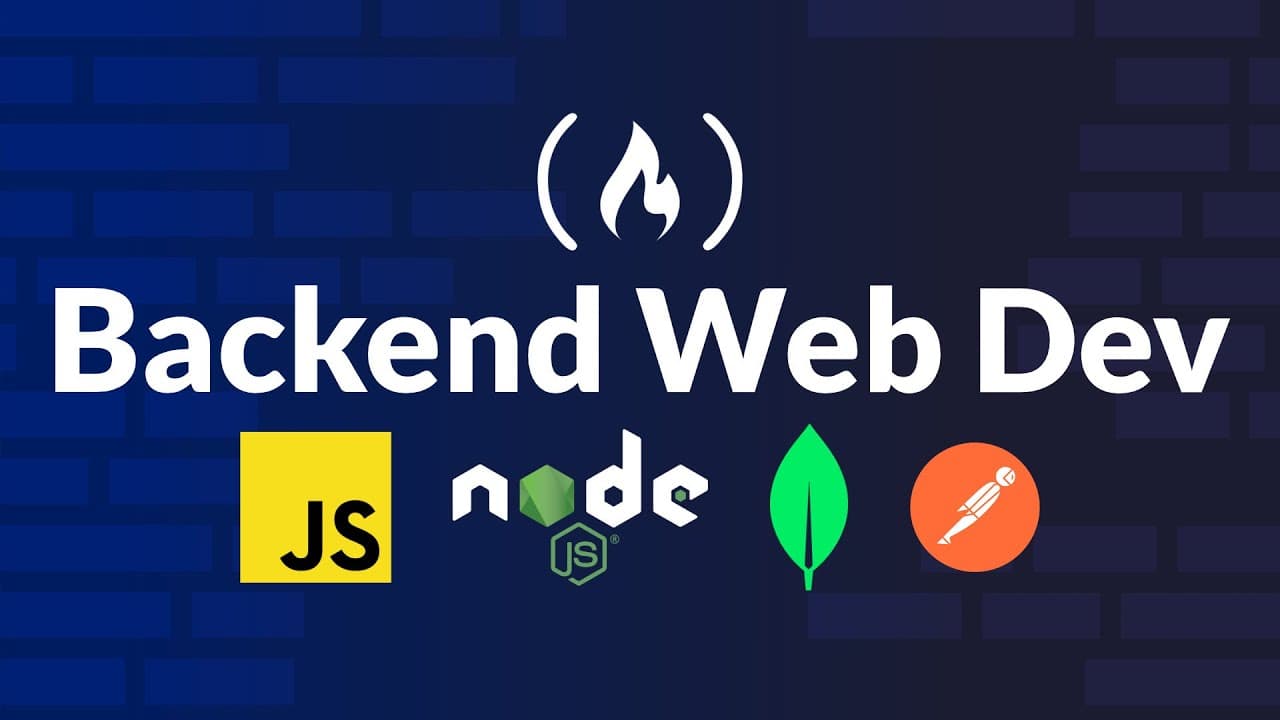
You can build a basic backend using Node.js, Express, and MongoDB. The video covers setting up the project, connecting to MongoDB Atlas, and creating a simple API with a model, route, and controller pattern, plus authentication and CRUD. It demonstrates running the server, testing with API tools, and structuring code for maintainability.
Transcript
Welcome to your introductory guide on building a backend for your website. In this video, you'll learn how to construct a basic backend from the initial setup to handling the first user request. The backend is the important brain behind any website responsible for managing user data, authentication, and communication with databases. The course uses... Read More
Key Insights
- Node.js is the runtime used to execute JavaScript server side.
- Express.js is described as a pre-built toolkit that speeds up server development.
- MongoDB Atlas is used as the NoSQL database for the backend project.
- A model, route, and controller pattern is used to structure the backend code.
- APIs act as the communication layer between the frontend and backend.
- Authentication and CRUD APIs are demonstrated as practical backend features.
- The video covers prerequisites like Node.js installation and folder structuring for backend and frontend.
- Testing APIs with tools is highlighted to verify server behavior and data handling.
- More videos from this channel:
- More from this channel: freeCodeCamp.org
Install to Summarize YouTube Videos and Get Transcripts
Explore YouTube Video Summarizer or Get YouTube Transcript Extractor
Questions & Answers
Q: What is a backend and why is it important for a website
A backend is the brain behind a website that handles user data authentication and communication with databases. It receives requests from the frontend, processes them using server-side logic, stores or retrieves data from databases, and returns appropriate responses. Understanding its role helps in designing resilient APIs and secure data flows.
Q: Which technologies are recommended for a beginner backend project
The video recommends using Node.js as the runtime, Express.js as the framework, and MongoDB as the NoSQL database. This combination provides a practical path for beginners to learn server creation, routing, and data persistence with a simple, scalable stack. It also introduces basic authentication and CRUD API concepts.
Q: What are the core components of backend development mentioned in the video
The core components include a programming language to write server logic, a runtime environment to execute that code, a framework to simplify server tasks, and a database to store data. The video demonstrates how these pieces connect to form a functional backend capable of handling requests and responses.
Q: How does the frontend connect to the backend in this tutorial
Frontend connections to the backend occur through APIs, which act as the waiter between client requests and server responses. When a user action triggers a request, the backend processes it, interacts with the database if needed, and returns data or confirmation back to the frontend through these APIs.
Q: What is the purpose of the model, route, and controller pattern in the video
The model, route, and controller pattern organizes code by separating concerns: models manage data structure and validation, routes define endpoints and request handling, and controllers contain the business logic for processing requests. This structure improves readability, maintainability, and scalability of the backend as it grows.
Q: How is MongoDB Atlas used in the backend setup
MongoDB Atlas is used as the cloud-hosted NoSQL database for the project. It provides a place to store and query documents, enabling the backend to persist user data and other information. The tutorial guides creating a project and cluster to establish a connection string for the app.
Q: What is the role of NodeJS in this backend tutorial
NodeJS serves as the runtime environment that executes JavaScript on the server. It enables building a backend in JavaScript outside the browser, running server code, handling requests, and interfacing with databases. The tutorial selects NodeJS to align with JavaScript throughout the stack.
Q: Why is API testing important in this course
API testing validates that the server correctly handles requests, returns expected responses, and properly interacts with the database. The video emphasizes testing to ensure endpoints perform CRUD operations, authentication flows, and data retrieval accurately, helping developers catch issues early and build reliable APIs.
Summary & Key Takeaways
-
This video introduces the core idea of building a backend for a website and explains the roles of programming languages, databases, runtimes, and frameworks in a flow from writing code to serving requests. It emphasizes using NodeJS for the runtime, ExpressJS as the framework, and MongoDB as the database to store data.
-
The tutorial walks through project setup, repository initialization, and creating a basic backend structure with a model, route, and controller pattern. It also covers connecting to MongoDB Atlas and preparing the environment for API development and testing.
-
The video concludes with guidance on testing APIs using common tools and understanding how front ends connect to back ends via APIs, reinforcing the architecture and practical steps needed to run a simple backend server.
Read in Other Languages (beta)
Share This Summary 📚
Summarize YouTube Videos and Get Video Transcripts with 1-Click
Try YouTube Summary with ChatGPT & Claude or YouTube Transcript Generator
Explore More Summaries from freeCodeCamp.org 📚





Summarize YouTube Videos and Get Video Transcripts with 1-Click
Try YouTube Summary with ChatGPT & Claude or YouTube Transcript Generator