Boost Your YouTube Impact with Productivity Tips
TL;DR
Unlock greater productivity on YouTube by utilizing effective tools like Volley, which enhances communication and fosters deeper connections with your audience. Learn how to streamline your workflow, engage clients more effectively, and ultimately serve a larger community, all within a time-efficient framework.
Transcript
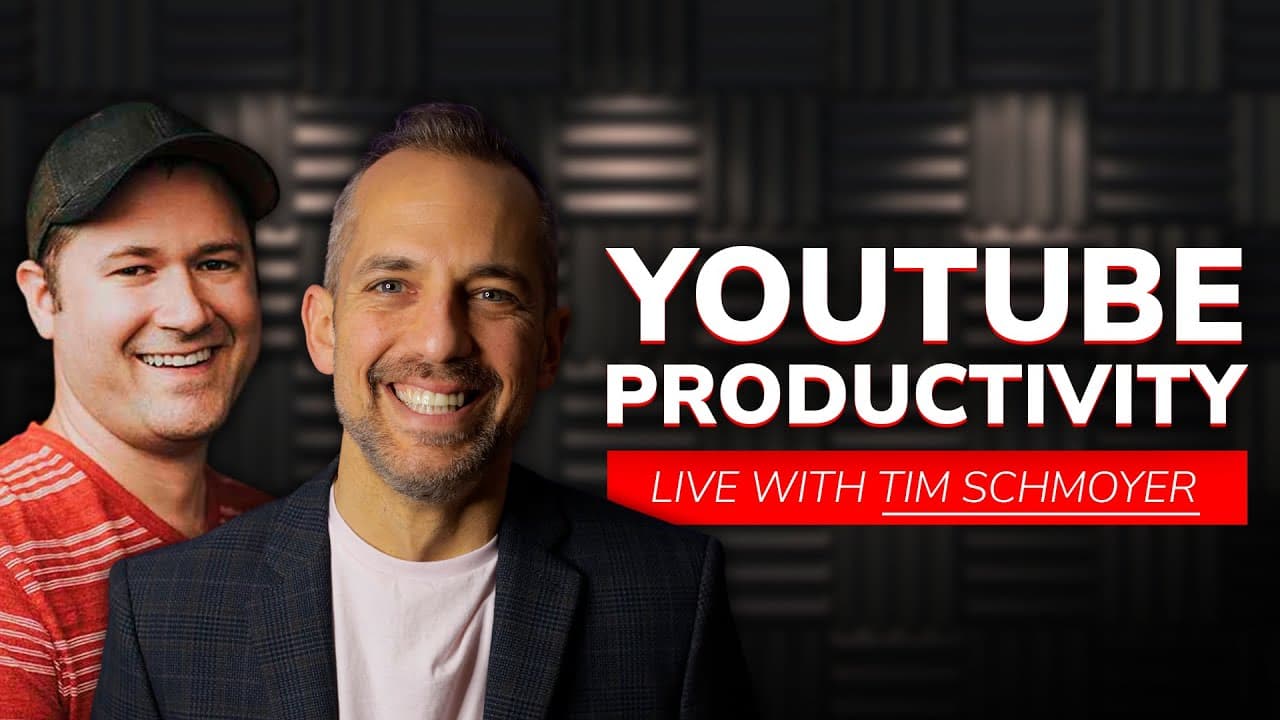
back to the channel everyone i'm owen video and today i have a very special friend that is joining us tim schmoyer from video creators is here and we are going to be talking about youtube productivity that is literally getting more work done in less time and i think getting better work done than we're used to doing what do you think tim is is produ... Read More
Key Insights
- 🎮 Volley is a communication tool that combines video messaging, text, and file sharing in a single platform.
- 😀 The app offers numerous benefits, including increased productivity, better connections, and the ability to serve more clients or engage larger communities.
- 😤 Volley can be customized for various purposes, such as team collaboration, coaching, community engagement, and content creation.
- 😀 The app's unique features, such as automated transcripts, follow-up reminders, and the ability to download conversations, enhance its usability and functionality.
Install to Summarize YouTube Videos and Get Transcripts
Explore YouTube Video Summarizer or Get YouTube Transcript Extractor
Questions & Answers
Q: How can Volley be used for team collaboration?
Volley can be used for facilitating team check-ins, sharing updates, and discussing projects. It eliminates the need for lengthy meetings and allows team members to communicate asynchronously, saving time and increasing productivity. It also offers features like threaded conversations and tagging, making it easy to organize and prioritize discussions.
Q: Can Volley be used for coaching or consulting purposes?
Yes, Volley is an excellent tool for coaches and consultants. It allows for one-on-one conversations, making it easy to provide personalized feedback and support. Coaches can use the app for client check-ins, progress updates, and goal tracking. It also enables easy sharing of resources, videos, and documents, enhancing the coaching experience.
Q: How can Volley be used for community engagement?
Volley can be used for creating engaging communities and fostering connections. It allows for video discussions, Q&A sessions, and collaborations within groups. Communities can be created around specific topics, courses, or memberships, providing members with a platform to engage, support, and learn from each other. The video format adds a personal touch and enhances communication.
Q: Are there any limitations to using Volley?
One limitation of Volley is the 60-day retention period for conversations. However, this is currently being reviewed by the developers, and extensions may be granted in certain cases. Additionally, while Volley excels in video messaging, its text-based features may not be as extensive as dedicated text messaging platforms. It is best suited for visual and asynchronous communication.
Summary & Key Takeaways
-
Volley is a communication app that combines elements of Slack and video messaging platforms like Marco Polo. It allows for one-on-one and group conversations, with features like video chat, screen sharing, text messaging, and file sharing.
-
The app has proven to be highly effective in enhancing productivity and engagement. Users have reported better connections with clients, increased retention rates, and the ability to serve more clients within the same timeframe.
-
Volley offers unique benefits like automated transcripts, follow-up reminders, and the ability to download and share conversations. It is suitable for various industries, including coaching, consulting, podcasting, and community management.
Read in Other Languages (beta)
Share This Summary 📚
Summarize YouTube Videos and Get Video Transcripts with 1-Click
Try YouTube Summary with ChatGPT & Claude or YouTube Transcript Generator
Explore More Summaries from Owen Video 📚






Summarize YouTube Videos and Get Video Transcripts with 1-Click
Try YouTube Summary with ChatGPT & Claude or YouTube Transcript Generator