How to use Claude code interpreter for Excel and PowerPoint
TL;DR
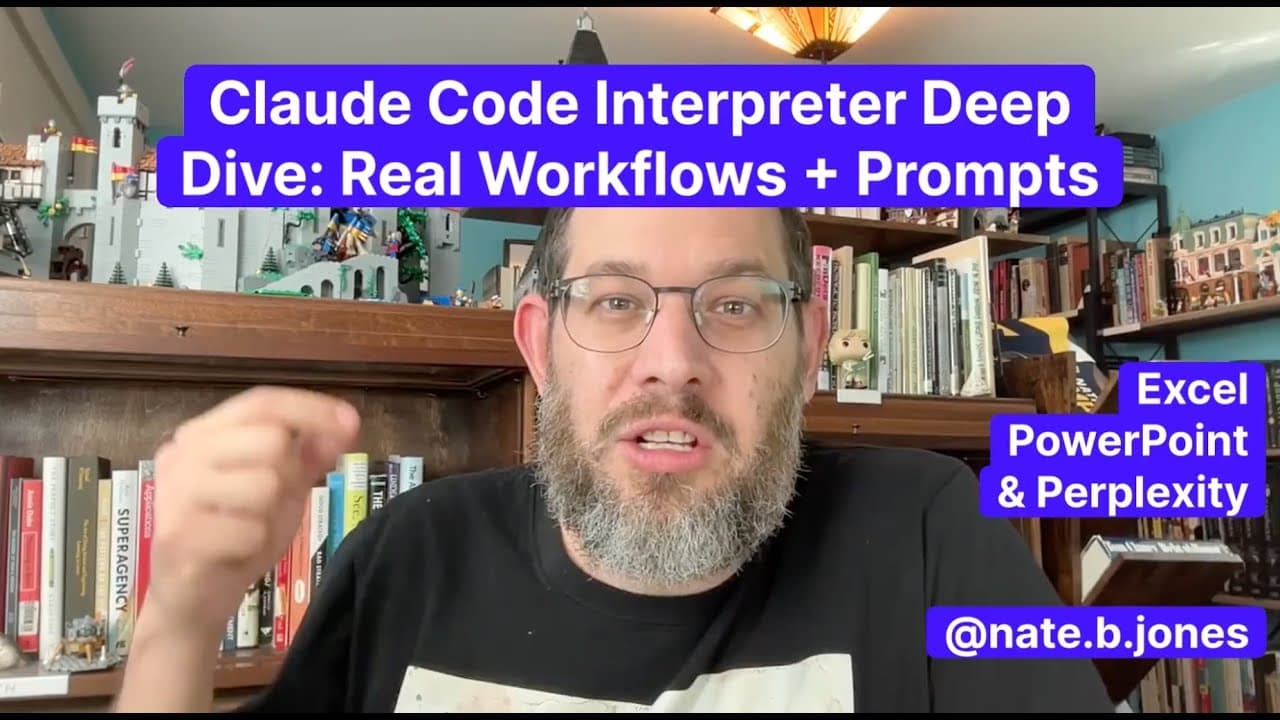
Claude code interpreter can create and edit Excel spreadsheets and PowerPoint slides directly in the app, including formulas, assumptions, and scenarios. Compared to OpenAI agent mode, Claude delivers usable outputs with clean layouts faster, and prompts can be bundled with data via Perplexity for reliable file generation.
Transcript
Claude launched totally new capabilities to revolutionize Excel, PDFs, PowerPoints, all of that stuff. I thought it would be boring for me to just get on a video and talk about it. And I think it's way more useful if you actually see how it works in practice. So, I got on the line with my friend Rod, and we went through a bunch of workflows across ... Read More
Key Insights
- Claude File Tools can create and edit Excel, PowerPoint, Word, and PDFs inside the Claude interface, turning inputs into functional documents.
- Agent Mode tends toward ambitious layouts and deeper analysis but can yield incomplete spreadsheets and poorly designed slides, contrasting with Claude's more reliable outputs.
- Prompts that combine data and instructions in one bundle improve consistency and reduce prompt drift across Claude runs.
- Claude outputs include formulas, references to other tabs, and readable headers, illustrating practical spreadsheet behavior rather than static text.
- Claude demonstrates support for documentation alongside outputs, such as notes or READMEs, enhancing usability of generated files.
- Prompt engineering with real data and scenario planning allows Claude to build multi-tab workbooks with executive summaries and financial analyses.
- The comparison between Claude and OpenAI emphasizes tradeoffs: Claude excels in deliverable quality and formatting; agent-based approaches may overreach and underdeliver.
- Live testing highlights Claude’s ability to generate structured artifacts like dashboards and pivot-inspired analyses with reasonable defaults.
- More videos from this channel:
- More from this channel: AI News & Strategy Daily | Nate B Jones
Install to Summarize YouTube Videos and Get Transcripts
Explore YouTube Video Summarizer or Get YouTube Transcript Extractor
Questions & Answers
Q: What can Claude code interpreter do with common office formats?
Claude code interpreter can create and edit Excel spreadsheets, PowerPoint slide decks, Word documents, and PDFs directly in the web interface and desktop app. It outputs formulas, scenario planning, and readable headers, producing usable, shareable documents rather than just text. This capability is highlighted through demonstrations of multi-tab spreadsheets with references across tabs.
Q: How does Claude’s output compare to agent mode in practice?
Agent mode often aims for more complex layouts and deeper analysis but tends to deliver less reliable execution, with incomplete formulas and poorly designed slides. In contrast Claude focuses on delivering working, well-formatted artifacts quickly, prioritizing usable outputs over maximal feature depth, which the speaker identifies as a key strength in real workflows.
Q: How is data fed to Claude to generate outputs?
The workflow uses Perplexity to assemble data and instructions into a single prompt, creating a self-contained package. This approach reduces failure modes by ensuring Claude receives all necessary data and guidance upfront, which is then used to generate the final Excel and PowerPoint outputs.
Q: What kinds of outputs were demonstrated for Excel in the talk?
An eight-tab spreadsheet was demonstrated, including an executive summary, revenue data, parameters, and a financial analysis tab. The spreadsheet displayed formulas that reference other tabs and included scenario multipliers, showcasing the ability to generate dynamic, formula-based workbooks.
Q: What is the value of Claude generating PowerPoint slides?
Claude produced PowerPoint slides with good spacing, hierarchy, and balance, creating shareable, presentable slides quickly. The output was described as more usable and presentable than prior experiences with agent-based tooling, emphasizing practical design quality and layout.
Q: What role does documentation play in Claude outputs?
Documentation accompanies outputs to explain logic, such as VLOOKUP-like references and if statements, making the outputs easier to understand and reuse. This documentation support is highlighted as a time-saving feature that improves reliability and clarity of the generated files.
Q: How does the speaker view the future of this workflow?
The speaker sees a shift toward more delegation in workflows, where reliable file outputs reduce the last-mile effort in formatting and presentation. They suggest combining agent-mode analysis with Claude-generated artifacts to create end-to-end, polished deliverables more efficiently.
Q: What practical prompts or prompts strategy were used with Claude in this video?
Prompts were crafted and refined with Perplexity to embed data and task instructions, then fed to Claude to generate the files. This strategy creates a repeatable prompt that yields consistent outputs across different problems, such as evaluating Oracle or preparing financial analyses with structured outputs.
Summary & Key Takeaways
-
Claude’s file tools enable direct creation and editing of Excel, PowerPoint, Word, and PDFs within the app, producing usable outputs with formulas and documentation.
-
Agent mode often aimed for complex layouts but produced less reliable outputs, while Claude delivered better formatted results and faster turnaround.
-
Using Perplexity to bundle data and instructions into one prompt helps Claude generate consistent, self-contained file outputs that reduce failure modes.
Read in Other Languages (beta)
Share This Summary 📚
Summarize YouTube Videos and Get Video Transcripts with 1-Click
Try YouTube Summary with ChatGPT & Claude or YouTube Transcript Generator
Explore More Summaries from AI News & Strategy Daily | Nate B Jones 📚





Summarize YouTube Videos and Get Video Transcripts with 1-Click
Try YouTube Summary with ChatGPT & Claude or YouTube Transcript Generator