How to Create Engaging Live Streams with Restream
TL;DR
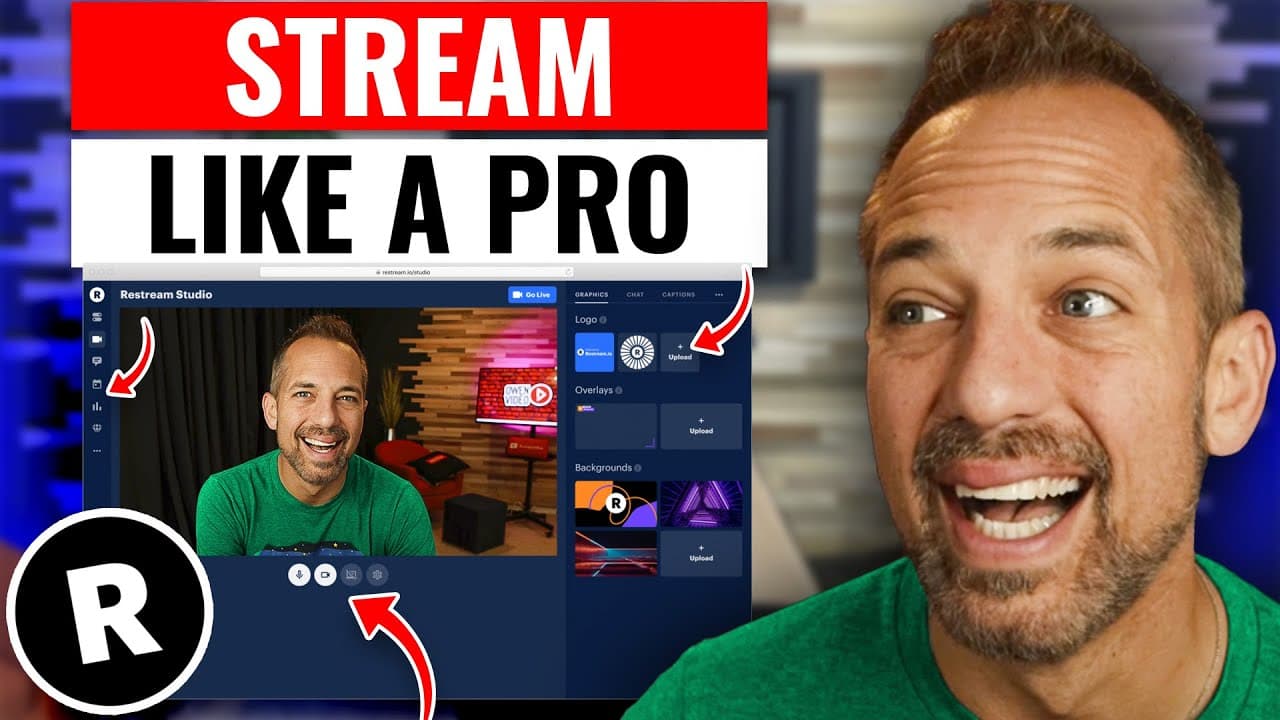
To create captivating live streams, utilize Restream's features like multi-platform broadcasting, customizable graphics, and segment planning. Start by defining your show's name and value statement to keep your content focused and engaging. Incorporate hooks and structured segments, and plan using Google Docs for a smooth live-streaming experience.
Transcript
today we're going to be talking about how to create a live stream show from beginning to end using the restream software now restream is not just a live streaming software it is a full broadcast studio and with restream you can not only go live on multiple different platforms at the same time you can go live on facebook youtube linkedin twitch all ... Read More
Key Insights
- 🧡 Restream is a versatile live streaming software that offers a range of features, including multi-streaming, recording, and customization options.
- 📛 Naming the show appropriately and creating a clear value statement is crucial for maintaining the audience's interest and engagement.
- 👻 Restream allows users to switch between multiple cameras and provides flexibility in customizing graphics overlays and visual elements.
- 🫵 Planning the live stream show on Google Docs and incorporating segments and hooks help in creating a structured and engaging experience for viewers.
- 🫒 Scheduling events for live streams and promoting them in advance can help generate anticipation and increase participation.
Install to Summarize YouTube Videos and Get Transcripts
Explore YouTube Video Summarizer or Get YouTube Transcript Extractor
Questions & Answers
Q: How does Restream compare to other live streaming software like StreamYard?
Restream is a powerful live streaming software that offers features like multi-streaming, recording capabilities, and advanced customization options. While StreamYard is also popular, Restream stands out for its versatility and ability to function as a full broadcast studio.
Q: Can I switch between different cameras while using Restream?
Yes, Restream allows users to switch between different cameras. You can either switch cameras within the software or use additional applications like ManyCam or Ecamm to connect multiple cameras for live streaming.
Q: How long should a live stream show be?
The duration of a live stream show depends on various factors, including the content and the audience's attention span. Generally, a 30-60 minute show is recommended, as it allows time for engaging segments, Q&A sessions, and maintaining viewer interest.
Q: How do sponsorships affect ad revenue?
When a video is sponsored, it is essential to mark it as such to avoid ads being played on top of the content. This may result in lower ad revenue for that specific video. However, sponsored content often leads to brand deals and higher overall revenue than ad revenue alone.
Summary & Key Takeaways
-
Restream is not just a live streaming software, but a full broadcast studio that enables users to go live on multiple platforms, record podcasts and videos, and customize graphics overlays.
-
The content emphasizes the importance of naming the show appropriately and creating a value statement to maintain a clear focus and engage the audience.
-
It highlights the capabilities of Restream, such as adding graphic overlays, going full screen, and using custom graphics to enhance the visual appeal of the live stream show.
-
The content also mentions the use of Google Docs to plan and build the show, as well as the significance of segments and hooks to maintain viewer engagement.
Read in Other Languages (beta)
Share This Summary 📚
Summarize YouTube Videos and Get Video Transcripts with 1-Click
Try YouTube Summary with ChatGPT & Claude or YouTube Transcript Generator
Explore More Summaries from Owen Video 📚






Summarize YouTube Videos and Get Video Transcripts with 1-Click
Try YouTube Summary with ChatGPT & Claude or YouTube Transcript Generator