How to Set Up a Raspberry Pi Desktop with Ubuntu SSD
TL;DR
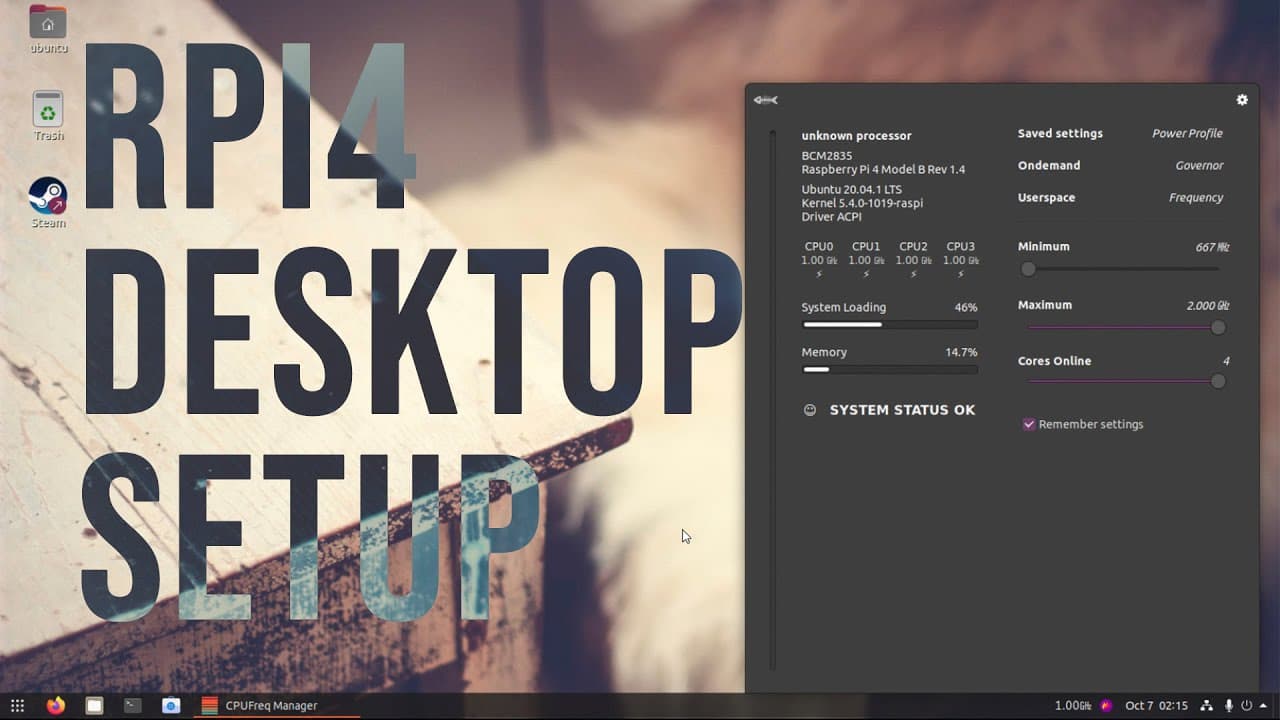
To set up a Raspberry Pi desktop with Ubuntu on an SSD, first use the Raspberry Pi Imager to install Ubuntu 20.04 on the SSD. Modify the boot configuration and install essential packages using terminal commands. Optimize performance with overclocking settings and ensure proper network configuration for software updates and connectivity.
Transcript
hey guys what's going on it's don here from nova spirit tech and welcome back to the channel and this is part two of setting up my raspberry pi desktop setup so let's get started now by the time this video is out i should have another video for my gaming channel which is installing wine games and vulcan so if you want to check that out i'll link do... Read More
Key Insights
- 😄 The video emphasizes using the Raspberry Pi Imager for a clean installation of Ubuntu on the SSD, ensuring reliability and ease of use.
- 🥾 Detailed instructions are provided on how to extract and modify essential kernel files to ensure the system boots correctly with the installed SSD.
- ✊ A specific focus is given to optimizing performance through overclocking settings, which can be crucial for enhancing responsiveness on lower-powered devices like the Raspberry Pi.
- ❓ The importance of network configuration is underscored, as a proper setup ensures seamless internet connectivity for updates and software installation.
- 💻 Visual enhancements are discussed, including changing the terminal color and selecting a custom wallpaper, showcasing the significance of a personalized desktop environment.
- 💄 The tutorial advocates for using Gnome tweak tools and essential extensions to improve usability and visual appeal, making it easier to customize the desktop experience.
- 🔈 The speaker warns against using the 'irq balance' service on Raspberry Pi, advising that it may hinder performance by unnecessarily distributing workloads across low-powered cores.
Install to Summarize YouTube Videos and Get Transcripts
Explore YouTube Video Summarizer or Get YouTube Transcript Extractor
Questions & Answers
Q: What operating system is being installed on the Raspberry Pi?
The tutorial focuses on installing Ubuntu 20.04, a popular Linux distribution known for its user-friendly interface and strong community support. It is ideal for Raspberry Pi projects, allowing users to take advantage of various applications and tools designed for both casual and advanced users.
Q: Why is using an SSD recommended over a memory card?
SSDs provide significantly faster read and write speeds compared to typical SD cards, resulting in quicker boot times and improved overall system performance. This enhancement is especially beneficial when running resource-intensive applications or multitasking on the Raspberry Pi, making the experience smoother.
Q: What modifications need to be made to the Raspberry Pi configuration files?
Users are required to modify key configuration files, such as adding scripts to manage kernel updates and adjusting settings in the boot directory to optimize system performance. For example, users often need to disable overscan and adjust CPU frequencies to improve responsiveness.
Q: How does the video guide address troubleshooting post-installation?
The guide emphasizes the importance of patience during the first boot, as background processes can take time to complete. Additionally, it provides tips for network configuration and ensuring the graphical interface recognizes the proper display settings, which are common issues during Ubuntu installation.
Summary & Key Takeaways
-
This video provides a step-by-step tutorial on configuring a Raspberry Pi desktop, focusing on using an SSD with Ubuntu 20.04.
-
Key tasks include installing the Raspberry Pi Imager, modifying boot settings, and setting up Ubuntu's desktop environment for optimal performance.
-
Troubleshooting tips are provided for common installation issues, along with suggestions for improving system aesthetics and functionality.
Read in Other Languages (beta)
Share This Summary 📚
Summarize YouTube Videos and Get Video Transcripts with 1-Click
Try YouTube Summary with ChatGPT & Claude or YouTube Transcript Generator
Explore More Summaries from Novaspirit Tech 📚






Summarize YouTube Videos and Get Video Transcripts with 1-Click
Try YouTube Summary with ChatGPT & Claude or YouTube Transcript Generator