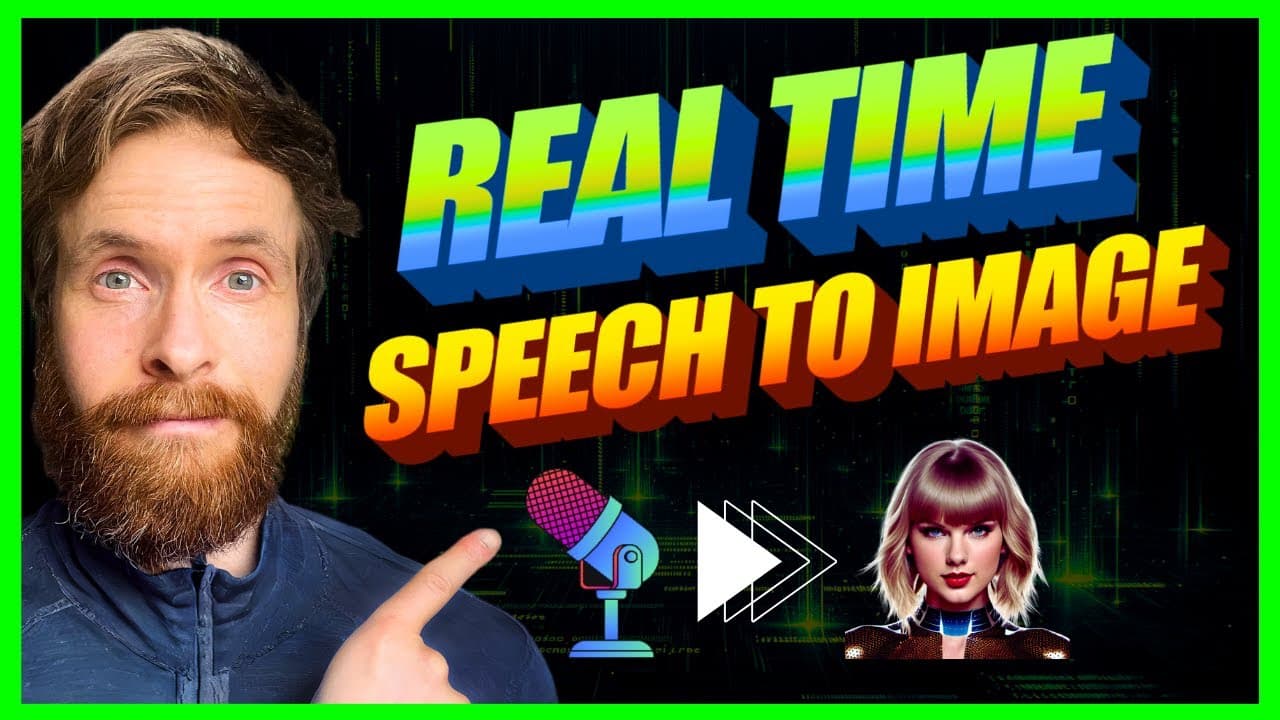
Local Real Time AI Speech to Image | Stable Diffusion, Faster-whisper, Python, ComfyUI ++
TL;DR
Learn how to create a speech to image app using Python and various tools like Comy UI, Faster Whisper, Stable Fusion model, and Flask.
Transcript
in today's video I'm going to show you how I created this speech to image app you can see on the left here so if I go blue cat blue cat blue cat you can see the cat popping up here so give the cat a hat give the cat a hat you can see this is working I'm also going to show you how crazy this gets when me combine it with the audio from YouTube videos... Read More
Key Insights
- 😯 The speech to image app creation process involves setting up Comy UI, converting the workflow to Python code, configuring Faster Whisper for speech transcription, and using Stable Fusion models for image generation.
- 👻 The code allows for customization of parameters such as prompt length, chunk length, and image size.
- 😀 The Flask app serves as the front end, displaying the generated images in real time.
- 🎮 The app can be used for various purposes, including matching images to YouTube videos or creating illustrations for bedtime stories and music videos.
- 🈸 The speech to image app offers creative possibilities and can be further developed for different applications.
- 👨💻 Access to the code used in the video is available through the channel's membership program.
- 👏 The creator plans to explore more functionalities and potential uses for the app in future development.
Install to Summarize YouTube Videos and Get Transcripts
Explore YouTube Video Summarizer or Get YouTube Transcript Extractor
Questions & Answers
Q: What tools are used to create the speech to image app?
The speech to image app is created using tools like Comy UI, Faster Whisper, Stable Fusion model, and Flask. These tools are used for defining the workflow, speech transcription, image generation, and app deployment, respectively.
Q: Can the speech to image app be customized?
Yes, the app can be customized by adjusting parameters like the maximum length of the prompt, chunk length, image size, and other settings. The code allows for flexibility and experimentation to achieve the desired results.
Q: How is speech transcription performed in the app?
Speech transcription is performed using Faster Whisper, a tool that utilizes the media model to record and transcribe chunks of speech. The model used can be chosen and customized based on specific requirements.
Q: How does the Flask app display the generated images?
The Flask app monitors a designated folder where the images generated by the workflow are saved. It constantly updates and displays the latest image, thus providing real-time visualization of the speech-to-image conversion.
Summary & Key Takeaways
-
The video demonstrates the process of creating a speech to image app using Python tools like Comy UI, Faster Whisper, Stable Fusion model, and Flask.
-
The workflow involves setting up Comy UI to define the desired workflow and converting it into Python code using the Comy UI Python extension.
-
The video also covers setting up Faster Whisper for speech transcription and choosing a Stable Fusion model for the app. Additionally, it explains how to create a Flask app for displaying the generated images.
Read in Other Languages (beta)
Share This Summary 📚
Summarize YouTube Videos and Get Video Transcripts with 1-Click
Try YouTube Summary with ChatGPT & Claude or YouTube Transcript Generator
Explore More Summaries from All About AI 📚


Summarize YouTube Videos and Get Video Transcripts with 1-Click
Try YouTube Summary with ChatGPT & Claude or YouTube Transcript Generator