How to Start a YouTube Channel Using Generative AI Tools
TL;DR
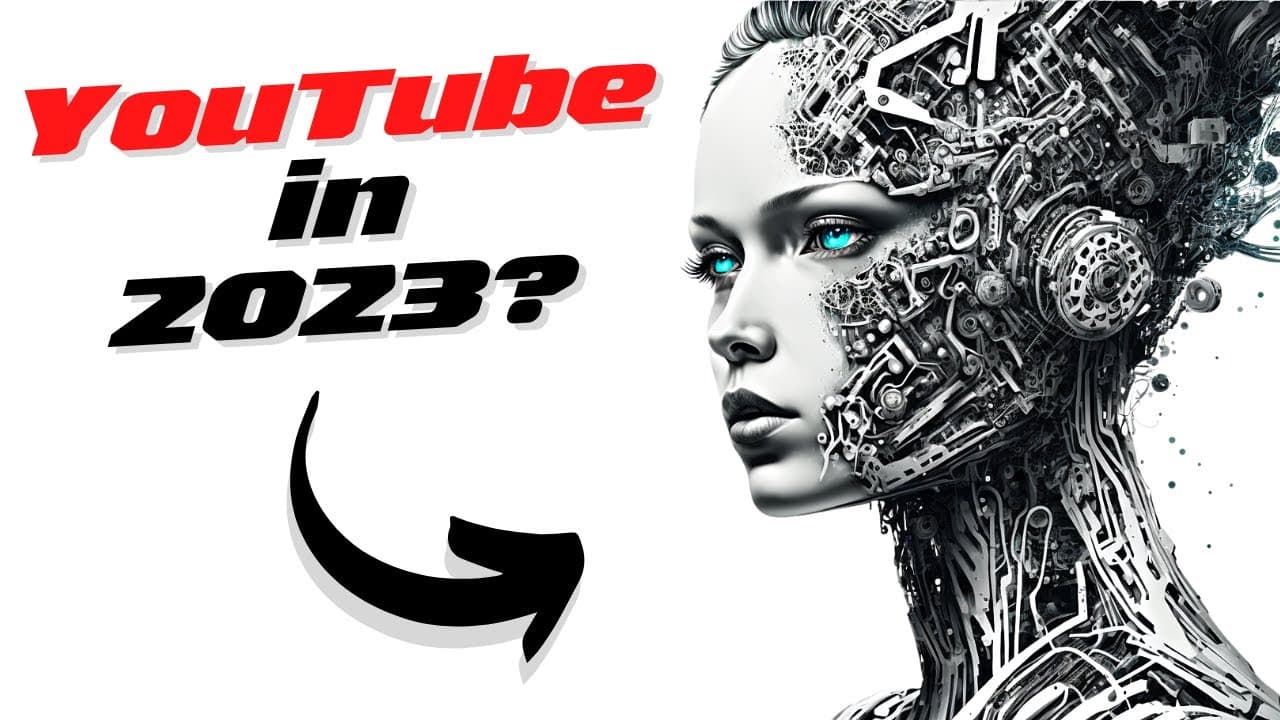
To start a YouTube channel in 2023 with generative AI tools, brainstorm video ideas using ChatGPT, create scripts for voiceovers with text-to-speech engines like Azure Speech Studio, and generate images with Midjourney. Combine these elements in a video editing software for a professional result.
Transcript
today we are looking at how you can start a YouTube channel in 2023 that leverages generative AI tools like chat GPT gpt3 mid-journey text to speech and who knows what kind of tools we will get in the upcoming year so let's just dive in and see how I do this so you can too my process starts over at chat GPT here I just go brainstorm 5 ideas around ... Read More
Key Insights
- 🖕 Generative AI tools, such as chat GPT and mid-journey prompts, can be valuable resources for generating ideas and images for YouTube videos.
- 😯 Text-to-speech engines like Azure Speech Studio enable the creation of voiceovers without the need for a human narrator.
- 👻 Creating a YouTube channel with generative AI tools allows for experimentation and testing of creative video ideas.
- 👂 To increase productivity, make a to-do list, avoid multitasking, establish a routine, take breaks, and develop positive habits.
Install to Summarize YouTube Videos and Get Transcripts
Explore YouTube Video Summarizer or Get YouTube Transcript Extractor
Questions & Answers
Q: What tools are recommended for generating video ideas for a YouTube channel in 2023?
Chat GPT is a great tool for brainstorming how-to topics for YouTube videos and generating script ideas.
Q: How can I create a voiceover for my YouTube video using AI tools?
You can use text-to-speech engines like Azure Speech Studio to convert your script into a voiceover by exporting it as an MP3 file.
Q: Where can I find images for my YouTube video?
You can generate prompts using mid-journey tools to receive image results, select the desired images, and use them in your video.
Q: What steps are involved in editing the video for a YouTube channel?
After obtaining the voiceover and images, you can use video editing software like Premiere Pro to combine them and create the final video.
Summary & Key Takeaways
-
The process begins with brainstorming ideas using chat GPT to generate how-to topics for YouTube videos.
-
Use the generated script to create a voiceover using a text-to-speech engine like Azure Speech Studio.
-
Obtain images by generating prompts using mid-journey tools, select the desired images, and edit them with the voiceover to create the final video.
Read in Other Languages (beta)
Share This Summary 📚
Summarize YouTube Videos and Get Video Transcripts with 1-Click
Try YouTube Summary with ChatGPT & Claude or YouTube Transcript Generator
Explore More Summaries from All About AI 📚

Summarize YouTube Videos and Get Video Transcripts with 1-Click
Try YouTube Summary with ChatGPT & Claude or YouTube Transcript Generator