How to Use ChatGPT Advanced Data Analysis for Writing Blog Posts
TL;DR
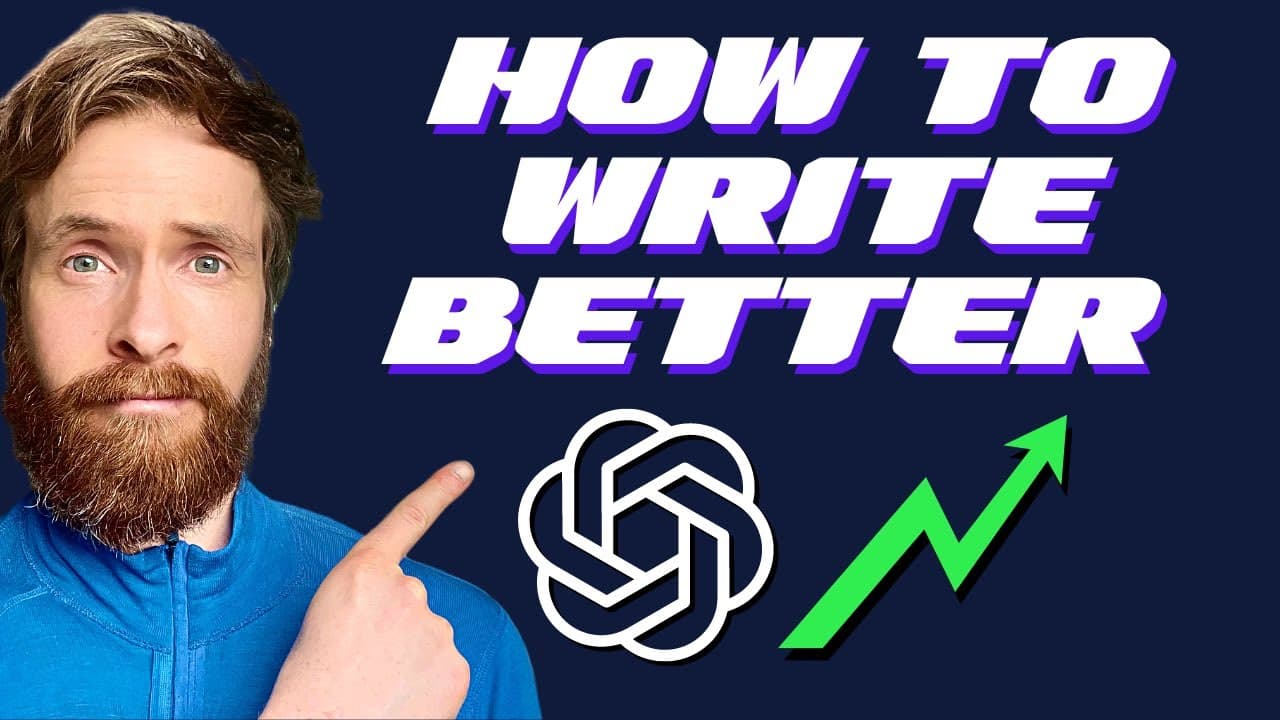
ChatGPT Code Interpreter can turn uploaded research notes into a structured outline and help draft a blog post section by section. The demonstrated workflow begins with notes about AGI risk, then uses separate prompts for the outline, introduction, and first section while saving each output to a file. Read on for the exact sequence and prompt instructions used to shape a cohesive, engaging writing style.
Transcript
in today's video I will show you how I use Jack GPT code interpreter to write all my text there are some rumors that the code interpreter is a new model from open Ai and I do see some better outputs When comparing it to the default gpt4 there are also other benefits that we will take a look at so let's just get started what you see here is the flow... Read More
Key Insights
- ✍️ The Jack GPT Code Interpreter is a useful tool for improving text writing.
- 👤 By uploading notes and using prompts, users can easily generate outlines and write cohesive pieces.
- ❓ The interpreter's outputs are considered to be better compared to the default GPT-4.
- 💍 It is important to write introductions in a captivating and engaging manner.
- 👻 The Jack GPT Code Interpreter allows for creativity and variation in word choice.
- 💁 The generated text can be saved and shared in different formats, such as a podcast episode.
- 🎮 The video provides step-by-step instructions for using the Jack GPT Code Interpreter effectively.
Install to Summarize YouTube Videos and Get Transcripts
Explore YouTube Video Summarizer or Get YouTube Transcript Extractor
Questions & Answers
Q: How can ChatGPT Code Interpreter help write a blog post?
It can read an uploaded text file containing research notes and generate a structured blog-post outline from them. That outline can then guide separate prompts for the introduction and subsequent sections.
Q: What is the first step in the ChatGPT Code Interpreter writing workflow?
Choose a topic and collect useful notes from sources such as news sites and blog posts. Paste those notes into a plain text file so they can be uploaded to Code Interpreter.
Q: How do you generate an outline from uploaded notes?
Upload the notes file and submit an outline prompt instructing ChatGPT to read the notes, reflect on them, and create a blog-post outline. In the demonstration, this produces an introduction, historical context, the doomers’ perspective, a philosophical interlude, and other sections about AGI risk.
Q: What expertise does the outline prompt assign to ChatGPT?
The prompt frames ChatGPT as an excellent nonfiction writer and an expert in human psychology and philosophy. The presenter also adds expertise in AI to match the subject of the post.
Q: How does the introduction prompt make the opening more engaging?
It instructs ChatGPT to hook the audience from the beginning and use thought-provoking questions. The generated introduction is intentionally expressive, although the presenter notes that its somewhat over-the-top style can be toned down.
Q: What writing style instructions are used for the introduction?
The prompt requests a first-person perspective using phrases such as “I think” and “I believe.” It also asks for varied words and expressions, avoids repeating phrases and terms, and says to reflect the selected author’s style without mentioning the author’s name in the text.
Q: Why are the generated outline and introduction saved as files?
The outline is saved so it remains available while drafting the post. The introduction is stored in a new text file because the next step requires uploading the writing completed so far before generating section one.
Q: How do you continue writing after generating the introduction?
Upload the saved introduction and use a prompt telling ChatGPT to read the full text before following the next instructions. Then take the next topic from the outline, historical context in the example, and use it to draft section one.
Summary & Key Takeaways
-
The video demonstrates how to use the Jack GPT Code Interpreter to write text.
-
Users can collect notes on a specific topic and upload them to the interpreter.
-
The interpreter provides an outline for a blog post based on the uploaded notes, allowing for easy organization and structuring of ideas.
Read in Other Languages (beta)
Share This Summary 📚
Summarize YouTube Videos and Get Video Transcripts with 1-Click
Try YouTube Summary with ChatGPT & Claude or YouTube Transcript Generator
Explore More Summaries from All About AI 📚


Summarize YouTube Videos and Get Video Transcripts with 1-Click
Try YouTube Summary with ChatGPT & Claude or YouTube Transcript Generator