How to Improve AI Answers With Five Prompt Codes
TL;DR
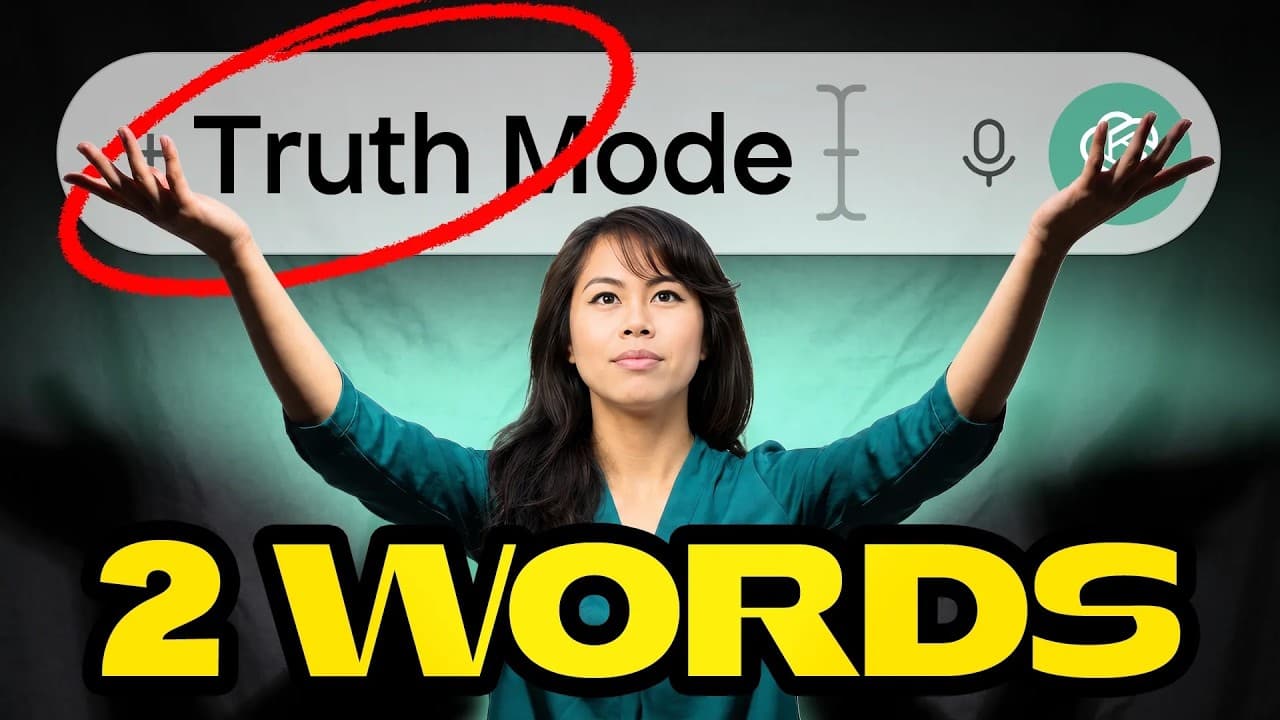
Add short cues such as “truth mode,” “/human,” “ELI10,” “future you,” or “red team” to a normal AI prompt to change the kind of response you receive. These phrases can request stronger criticism, more natural writing, simpler explanations, a future-self perspective, or an adversarial review without permanently changing customization settings.
Transcript
I'm going to share with you five secret codes for ChatGpt to 10x the quality of every answer you get. I teach AI to millions of people every month. I hit 30 million views last month and I've tested thousands of prompts to find the ones most people have no idea exist. Though number one is one of my favorites and it absolutely makes a difference in t... Read More
Key Insights
- “Truth mode” is a temporary prompt instruction intended to make ChatGPT challenge the user’s thinking, identify weak points, and surface overlooked considerations. It can appear at the beginning or end of a prompt and requires no separate setting or special interface action.
- The advantage of an optional cue is that critical behavior can be requested only when it is useful. A permanent preference to disagree or push back could interfere with tasks such as cleaning up an email when the user wants to preserve its existing content.
- “/human” is a shorthand request for writing that sounds less generic and less recognizably AI-generated. The resulting text is not expected to be perfect, so the user should still review it and add a personal point of view and natural speaking style.
- “ELI10” is a shortcut for asking the model to explain a subject as if the user were ten years old. It is presented as useful for understanding unfamiliar topics, interpreting supplied information, and reaching the central ideas without getting stuck on technical jargon.
- “Future you” is a perspective-setting cue that asks ChatGPT to respond as the user’s imagined future self after achieving a desired goal. The response can draw on what the model knows about the user’s current abilities and suggest activities that might lead toward that outcome.
- “Red team” is an adversarial review cue borrowed from a cybersecurity concept in which opposing sides test one another. In a prompt, it asks the AI to challenge a plan, locate weak arguments, identify blind spots, question risky assumptions, and note missing data.
- The value of red-team interaction is the back-and-forth examination of an idea rather than immediate agreement. By forcing objections into the discussion, the user can see vulnerabilities in a business strategy or plan and then work on addressing those weaknesses.
- All five cues are presented as plain text additions to ordinary prompts, not as formal features requiring installation or activation. Their usefulness comes from clearly signaling the desired response style at the moment it is needed rather than applying one behavior to every conversation.
Install to Summarize YouTube Videos and Get Transcripts
Explore YouTube Video Summarizer or Get YouTube Transcript Extractor
Questions & Answers
Q: How can I get ChatGPT to challenge my thinking?
Add “truth mode” to the beginning or end of the prompt when you want stronger pushback. According to the presenter, this signals that ChatGPT should stop giving agreeable, generic responses and instead identify the weakest parts of your reasoning, overlooked considerations, and issues you should examine. Because the cue is temporary, it does not affect every unrelated request.
Q: What does truth mode mean in a ChatGPT prompt?
“Truth mode” is presented as a short instruction that asks ChatGPT for a more candid and critical response. The requested behavior includes questioning weak reasoning, pointing out what the user may be overlooking, and avoiding automatic agreement. Nothing special must be activated, because the phrase is simply typed alongside the normal prompt whenever that kind of critique is wanted.
Q: Why use truth mode instead of a custom preference?
A temporary cue lets the user request criticism only for prompts that benefit from it. If a permanent customization says always to disagree or push back, ChatGPT may apply that behavior even when it is unnecessary. The presenter gives email cleanup as an example where the user may want wording improved without having the message’s content challenged or changed.
Q: How can I make AI writing sound more human?
Place “/human” before the normal writing request, such as a request for a social media post announcing a new job. The cue is intended to produce writing that feels less generic than the usual output. The presenter cautions that the result will not be perfect, so users should review it and add their own viewpoint and way of speaking.
Q: How can ChatGPT explain a complex topic simply?
Add “ELI10” to the prompt to request an explanation written as if the reader were ten years old. The presenter uses learning Facebook advertising and interpreting its results as an example. The cue is meant to reduce technical jargon and focus attention on the most important ideas, while saving the user from repeatedly typing the full instruction.
Q: What does the future you prompt code do?
“Future you” asks ChatGPT to answer from the perspective of the user’s imagined future self after accomplishing a stated goal. For a goal such as making one million dollars, the model is asked to consider what it knows about the user and describe the activities that future version might have taken based on the user’s current skill set.
Q: How do I red-team a business strategy with AI?
Describe the proposed business strategy, include its relevant details, and add “red team” anywhere in the prompt. The requested response should challenge the strategy by locating weak points, blind spots, risky assumptions, weak arguments, and missing data. The user can then argue back, refine the plan, and address the vulnerabilities uncovered through that adversarial exchange.
Q: Do these AI prompt codes require setup or saved settings?
No special setup is described for these five cues. The presenter says they can be typed directly alongside an ordinary prompt, either at the beginning, at the end, or elsewhere in the request. They do not need to be saved in customization settings, which allows the user to invoke a particular response style only when it suits the current task.
Summary & Key Takeaways
-
Five short prompt cues are presented as optional instructions that can be typed anywhere in a normal ChatGPT prompt. They require no special setup or saved preferences. Each cue requests a different response style, letting users switch between criticism, natural writing, simple explanations, future-oriented advice, and adversarial analysis as needed.
-
“Truth mode” asks ChatGPT to stop being agreeable and identify weak reasoning, overlooked issues, and missing considerations. Unlike a permanent customization telling the model always to disagree, the cue can be added only when pushback is useful. That flexibility matters when straightforward tasks, such as cleaning up an email, need no critique.
-
The other cues serve distinct purposes: “/human” requests less generic writing, “ELI10” simplifies complex subjects, “future you” frames advice from an imagined accomplished self, and “red team” challenges plans by exposing blind spots and risky assumptions. The presenter still recommends reviewing generated writing and adding personal perspective and voice afterward.
Read in Other Languages (beta)
Share This Summary 📚
Summarize YouTube Videos and Get Video Transcripts with 1-Click
Try YouTube Summary with ChatGPT & Claude or YouTube Transcript Generator
Explore More Summaries from Sabrina Ramonov 🍄 📚






Summarize YouTube Videos and Get Video Transcripts with 1-Click
Try YouTube Summary with ChatGPT & Claude or YouTube Transcript Generator