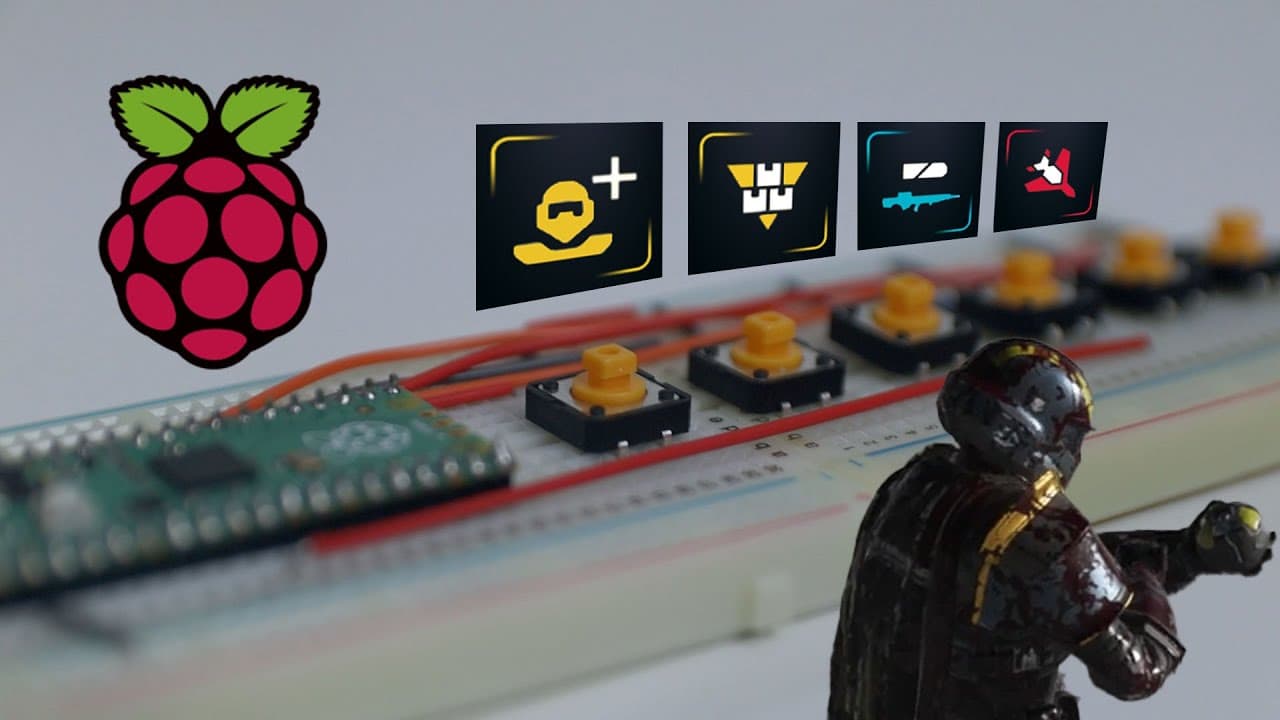
Raspberry Pi Pico Stratagem Macro Keypad For Helldivers 2
TL;DR
Create a macro keypad for Hell Divers 2 using Raspberry Pi Pico for easier strategem activation.
Transcript
all right so today we're going to be building ourselves a Raspberry Pi Pico strata gem Macro kead for hell divers too so let's get started now I highly don't recommend playing the game with this type of device because the joy of this game is actually trying to punch those strategems in while being chased by monsters and all your teammates being dea... Read More
Key Insights
- 😀 Building a macro keypad with Raspberry Pi Pico provides a unique way to enhance gameplay for those who face challenges with manual entry.
- 🔄 Proper setup of the hardware, including the layout of buttons and correct wiring, is crucial for optimal performance of the macro keypad.
- 📁 Utilizing CircuitPython is essential for programming the Raspberry Pi Pico, and understanding file transfer processes is part of successful setup.
- 😴 Code customization for GPIO pins must reflect the actual arrangement of buttons to ensure each command is executed correctly during gameplay.
- 🤩 Timing adjustments in the script are key to ensuring that strategem commands are recognized by the game reliably, with slower computers requiring longer delays.
- 👨💻 The creator notes that prior experience with similar projects can streamline the building process and improve efficiency in coding.
- 😑 Feedback from serial output can aid in debugging and confirming that all button presses are functioning as intended.
Install to Summarize YouTube Videos and Get Transcripts
Explore YouTube Video Summarizer or Get YouTube Transcript Extractor
Questions & Answers
Q: What components do you need to build the macro keypad?
You will need a Raspberry Pi Pico, assorted buttons (like keypad or keyboard buttons), a breadboard, and connecting wires. These components are essential for constructing the keypad that will send key commands to the game. Additionally, having knowledge about pin assignments on the Raspberry Pi is crucial for proper functionality.
Q: Why is it not recommended to use the macro keypad during gameplay?
The creator advises against using the macro keypad because part of the fun in Hell Divers 2 comes from the challenge of manually inputting strategem commands under duress during intense gameplay. The tension of being chased by monsters and the interactions with teammates adds to the game's enjoyment. However, it can be beneficial for those facing physical challenges in controlling the game.
Q: How do you set up the CircuitPython on the Raspberry Pi Pico?
To set up CircuitPython, you must hold down the boot select button on the Raspberry Pi Pico while connecting it to your computer. This will allow your computer to recognize the Raspberry Pi as a storage device, where you can drag and drop the CircuitPython .uf2 file. After transferring the file, your Raspberry Pi will reboot and be ready for code installation.
Q: What modifications are needed in the code for button assignments?
The code for button assignments must specify the appropriate GPIO pins corresponding to the buttons on the macro keypad. You must edit the default settings based on your hardware setup, ensuring each button sends the correct key command sequence for strategem activation in the game.
Q: How does the creator suggest tweaking timing settings for functionality?
The creator emphasizes the importance of timing adjustments in the code after noticing that performance varies by computer speed. They recommend starting with a delay of 0.3 seconds between key commands but suggest increasing this to 0.5 seconds on slower machines for improved responsiveness and reliability of inputs.
Q: How does testing the macro keypad work after setup?
After setting up the keypad and modifying the code, the creator shows how to test it by pressing each button while hovering a mouse cursor over a specific area. Each press should result in serial output confirming that the button is sending the correct command, thereby validating the setup and functionality of each strategem.
Summary & Key Takeaways
-
The video provides a guide for building a macro keypad using a Raspberry Pi Pico to facilitate strategem activation in Hell Divers 2, enhancing gameplay efficiency.
-
The creator discusses the necessary components, including buttons and a breadboard, and emphasizes the importance of proper wiring and pin configuration for the keypad.
-
The coding process is demonstrated, showcasing how to set up the macro buttons using CircuitPython and the specific key commands required for each strategem.
Read in Other Languages (beta)
Share This Summary 📚
Summarize YouTube Videos and Get Video Transcripts with 1-Click
Try YouTube Summary with ChatGPT & Claude or YouTube Transcript Generator
Explore More Summaries from Novaspirit Tech 📚






Summarize YouTube Videos and Get Video Transcripts with 1-Click
Try YouTube Summary with ChatGPT & Claude or YouTube Transcript Generator