How to build a Python AI agent harness from scratch
TL;DR
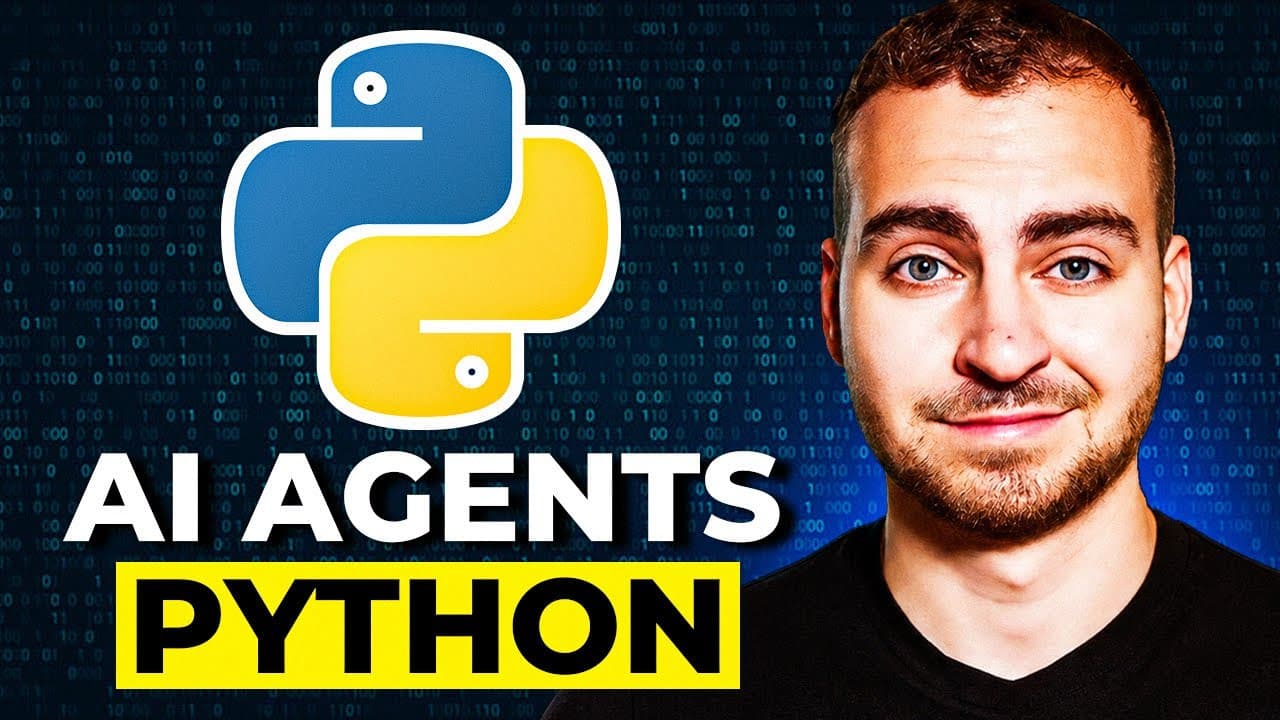
The video shows how to construct an end-to-end AI agent harness in pure Python without external frameworks. It starts with a simple agent loop, then adds tool calling, memory, and model routing, while showing how to integrate an LLM as the brain and progressively build the full harness.
Transcript
In this video, you'll learn how to build AI agents in Python by building your own agent harness. Now we'll do this piece by piece. We'll start by just setting up a basic agent loop. We'll then add tool calling. We'll add MCP servers, persistent memory and then the ability to do model routing. Now we're going to do this in pure Python which means we... Read More
Key Insights
- The harness is built in pure Python with no external frameworks, using the LLM as the brain and a surrounding codebase to provide functions, memory, and routing.
- A simple chat loop is the starting point to send prompts to the LLM and receive text responses, forming the base for later enhancements.
- Environment setup begins with a Python project, followed by installing MCP, OpenAI, and pedantic to enable tool access, typing, and model communication.
- The LLM cannot perform actions by itself; the surrounding harness executes tool calls and memory management based on the model's decisions.
- Tool calling, memory persistence, and model routing are added in subsequent steps to make the agent capable of interacting with tools and retaining state.
- The video emphasizes gradual progression through versions v0, v1, v2, v3, and v4 to show incremental capability growth and integration.
- MCP servers and memory features are introduced to handle multiple models and store conversation history or task results, respectively.
- HubSpot offers a free resource mentioned later in the video description to complement the learning material.
Install to Summarize YouTube Videos and Get Transcripts
Explore YouTube Video Summarizer or Get YouTube Transcript Extractor
Questions & Answers
Q: How do you start building the Python AI agent harness from scratch?
You begin by creating a Python project and installing the needed modules, such as MCP, OpenAI, and pedantic, to enable tool calls and typing. Then you implement a simple chat interface that talks to an LLM, establishing the brain and the first control loop for the agent. This base framework is expanded in later steps to add tools, memory, and routing.
Q: What is the role of the LLM in the agent harness?
The LLM acts as the brain of the agent, generating text outputs in response to prompts and planning actions. However, it cannot perform actions directly. The surrounding code interprets its decisions, calls tools when needed, and manages memory, so the agent can perform tasks in the real world.
Q: Why are tools and memory important in this harness?
Tools allow the agent to perform external actions such as API calls or computations, which the LLM alone cannot do. Memory lets the agent remember past interactions or results, enabling more coherent long-term planning and better decision making as tasks become more complex.
Q: How does the video demonstrate progressive enhancement?
The tutorial builds the harness in stages from v0 to v4, each adding a new capability. This piece-by-piece approach shows how to start with a simple LLM call and then layer in tool calling, memory, and model routing, illustrating how all pieces fit together in actual code.
Q: What is the purpose of MCP servers in this context?
MCP servers are introduced as a means to connect to multiple models or services within the harness. They enable routing and management of different model instances or tools, helping to scale the agent’s capabilities and organize how responses and actions are coordinated.
Q: How is local model usage discussed in the video?
The video explains that you can configure the client to use a local model on your own computer, which means you can run models without an external API key. This involves selecting the model and adjusting the chat completion calls accordingly to operate offline or locally.
Q: What is the practical workflow for adding memory in the harness?
Memory is integrated so that the agent can store and retrieve past results or context between interactions. This enables more consistent and informed decision making, as the agent can reference previous tool outputs or conversations rather than starting from scratch each time.
Q: What learning resource is mentioned for further study?
A free HubSpot resource is teased in the description as an additional learning aid. This resource is presented as valuable supplementary material to reinforce the concepts covered in the video and help learners deepen their understanding of AI agent design.
Summary & Key Takeaways
-
The video walks through setting up a Python project, installing necessary modules, and establishing a basic LLM chat interface as the foundation of the agent harness, emphasizing a from-scratch approach without heavy frameworks.
-
Subsequently it introduces tool calling, memory storage, and model routing to extend the basic agent, maintaining a modular, piece-by-piece development flow to demonstrate how agents can perform tasks.
-
Finally, the video outlines adding MCP servers and full harness integration across versions v0 through v4, highlighting the incremental build process and the practical workflow for creating a working AI agent.
Read in Other Languages (beta)
Share This Summary 📚
Summarize YouTube Videos and Get Video Transcripts with 1-Click
Try YouTube Summary with ChatGPT & Claude or YouTube Transcript Generator
Explore More Summaries from Tech With Tim 📚


Summarize YouTube Videos and Get Video Transcripts with 1-Click
Try YouTube Summary with ChatGPT & Claude or YouTube Transcript Generator