How to Run Android in Docker for App Testing
TL;DR
To run Android in Docker, install QEMU on your host system and follow the setup instructions from Sick Codes’ GitHub repository. Configure ADB for app management and choose between VNC or X11 forwarding for accessing the Android interface. For optimal performance, ensure you have adequate hardware resources, as running Android may require significant CPU and RAM.
Transcript
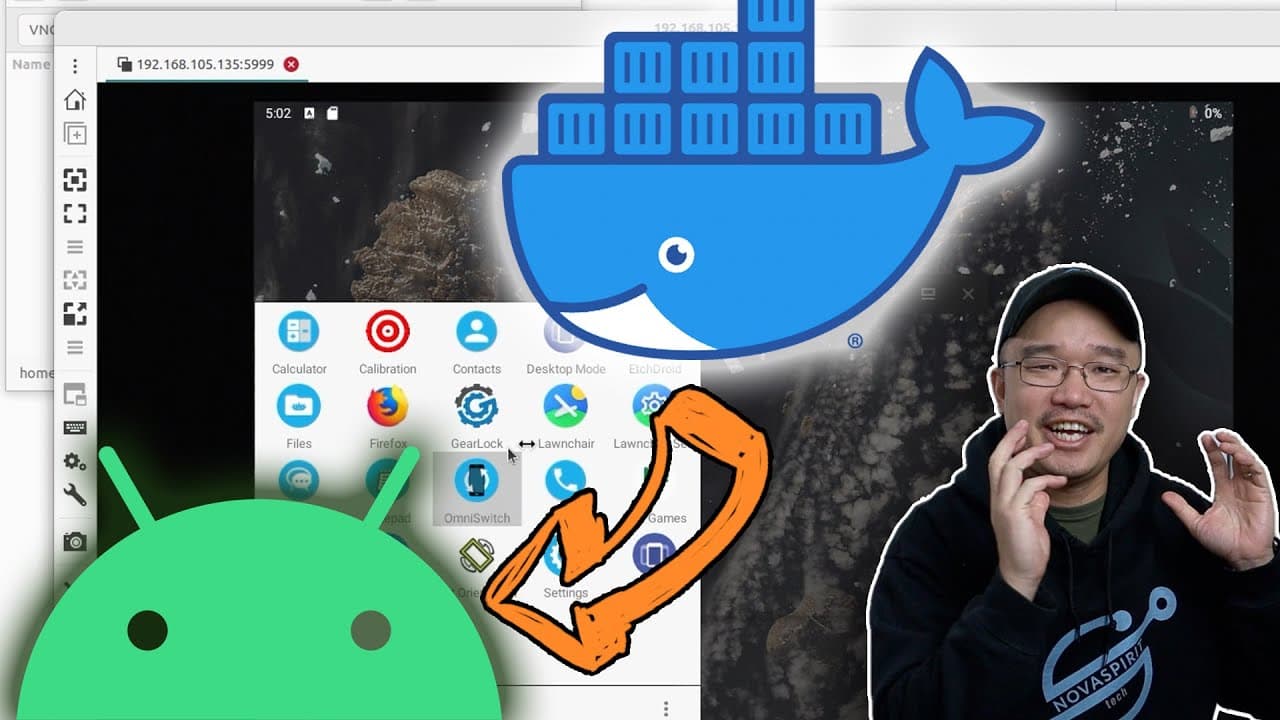
hey guys what's going on it's Don here from Nova Spirit Tech and welcome back to the channel and today I got a really cool project to show you guys which is running Android on Docker so let's get started now a user by the name of sick codes on GitHub I'll leave a link down in the description below I actually created Android for Docker which is pret... Read More
Key Insights
- 😀 Sick Codes' project allows running Android in Docker, promoting easy app testing without traditional emulation overhead.
- 🫷 ADB push capabilities and GPU passthrough options are crucial for effectively managing Android applications in this setup.
- 👤 VNC access is a useful alternative for user interface management, though X11 might provide better performance in some scenarios.
- 👤 Users must manage network settings independently, particularly the need to connect to a private Wi-Fi for internet access.
- 🏃 Testing on lightweight hardware, like the Zima board, illustrates the practical resource needs for running Android on Docker.
- 😒 Initialization settings can be customized, such as enabling or disabling password prompts during first use.
- ✋ Performance demands, including high RAM and CPU utilization, highlight the need for robust hardware to maintain system efficiency.
Install to Summarize YouTube Videos and Get Transcripts
Explore YouTube Video Summarizer or Get YouTube Transcript Extractor
Questions & Answers
Q: What is the significance of using Docker to run Android?
Using Docker for running Android provides a lightweight and efficient way to develop and test Android applications without the need for a physical Android device or a full-fledged Android emulator. This environment can be easily managed, replicated, and shared, streamlining workflows for developers.
Q: What prerequisites are necessary before starting the Android Docker setup?
Before setting up Android on Docker, the host system must have QEMU installed for emulation purposes. Users also need the right permissions for KVM to work, along with basic networking configurations. These prerequisites ensure smooth operation and optimal performance of the Docker container running Android.
Q: Can Android run smoothly on all hardware configurations?
No, the performance of Android in a Docker container largely depends on the underlying hardware. The developer mentions testing on the Zima board, which faced resource limitations. For optimal performance, adequate RAM and CPU resources must be allocated based on the demands of running Android applications.
Q: What troubleshooting tips are provided for network connectivity issues?
The video outlines that upon first booting, there will be no internet connectivity unless the user connects to the private Wi-Fi network created by the Android Docker. Ensuring proper Wi-Fi connection settings is essential for accessing the internet, and the video guides viewers on how to establish this connection.
Q: What options are available for user interface access in the Docker setup?
Users can choose between X11 forwarding or VNC access to interact with the Android operating system. While both methods work, VNC is demonstrated in the video as a more user-friendly option, providing a graphical interface for easy application management and interaction.
Q: Are there any performance concerns when running Android on Docker?
Yes, the speaker notes that running Android in this environment can consume significant resources, like RAM and CPU. For instance, the demo shows Android using over 5GB of RAM upon startup. Users should ensure their hardware specifications can support these demands for better performance.
Q: What is the recommended installation method for a more permanent setup?
The video recommends installing Android directly onto the host operating system rather than simply running it live from Docker. This installation method offers better performance and resource management, allowing for persistent data storage and reduced operational hiccups during usage.
Q: Is the Android setup on Docker intended for production use?
The setup discussed primarily serves experimental and development purposes rather than being optimized for production use. Users are encouraged to consider more stable solutions for deploying applications in production environments, as running in Docker may introduce unpredictability.
Summary & Key Takeaways
-
The video tutorial introduces a project by Sick Codes that enables users to run Android within Docker containers, focusing on its lightweight nature for running Android applications.
-
Key prerequisites include installing QEMU on the host system, enabling GPU passthrough, and utilizing ADB tools for app management and installation.
-
The presentation demonstrates VNC and X11 forwarding options for accessing the Android desktop, along with tips for optimizing resource allocation on hardware like the Zima board.
Read in Other Languages (beta)
Share This Summary 📚
Summarize YouTube Videos and Get Video Transcripts with 1-Click
Try YouTube Summary with ChatGPT & Claude or YouTube Transcript Generator
Explore More Summaries from Novaspirit Tech 📚






Summarize YouTube Videos and Get Video Transcripts with 1-Click
Try YouTube Summary with ChatGPT & Claude or YouTube Transcript Generator