How to Create a Responsive Website Design in Figma
TL;DR
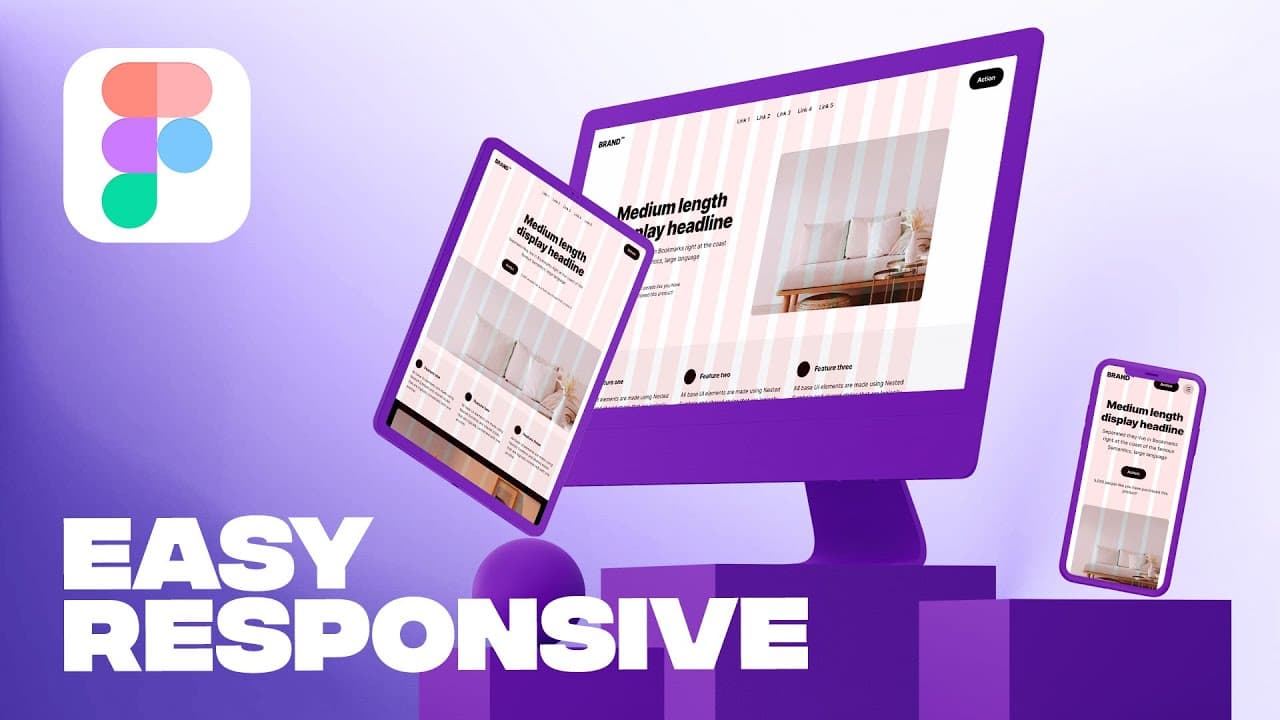
To create a responsive website design in Figma, start with your desktop layout and identify key breakpoints for mobile and tablet views. Use column grids and adjust element sizes as needed based on context, ensuring that your design maintains usability and aesthetics across all device sizes. Real-world examples from Apple illustrate effective responsive design strategies.
Transcript
so you finally finished up your desktop design it looks great and you're ready to just put it into production then rock and roll but there's an issue a big one we have only designed for one device which means that we still have 66 percent at least of the possible to go what does the design look like on mobile or on a tablet or on a TV that I shall ... Read More
Key Insights
- 📱 The design should be responsive across different devices, such as mobile, tablet, and desktop.
- 🏢 Real-world examples like Apple and Figma demonstrate how to implement responsive design effectively.
- 🔁 Responsive design layouts are contextual and depend on the specific design needs, layout changes, and breakpoints.
- 📊 Figma's website is an example of utilizing breakpoints effectively, with changes in the navigation bar, heading size, and image size at different pixel ranges.
- 💡 The order of elements may change in responsive design to prioritize certain content, such as highlighting animations or visual storytelling.
- 🔲 Column grid and max width are commonly used in responsive design, with specific margin and gutter sizes based on the screen size.
- 🔎 Different design elements, such as buttons and text sizes, may need to change in size depending on the screen size and design requirements.
- 🌐 Responsive designs often have two to three breakpoints, specifically for desktop, tablet, and mobile devices, with adjustments in layout and element sizing at each breakpoint.
Install to Summarize YouTube Videos and Get Transcripts
Explore YouTube Video Summarizer or Get YouTube Transcript Extractor
Questions & Answers
Q: What is responsive design and why is it important for websites?
Responsive design refers to designing a website that adapts and displays properly on various devices and screen sizes. It is essential because it ensures a consistent and user-friendly experience, regardless of the device used to access the website. By optimizing the design for different devices, businesses can reach a larger audience and improve user engagement.
Q: How do real-world websites like Apple and Figma handle responsive design?
Real-world websites, like Apple and Figma, employ different strategies for responsive design. They use breakpoints and layout changes to adapt to different device sizes. Elements like navigation bars, text size, and image scaling are adjusted to optimize the user experience on each device.
Q: What are some key considerations when designing for responsive layouts?
When designing a responsive layout, it is crucial to consider the contextual needs of your design, such as the layout changes, breakpoints, and the behavior of various elements. Choosing the right column grid, setting appropriate margins and gutters, and using flexible or fixed widths for elements like images and text are important factors to consider.
Q: How can Figma be used to create responsive designs?
Figma provides tools like layout grids, column grids, and constraint settings to create responsive designs. By utilizing these features, designers can define breakpoints, set column counts, adjust margins and gutters, and specify element alignments to ensure a consistent and optimized user experience across different devices.
Summary & Key Takeaways
-
The video discusses the importance of responsive design for websites and how it varies depending on the specific design needs and breakpoints.
-
Real-world examples from Apple and Figma are analyzed to showcase different approaches to responsive design.
-
The video provides a step-by-step tutorial on how to implement responsive design using Figma, emphasizing the use of column grids, layout settings, and element resizing.
Read in Other Languages (beta)
Share This Summary 📚
Summarize YouTube Videos and Get Video Transcripts with 1-Click
Try YouTube Summary with ChatGPT & Claude or YouTube Transcript Generator
Explore More Summaries from Flux Academy 📚






Summarize YouTube Videos and Get Video Transcripts with 1-Click
Try YouTube Summary with ChatGPT & Claude or YouTube Transcript Generator