How to Use JavaScript Element Selectors
TL;DR
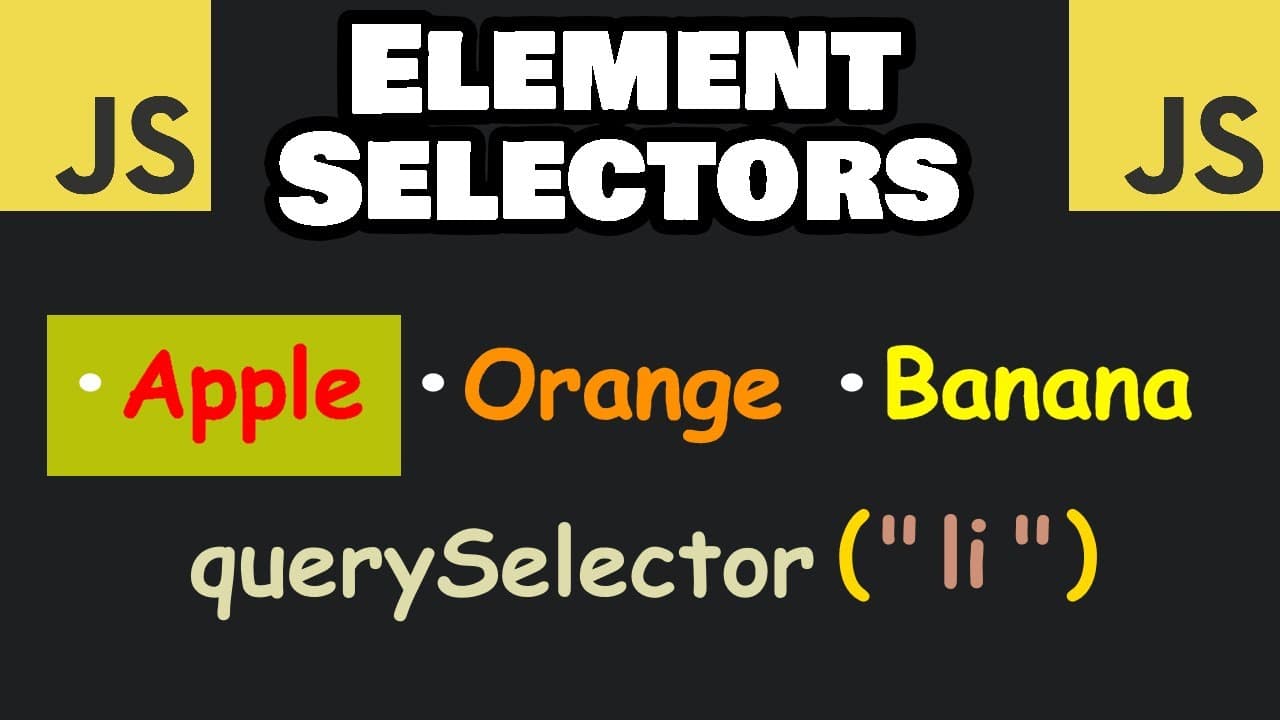
JavaScript element selectors are methods used to target and manipulate HTML elements within the DOM. Key methods include getElementById, getElementsByClassName, getElementsByTagName, querySelector, and querySelectorAll. Each method returns different types of collections or elements, allowing you to apply styles or manipulate the HTML structure efficiently.
Transcript
hey it's me again so today I got to explain element selectors in JavaScript element selectors are methods used to Target and manipulate HTML Elements by using these methods they allow you to select one or more multiple HTML elements from the Dom the document object model these methods are built-in methods of document the Dom we can select Elements ... Read More
Key Insights
- Element selectors are methods to target and manipulate HTML elements in the DOM.
- getElementById returns a single element or null if not found.
- getElementsByClassName returns an HTML collection, similar to an array but with limited methods.
- getElementsByTagName also returns an HTML collection of elements with a matching tag.
- querySelector returns the first matching element or null if none are found.
- querySelectorAll returns a static NodeList, similar to an array with built-in methods.
- HTML collections are live and update automatically, while NodeLists are static.
- Type casting HTML collections to arrays allows the use of array methods.
Install to Summarize YouTube Videos and Get Transcripts
Explore YouTube Video Summarizer or Get YouTube Transcript Extractor
Questions & Answers
Q: How to select an element by ID in JavaScript?
To select an element by ID in JavaScript, use the getElementById method. This method takes a single argument, the ID of the element, and returns the element if found, or null if not. For example, document.getElementById('my-heading') will return the element with the ID 'my-heading'.
Q: What is the difference between HTML collections and NodeLists?
HTML collections are live, meaning they automatically update when the DOM changes. NodeLists, on the other hand, are static and do not reflect changes in the DOM after they are created. NodeLists are more flexible as they support array methods, unlike HTML collections.
Q: How can you select multiple elements by class name?
To select multiple elements by class name, use the getElementsByClassName method. This returns an HTML collection of all elements with the specified class name. For example, document.getElementsByClassName('fruits') will return a collection of elements with the class 'fruits'.
Q: When should you use querySelector over getElementById?
Use querySelector when you need to select the first matching element using a CSS selector, which can include classes, IDs, or tag names. querySelector is more flexible than getElementById, which only selects elements by their ID. However, getElementById is faster for selecting a single element by ID.
Q: What does querySelectorAll return?
querySelectorAll returns a NodeList of all elements that match the specified CSS selector. Unlike HTML collections, NodeLists are static and do not update with DOM changes. They also support array methods, making them more versatile for operations like iteration and manipulation.
Q: How can you iterate over elements in an HTML collection?
You can iterate over elements in an HTML collection using a for loop or by type casting the collection to an array. HTML collections are iterable but lack array methods like forEach. Type casting to an array allows the use of these methods, enhancing iteration capabilities.
Q: Can you use array methods on NodeLists?
Yes, NodeLists support array methods like forEach, map, and filter. This makes them more versatile for DOM manipulation tasks compared to HTML collections, which do not support these methods directly. NodeLists allow for more functional programming approaches in JavaScript.
Q: Why are element selectors important in JavaScript?
Element selectors are crucial in JavaScript as they provide the means to access and manipulate HTML elements within the DOM. They enable developers to dynamically change styles, content, and structure of web pages, enhancing interactivity and user experience. Understanding selectors is fundamental for effective DOM manipulation.
Summary & Key Takeaways
-
JavaScript element selectors are essential for targeting and manipulating HTML elements within the DOM. Methods like getElementById, getElementsByClassName, and getElementsByTagName return collections or single elements, allowing developers to apply styles or manipulate content. Each method offers unique features, making them suitable for different tasks.
-
Understanding the differences between HTML collections and NodeLists is crucial. HTML collections are live and update with DOM changes, while NodeLists are static. QuerySelector and querySelectorAll offer flexible ways to select elements using CSS selectors, with querySelectorAll returning a NodeList.
-
Type casting HTML collections into arrays enables the use of array methods, enhancing functionality. For example, querySelectorAll NodeLists support array methods directly, simplifying operations like styling or iterating through elements. Combining these methods effectively can streamline DOM manipulation tasks.
Read in Other Languages (beta)
Share This Summary 📚
Summarize YouTube Videos and Get Video Transcripts with 1-Click
Try YouTube Summary with ChatGPT & Claude or YouTube Transcript Generator
Explore More Summaries from Bro Code 📚




Summarize YouTube Videos and Get Video Transcripts with 1-Click
Try YouTube Summary with ChatGPT & Claude or YouTube Transcript Generator