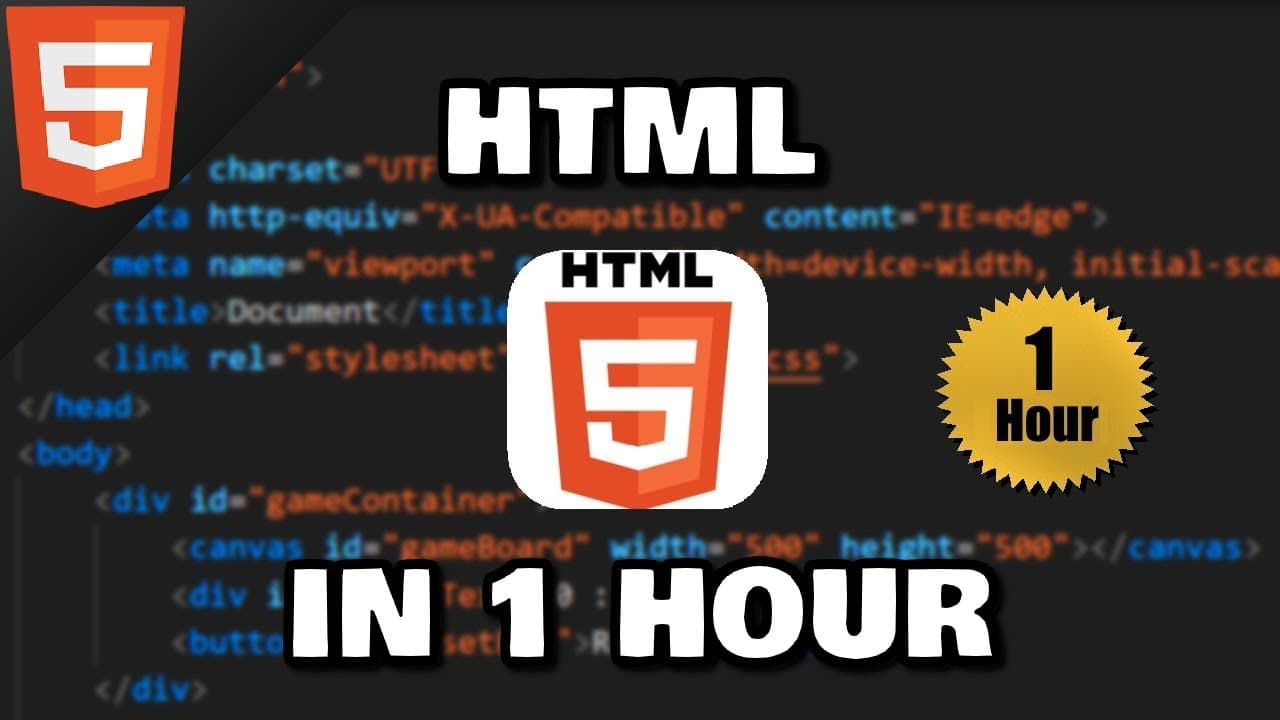
How to Learn HTML in 1 Hour: Quick Start Guide
TL;DR
HTML is the foundational language of the web and this hour-long guide shows how to write basic HTML, start a page with index.html, use tags like p, h1, a, and set up a live server in VS Code. It also explains how CSS and JavaScript relate and how to create links and multiple pages.
Transcript
all right what's going on everybody it's you bro hope you're doing well and in this video i'm going to help you get started with html so sit back relax and enjoy the show if you wouldn't mind please like comment and subscribe one like equals one prayer for the youtube algorithm i'm gonna tell you why you should learn html html is an acronym for hyp... Read More
Key Insights
- HTML is the most basic building block of the web and defines the structure of a page
- A basic HTML document has an html root, a head with metadata and a body with content
- The index.html file serves as the landing page when no specific file is requested
- Tags come in pairs and define elements such as title, h1, and p
- Paragraphs are created with p tags and browsers add spacing around them
- Line breaks use br elements and horizontal rules use hr elements
- Comments are added with a specific syntax and are not displayed on the page
- Hyperlinks are created with a tags and use href to specify destinations, including mailto and target options
- A simple workflow includes creating a folder, an index.html file, and using a live server extension to refresh automatically
- Setting up a local editor like VS Code and enabling live server speeds up development
- More videos from this channel:
- More from this channel: Bro Code
Install to Summarize YouTube Videos and Get Transcripts
Explore YouTube Video Summarizer or Get YouTube Transcript Extractor
Questions & Answers
Q: What is the role of HTML in web development?
HTML stands as the foundational language of the web, defining the structure and content of a page. It uses tags to denote elements like headers, paragraphs, links, and images. By composing HTML, a developer creates the skeleton of a webpage which can then be enhanced with CSS for styling and JavaScript for interactivity. Understanding HTML is essential for any web developer or related professional.
Q: How do you start a new HTML page for a website?
To start a new HTML page, create a folder for the project and inside it add a file named index.html to serve as the landing page. Begin the document with the HTML5 doctype declaration, then create html, head, and body sections. Place a title in the head and add content to the body. This setup mirrors how websites are structured on the web.
Q: What is the difference between tags and elements in HTML?
Tags are the markers used to begin and end elements, such as opening and closing p tags. Elements are the complete construct, consisting of the opening tag, the content, and the closing tag. Understanding this distinction helps when nesting elements and writing valid, well-structured HTML that browsers can render correctly.
Q: How do you create and structure a simple paragraph in HTML?
A paragraph is created with opening and closing p tags, containing the text you want to display. Paragraphs create spacing before and after by default, and you can add more text or use a lorem shortcut for placeholder content. Properly using p tags helps separate ideas and improve readability on the page.
Q: What elements help organize content without creating a new block level content?
Line breaks can be inserted with br elements, which do not have closing tags, and horizontal rules are added with hr elements to divide sections. These elements help structure content visually without introducing new semantic blocks. They are useful for simple formatting and section separation within a page.
Q: How are hyperlinks created in HTML and what attributes are used?
Hyperlinks are created with anchor tags, using the href attribute to specify the destination URL. Optional attributes include target to control whether the link opens in the same tab or a new one, and title to show a tooltip on hover. This enables navigation between pages or to external sites and services.
Q: What is the purpose of using a title attribute on links?
The title attribute provides a short tooltip that appears when a user hovers over the link, offering extra information about the destination or action. This improves accessibility and user experience by clarifying what will happen when the link is clicked, especially for complex or ambiguous destinations.
Q: What is a practical workflow to preview HTML changes quickly?
A practical workflow includes installing a live server extension in a code editor, creating a project folder with an index.html page, and then using the live server to automatically refresh the browser after saving changes. This reduces the need to manually reload and speeds up the development process.
Summary & Key Takeaways
-
This video introduces HTML as the basic building block of the web and explains how to structure a page using html, head, and body tags, along with common elements like p, h1, and a. It demonstrates creating an index.html page and launching a live server for instant preview.
-
The tutorial covers hyperlinks with anchor tags, href attributes, and target options, including how to open links in a new tab and how to link to a second page. It also touches on basic editor setup using VS Code and the live server extension.
-
A simple workflow is shown for starting a small website project with a folder, index.html, and additional pages, plus guidance on using basic HTML elements, comments, and the concept of a landing page as the default page for a site.
Read in Other Languages (beta)
Share This Summary 📚
Summarize YouTube Videos and Get Video Transcripts with 1-Click
Try YouTube Summary with ChatGPT & Claude or YouTube Transcript Generator
Explore More Summaries from Bro Code 📚
Summarize YouTube Videos and Get Video Transcripts with 1-Click
Try YouTube Summary with ChatGPT & Claude or YouTube Transcript Generator