How to Install Windows XP for Retro Gaming in 2024
TL;DR
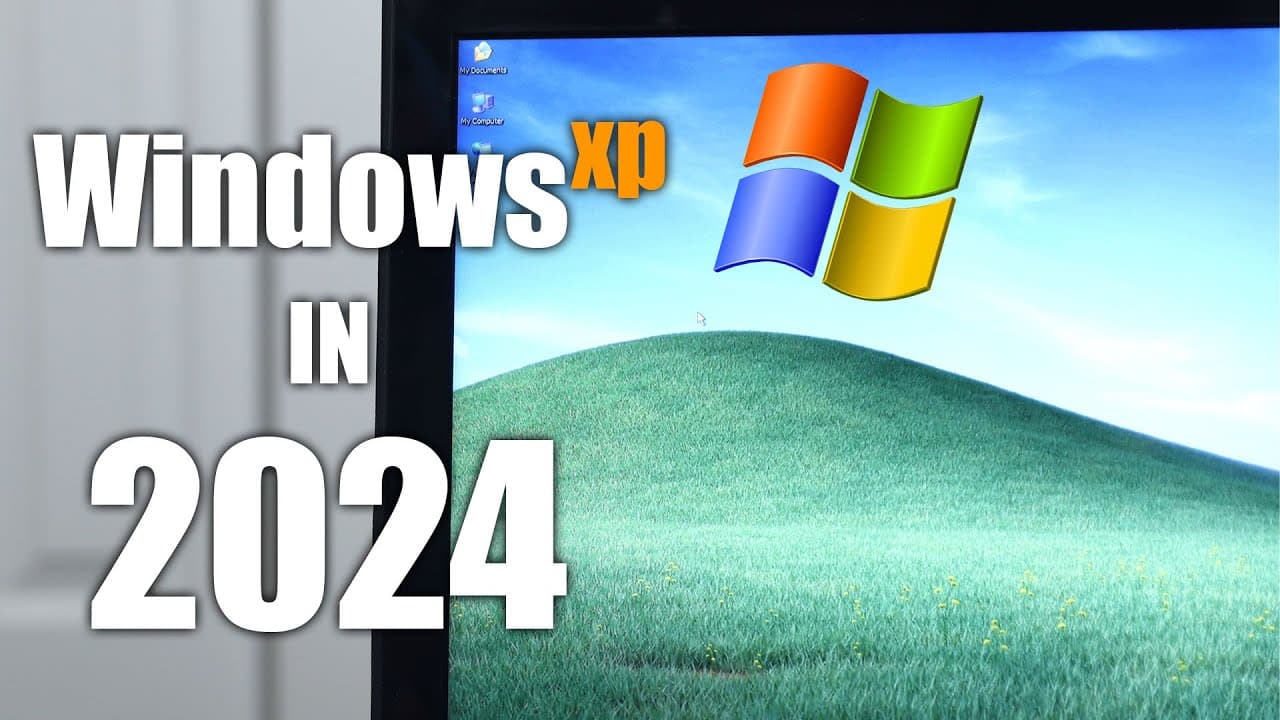
To install Windows XP for retro gaming in 2024, choose compatible hardware, such as a third-generation Intel CPU, and follow community guides to address modern compatibility issues. Be prepared to find and inject SATA drivers into your installation media to ensure a successful setup. This allows you to play classic games like StarCraft and Battlefield 2 on a suitable system.
Transcript
hey guys what's going on it's Don here from Nova Spirit Tech and welcome back to the channel and today I want you guys to join me on this Rabbit Hole of installing Windows XP in 20124 so let's get started now this idea all started last week when I was watching a YouTube channel called now in the 9s where he showcased games that came out in the 9s 3... Read More
Key Insights
- 👾 Nostalgia plays a crucial role in the resurgence of interest in older operating systems and games, sparking retro gaming projects.
- 👾 Windows XP remains a popular choice for retro gaming due to its optimal compatibility with many classic titles that struggle on modern systems.
- 🪛 Community support is invaluable when overcoming technical challenges, providing helpful resources, patches, and driver integrations for seamless installations.
- 🏃 The importance of hardware specifications highlights the balance of performance and compatibility when attempting to run outdated software.
- 🥺 The creator showcases that even with limited resources, dedicated efforts can lead to successful retro gaming experiences through personal projects.
- 🥶 Exploring older games can rejuvenate interest in gaming history, allowing gamers to reconnect with their earlier experiences.
- 💦 Understanding driver support is critical for efficient installations, especially when working with legacy hardware on modern systems.
Install to Summarize YouTube Videos and Get Transcripts
Explore YouTube Video Summarizer or Get YouTube Transcript Extractor
Questions & Answers
Q: Why is Windows XP considered the best choice for playing older games?
Windows XP provides optimal compatibility for many classic games, with either minimal or maximum support tailored for this operating system. Unlike modern operating systems that frequently struggle with older software, Windows XP allows retro games to function as intended, preserving gameplay nostalgia and enhancing overall user experience.
Q: What were the primary challenges faced during the installation of Windows XP?
The main challenges included ACPI errors during installation on newer motherboards, which required bypassing by pressing F7, and blue screen errors from the system's inability to recognize SATA drives. The need to inject specific drivers into the installation media further complicated matters but could be resolved through community-created patches.
Q: How did the creator resolve driver compatibility issues?
The creator sourced drivers from the Lenovo support website, finding Windows XP versions for most hardware components necessary for the laptop. Community resources such as Zone 94 provided patches and guidance, proving invaluable for overcoming installation hurdles and ensuring a functional setup.
Q: What hardware specifications were found in the laptops used for this project?
The first laptop had a 1.2 GHz Intel Celeron processor and 256 MB of RAM, which was performance-limited. The later-used Lenovo IdeaPad Y500 featured a third-generation i5 core, dual Nvidia 650m graphic cards, and 16 GB of RAM, providing a significantly better gaming experience while still supporting Windows XP.
Q: Which games did the creator manage to play successfully on Windows XP?
The creator successfully played several classic games, notably StarCraft: Brood War, Battlefield 2, and Crisis, showcasing their robust performance on the installed Windows XP system, drawing attention to the capabilities of the vintage operating system in running older software.
Q: Was any modification necessary for modern gaming requirements?
While many retro games ran smoothly on Windows XP, some performance tweaks were potentially necessary. Additionally, the creator explored the possibility of utilizing no-CD patches for games, suggesting that leveraging updated APIs could further enhance the gaming experience.
Q: What future projects does the creator consider after this experience?
Following the success of this project, the creator expressed interest in experimenting with even older operating systems, such as Windows 98 or Windows 95, proposing the idea of a series dedicated to exploring retro gaming across different platforms and systems.
Summary & Key Takeaways
-
The video showcases the journey of installing Windows XP on old laptops to relive classic retro games, addressing compatibility issues with modern systems.
-
It emphasizes the nostalgia associated with older games, detailing the process, challenges, and eventual success with a well-suited Lenovo laptop.
-
The creator discusses various games achieved, including StarCraft and Battlefield 2, demonstrating their performance on Windows XP and sharing insights about obtaining necessary drivers.
Read in Other Languages (beta)
Share This Summary 📚
Summarize YouTube Videos and Get Video Transcripts with 1-Click
Try YouTube Summary with ChatGPT & Claude or YouTube Transcript Generator
Explore More Summaries from Novaspirit Tech 📚






Summarize YouTube Videos and Get Video Transcripts with 1-Click
Try YouTube Summary with ChatGPT & Claude or YouTube Transcript Generator