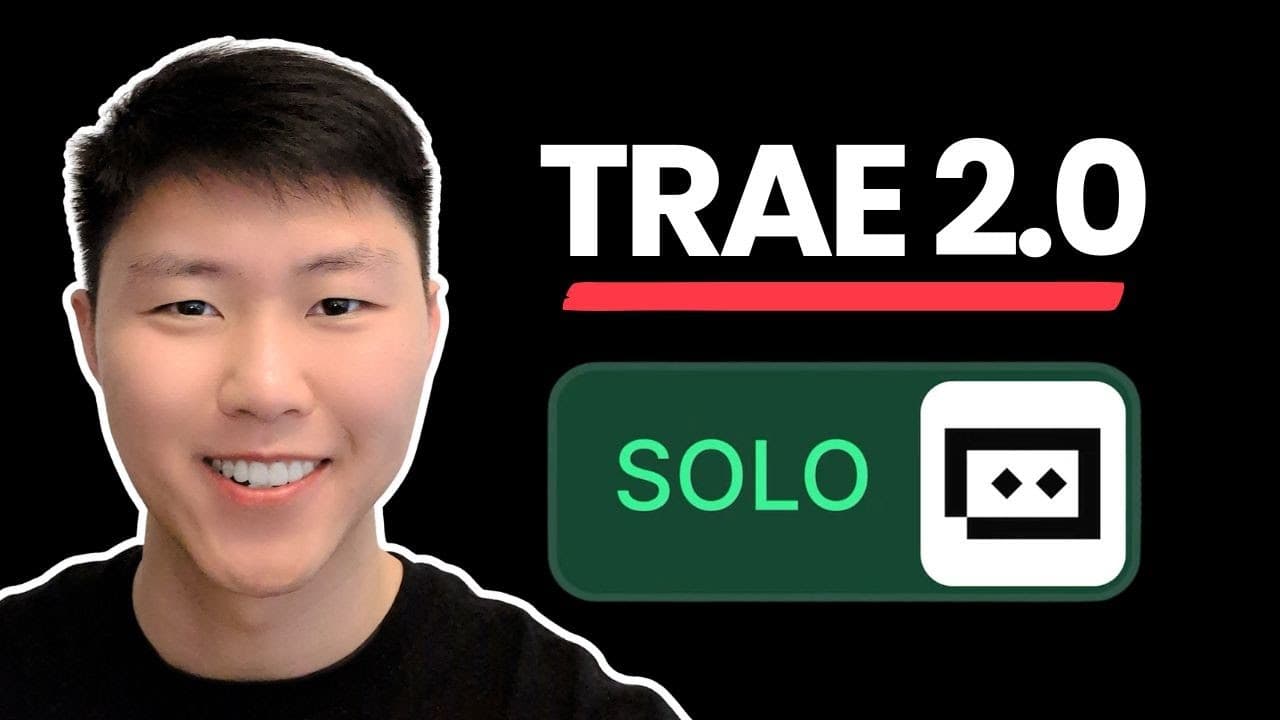
How to Build Full-Stack Apps with Trae.ai SOLO
TL;DR
Trae.ai's SOLO Mode allows users to create a full-stack application from a single prompt. The tool handles everything from writing product requirement documents to building the front-end and back-end, integrating with Supabase, and deploying the app to Vercel. This process is streamlined, efficient, and accessible for users looking to build complex applications quickly.
Transcript
from creating product documentations and plans to building a full stack application like this and deploy it onto Versell using this one single tool called trade.ai AI solo mode where we can be able to have a all-in-one context engineer that not only has the ability to write the product requirement documentations but also has the ability to write th... Read More
Key Insights
- Trae.ai SOLO Mode enables the creation of a full-stack app from a single prompt.
- The tool generates product requirement documents and technical architecture automatically.
- Integration with Supabase and Vercel is seamless, facilitating easy deployment.
- Users can modify models and make changes through a chat interface with the AI.
- The tool supports integration with third-party applications like payment services and Figma.
- Trae.ai offers a cost-effective solution with a pro plan at $10 per month.
- The application includes features like meal selection, order history, and subscription management.
- The AI can execute and implement projects based on detailed documentation it creates.
Install to Summarize YouTube Videos and Get Transcripts
Explore YouTube Video Summarizer or Get YouTube Transcript Extractor
Questions & Answers
Q: How to build a full-stack app with Trae.ai SOLO?
To build a full-stack app with Trae.ai SOLO, start by providing a single prompt. The tool will generate product requirement documents and technical architecture. It builds the front-end and back-end, integrates with Supabase for database management, and deploys the application to Vercel. Users can modify models and make changes through a chat interface with the AI, ensuring a comprehensive and efficient development process.
Q: What integrations does Trae.ai SOLO support?
Trae.ai SOLO supports integration with Supabase for database management and Vercel for deployment. It also integrates with third-party applications such as payment services and Figma for design implementation. These integrations streamline the development process, allowing users to build and deploy applications efficiently while utilizing various external services.
Q: What are the key features of the application built in the video?
The application built in the video includes features such as meal selection, order history, subscription management, and user profile management. It provides a multi-step signup process, integrates with Supabase for database management, and allows users to choose meal plans and dietary restrictions. The application also supports payment method changes and viewing payment histories, offering a comprehensive solution for a meal delivery subscription service.
Q: How does Trae.ai handle documentation and architecture?
Trae.ai automatically generates detailed product requirement documents and technical architecture based on the initial prompt. It outlines user roles, registration methods, core permissions, and feature modules. The tool also creates a visual representation of the technical architecture, including front-end, back-end, and database layers, ensuring a comprehensive blueprint for the application development process.
Q: Can users modify the application after it's built?
Yes, users can modify the application after it's built using Trae.ai's chat interface. They can select elements they wish to change, add them to the chat, and specify the modifications needed. The AI processes these requests and updates the application accordingly, allowing for flexible adjustments and customization even after the initial build is complete.
Q: What is the cost of using Trae.ai SOLO?
Trae.ai offers a pro plan at $10 per month, providing users with unlimited access to advanced models and 600 fast requests per month. This cost-effective pricing makes it accessible for developers and businesses looking to build complex applications quickly and efficiently without incurring high expenses.
Q: How does Trae.ai deploy applications?
Trae.ai deploys applications using Vercel, a platform for frontend frameworks and static sites. After the application is built, the tool generates a deployment to-do list and guides users through the deployment process. Once the necessary steps are completed, the application is deployed to Vercel, making it accessible for users to test and use.
Q: What makes Trae.ai SOLO unique compared to other AI models?
Trae.ai SOLO is unique due to its ability to handle the entire app development process from a single prompt. It generates product documentation, builds the front-end and back-end, integrates with various services, and deploys the application. Its comprehensive approach, combined with a user-friendly chat interface for modifications, sets it apart from other AI models that may require more manual intervention or lack integration capabilities.
Summary & Key Takeaways
-
Trae.ai's SOLO Mode allows users to build a full-stack app from a single prompt. It handles product documentation, front-end and back-end development, and integrates with Supabase and Vercel for deployment. Users can modify models and make changes through a chat interface, making it a comprehensive and efficient tool for app development.
-
The tool generates detailed product requirement documents and technical architecture, supporting integration with third-party applications like payment services and Figma. With a cost-effective pro plan, Trae.ai provides an accessible solution for building complex applications quickly.
-
Features of the application include meal selection, order history, and subscription management. The AI executes and implements projects based on the detailed documentation it creates, offering a streamlined and efficient development process.
Read in Other Languages (beta)
Share This Summary 📚
Summarize YouTube Videos and Get Video Transcripts with 1-Click
Try YouTube Summary with ChatGPT & Claude or YouTube Transcript Generator
Explore More Summaries from Eric Tech 📚


Summarize YouTube Videos and Get Video Transcripts with 1-Click
Try YouTube Summary with ChatGPT & Claude or YouTube Transcript Generator