Forget Photoshop - How To Transform Images With Text Prompts using InstructPix2Pix Model in NMKD GUI
TL;DR
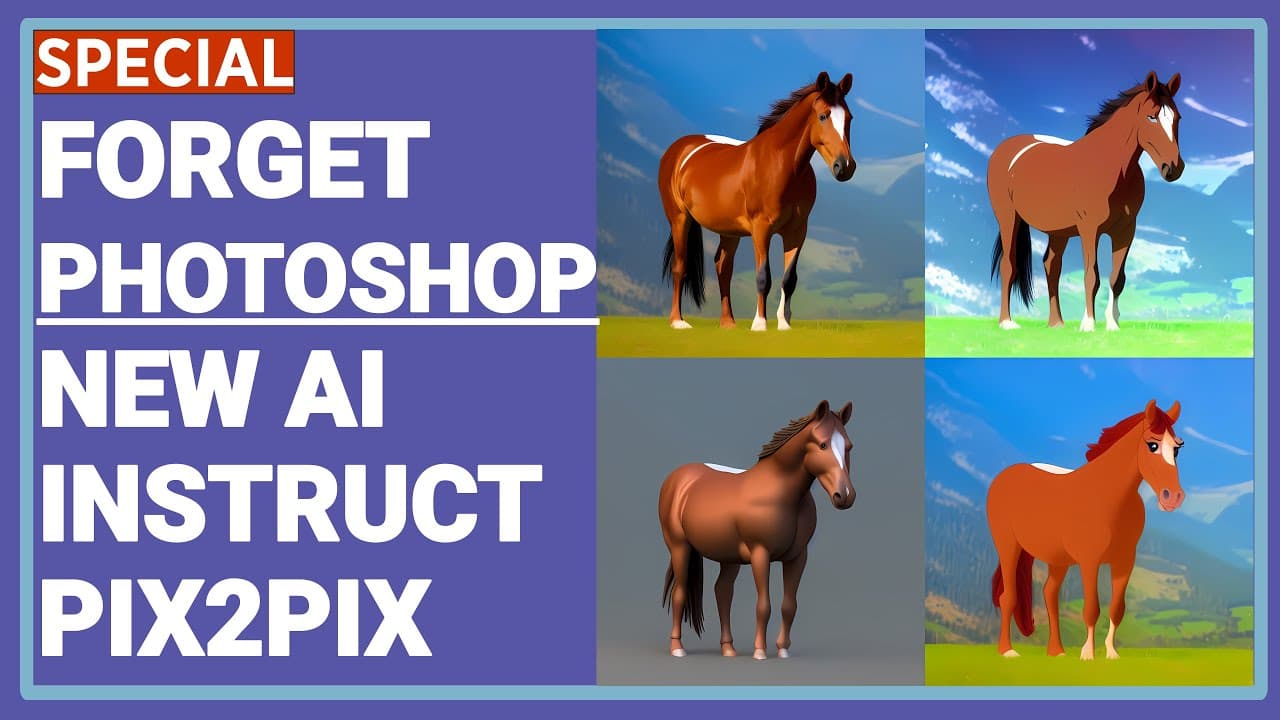
Learn how to use InstructPix2Pix, an AI model developed by the University of California, to edit images based on written instructions, and discover the new NMKD Stable Diffusion GUI that supports this technology.
Transcript
Greetings everyone. In this video I am going to show you how to use a new great AI technology that you can instruct it to modify pictures as you instructed. This new AI model is called as InstructPix2Pix. It is totally free to use. Free open source image generation application NMKD Stable Diffusion GUI started to support this new AI model... Read More
Key Insights
- 🔍 The AI technology called InstructPix2Pix allows users to modify images based on written instructions, and it is released by the University of California.
- 🖼️ InstructPix2Pix combines the knowledge of two pre-trained models, GPT-3 and Stable Diffusion, to generate a large dataset of image editing examples for training.
- 🌸 Examples of image editing with InstructPix2Pix include turning an image into springtime, adding boats to water, replacing mountains with a city skyline, and transforming an image into a specific location like Paris or Hong Kong.
- 💻 The NMKD Stable Diffusion GUI is a free and open-source image generation application that supports InstructPix2Pix. Users can download and install it from the official website.
- ⚙️ To use the NMKD Stable Diffusion GUI, users need a computer with a minimum of 4GB VRAM. The GUI offers various features like multiple prompts, advanced settings, negative inputs, emphasis, and load models.
- 🚀 Users can create a prompt queue in the Stable Diffusion GUI, allowing them to process multiple prompts and generate images based on different instructions and settings.
- 🖼️ The generated images can be upscaled using Automatic1111, a separate software that specializes in image upscaling. Different upscaling algorithms can be applied based on the desired outcome, such as R-ESRGAN for general upscaling or GFPGAN for enhancing human faces.
- ✅ Viewers are encouraged to explore the provided playlist on Stable Diffusion AI image generation for more tutorials and insights. Support on Patreon is also appreciated to help improve the quality of content.
Install to Summarize YouTube Videos and Get Transcripts
Explore YouTube Video Summarizer or Get YouTube Transcript Extractor
Questions & Answers
Q: How does InstructPix2Pix learn to follow image editing instructions?
InstructPix2Pix learns to follow image editing instructions by combining the knowledge of a language model (GPT-3) and a text image model (Stable Diffusion) to generate a large dataset of image editing examples. Given an input image and a written instruction, the model follows the instruction to edit the image.
Q: What are some examples of instructions that InstructPix2Pix can follow?
InstructPix2Pix can follow a variety of instructions, such as making an image look like a springtime, adding boats on water, replacing mountains with a city skyline, turning an image into Paris or Hong Kong, applying face paint or adding a sunset to an image. The instructions are written in plain English text.
Q: How can users access and use the NMKD Stable Diffusion GUI?
Users can download the NMKD Stable Diffusion GUI from the official website and install it on their computer. The GUI provides a user-friendly interface for using InstructPix2Pix and other image editing features. Users can load images, enter prompts to modify the images, adjust various parameters, and generate edited images.
Q: Are there any tips for using InstructPix2Pix effectively?
Yes, here are a few tips:
- Experiment with different values for the image CFG weight and text CFG weight parameters to achieve the desired level of similarity to the input image and adherence to the instruction.
- Try rephrasing the instructions to see if it improves the results.
- Increasing the number of generation steps and randomizing the seed can lead to better results.
- If faces in the original image are not preserved well, try cropping the image to increase the face's portion in the frame.
- Explore online resources and join the official Discord channel to learn from others' experiences and discover new prompts.
Summary & Key Takeaways
-
InstructPix2Pix is an AI model developed by the University of California that follows written instructions to edit images.
-
The model combines the knowledge of a language model (GPT-3) and a text image model (Stable Diffusion) to generate a large dataset of image editing examples.
-
The NMKD Stable Diffusion GUI is a free, open-source image generation application that supports InstructPix2Pix and allows users to edit images based on prompts.
Read in Other Languages (beta)
Share This Summary 📚
Summarize YouTube Videos and Get Video Transcripts with 1-Click
Try YouTube Summary with ChatGPT & Claude or YouTube Transcript Generator
Explore More Summaries from SECourses 📚
Summarize YouTube Videos and Get Video Transcripts with 1-Click
Try YouTube Summary with ChatGPT & Claude or YouTube Transcript Generator