Ultimate RunPod Tutorial For Stable Diffusion - Automatic1111 - Data Transfers, Extensions, CivitAI
TL;DR
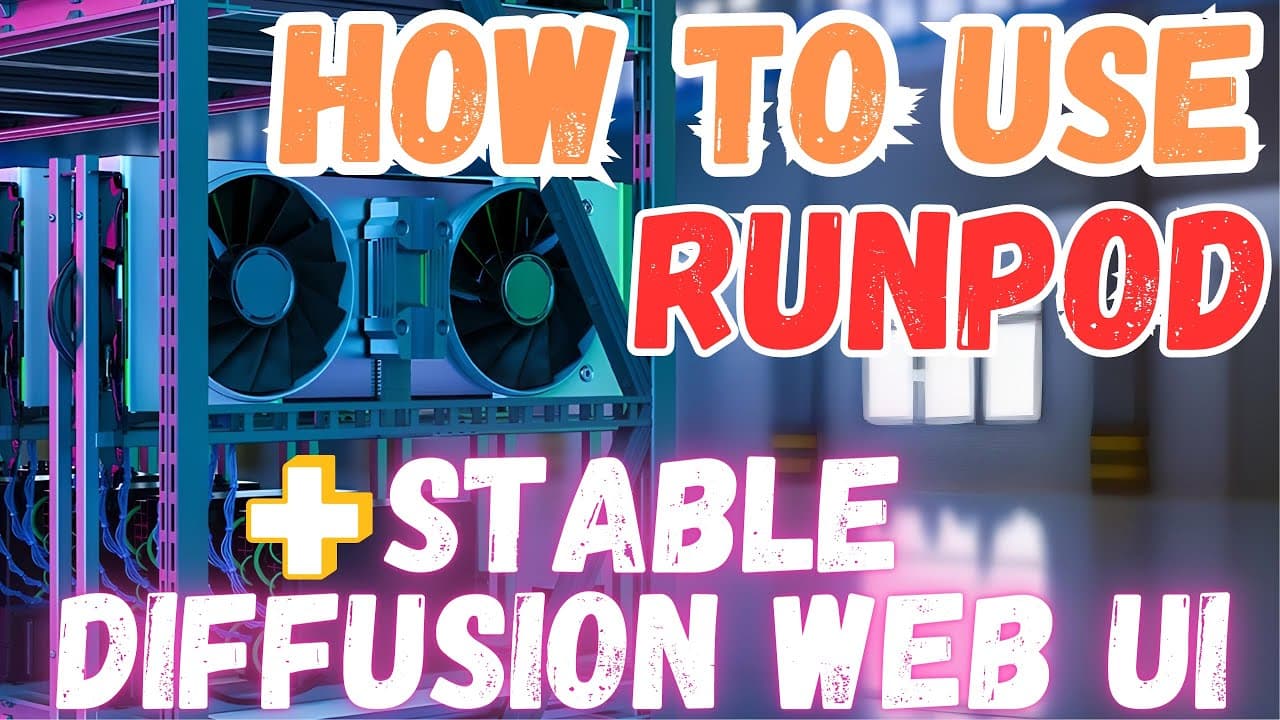
Learn how to use RunPod.io for Stable Diffusion training, including uploading files, setting up Pods, and utilizing custom models and extensions.
Transcript
Greetings everyone. In this video, I am going to show how to use Automatic1111 Web UI for Stable Diffusion tasks on RunPod.io like you are using it on your computer. I will cover many topics such as how to upload and download files quickly, how to delete directories, how to install and run extensions, how to quickly download and use custom models, ... Read More
Key Insights
- 👤 RunPod.io offers a user-friendly interface for Stable Diffusion training tasks, providing features such as file management, system customization, and integration with custom models and extensions.
- 👻 The platform utilizes a pricing system based on per-minute usage, allowing users to pay only for the time their Pods are active.
- 👻 RunPod.io provides a convenient bidding feature for shared servers, allowing users to potentially reduce costs.
- 🫥 The RunPod CTL command-line tool enables efficient file transfer between Pods or from a computer to a Pod.
Install to Summarize YouTube Videos and Get Transcripts
Explore YouTube Video Summarizer or Get YouTube Transcript Extractor
Questions & Answers
Q: How can I upload and download files quickly on RunPod.io?
You can use the RunPod CTL command-line tool to upload and download files efficiently. Simply type "runpodctl send" followed by the path of the folder or file you want to upload. To download files, use the "runpodctl receive" command followed by the download link.
Q: How can I install custom models on RunPod.io?
To install a custom model, download the model file (usually with a .ckpt extension) from the desired source. Then, place the file in the Models folder inside the Stable Diffusion Web UI workspace. Refresh the folder in the RunPod.io interface, and the model should appear in the list of available models for use.
Q: What is the pricing system on RunPod.io?
RunPod.io charges based on per-minute usage, so you only pay for the time your Pods are running. You can add credits by clicking on your balance and selecting your preferred payment method. RunPod.io also allows payment with cryptocurrency.
Q: Can I transfer files between Pods or from my computer to a Pod on RunPod.io?
Yes, you can use the RunPod CTL command-line tool to transfer files between Pods or from your computer to a Pod and vice versa. Use the "runpodctl send" command to upload files and "runpodctl receive" to download files. Specify the source and destination paths to perform the transfer.
Key Insights:
- RunPod.io offers a user-friendly interface for Stable Diffusion training tasks, providing features such as file management, system customization, and integration with custom models and extensions.
- The platform utilizes a pricing system based on per-minute usage, allowing users to pay only for the time their Pods are active.
- RunPod.io provides a convenient bidding feature for shared servers, allowing users to potentially reduce costs.
- The RunPod CTL command-line tool enables efficient file transfer between Pods or from a computer to a Pod.
- Textual Inversion training is supported on RunPod.io, providing users with the ability to generate images from text prompts and customize their training process.
Summary & Key Takeaways
-
This video tutorial provides a comprehensive guide on using RunPod.io for Stable Diffusion training, including topics like uploading and downloading files, setting up Pods, installing extensions, and using custom models and text-to-image inversion.
-
The tutorial covers various aspects of the RunPod.io platform, including pricing, bidding, file transfer, and installation of custom scripts.
-
The video also offers alternate options for Stable Diffusion training, such as using Google Colab for free cloud services.
Read in Other Languages (beta)
Share This Summary 📚
Summarize YouTube Videos and Get Video Transcripts with 1-Click
Try YouTube Summary with ChatGPT & Claude or YouTube Transcript Generator
Explore More Summaries from SECourses 📚




Summarize YouTube Videos and Get Video Transcripts with 1-Click
Try YouTube Summary with ChatGPT & Claude or YouTube Transcript Generator