How to Install Nextcloud on Raspberry Pi Using Docker
TL;DR
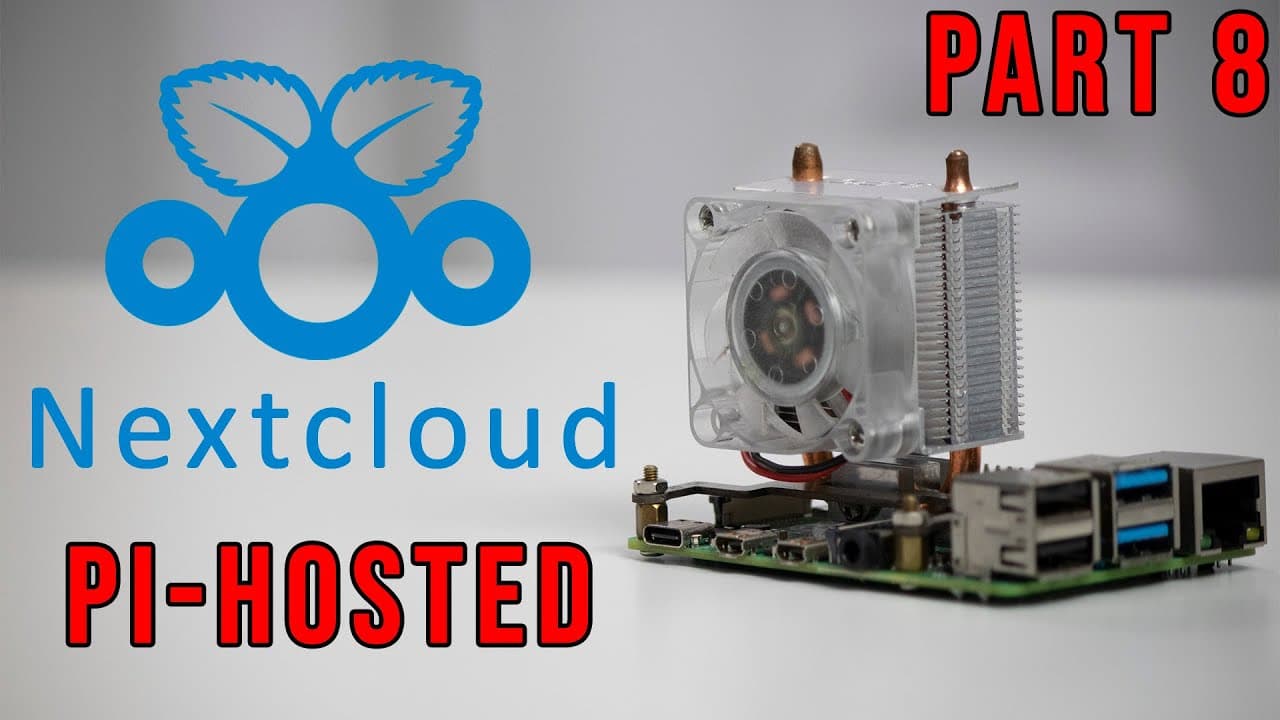
To install Nextcloud on a Raspberry Pi using Docker, use the Nextcloud Pi version tailored for ARM devices. Follow the setup process in Portainer or Docker, ensuring to configure trusted domains and manage passwords during the installation. Nextcloud allows for easy file hosting, sharing, and collaboration without storage limits.
Transcript
hey guys what's going on it's don here from nova spur tech and welcome back to the channel and today we are going to be installing one of my favorite services for the raspberry pi which is nyx cloud onto our pi hosted series so let's get started now if you guys are new to this channel i'm going to leave a link on the top left or card on the top lef... Read More
Key Insights
- 😶🌫️ Nextcloud provides a user-friendly web interface, simplifying the configuration and management of cloud storage solutions on Raspberry Pi.
- 👤 The tutorial illustrates different installation methods, accommodating various user preferences and technical skills.
- 👪 By leveraging Nextcloud, users can seamlessly share files with friends and family, fostering collaboration and resource sharing without storage limits.
- 👻 The video is part of a larger Pi-hosted series, suggesting further educational content on related technological services and configurations.
- 👤 Users can enhance their Nextcloud experience by installing specific applications for features such as document editing and video conferencing.
- ♿ Configuring trusted domains is crucial for ensuring secure access to Nextcloud after installation, emphasizing the importance of network settings.
- 😶🌫️ The tutorial encourages users to utilize local storage effectively, reducing dependence on paid cloud services while benefiting from the flexibility of self-hosting.
Install to Summarize YouTube Videos and Get Transcripts
Explore YouTube Video Summarizer or Get YouTube Transcript Extractor
Questions & Answers
Q: What is Nextcloud, and what are its primary functions?
Nextcloud is a self-hosted file hosting service that allows users to store and manage files such as documents, photos, and videos. It offers web-based access, meaning users can upload or download files from anywhere using a web browser. Beyond basic hosting, Nextcloud supports features like document editing, video conferencing, and external sharing, making it a comprehensive solution for personal and collaborative file management.
Q: How can users install Nextcloud on their Raspberry Pi?
Users can install Nextcloud on Raspberry Pi by utilizing the Pi-hosted series and its app template for Portainer. The process involves selecting the Nextcloud app, deploying the container, and configuring it via a web interface. Alternatively, users can opt for installation through Docker Compose or a direct script if they prefer a different setup method. Detailed instructions are provided in the video.
Q: What are key features users can utilize after installing Nextcloud?
After installing Nextcloud, users gain access to a feature-rich dashboard where they can manage files, install additional apps, and configure settings like HTTPS encryption. Users can also enable collaborative features such as document editing with OnlyOffice and video calls using integrated apps. Furthermore, they can easily share files and folders with others inside and outside their network.
Q: What are the benefits of using self-hosted Nextcloud over commercial cloud services?
Using self-hosted Nextcloud allows users to maintain complete control over their data, ensuring privacy and security that commercial services may not provide. Users can customize the storage capacity and avoid recurring fees associated with cloud services, potentially saving money in the long run. This enables effective file management without the limitations or costs imposed by companies such as Google or iCloud.
Summary & Key Takeaways
-
The content features a tutorial on installing Nextcloud, a versatile file hosting service, on Raspberry Pi's Pi-hosted series, aiming to simplify cloud storage.
-
Nextcloud offers a range of functionalities, including document editing, file sharing, and video conferencing, making it a powerful tool for personal and collaborative use.
-
The video emphasizes easy installation methods through Portainer or Docker for users, while also encouraging viewers to explore the wide array of options available within Nextcloud.
Read in Other Languages (beta)
Share This Summary 📚
Summarize YouTube Videos and Get Video Transcripts with 1-Click
Try YouTube Summary with ChatGPT & Claude or YouTube Transcript Generator
Explore More Summaries from Novaspirit Tech 📚






Summarize YouTube Videos and Get Video Transcripts with 1-Click
Try YouTube Summary with ChatGPT & Claude or YouTube Transcript Generator