How to Set Up a Raspberry Pi as a Torrent Server
TL;DR
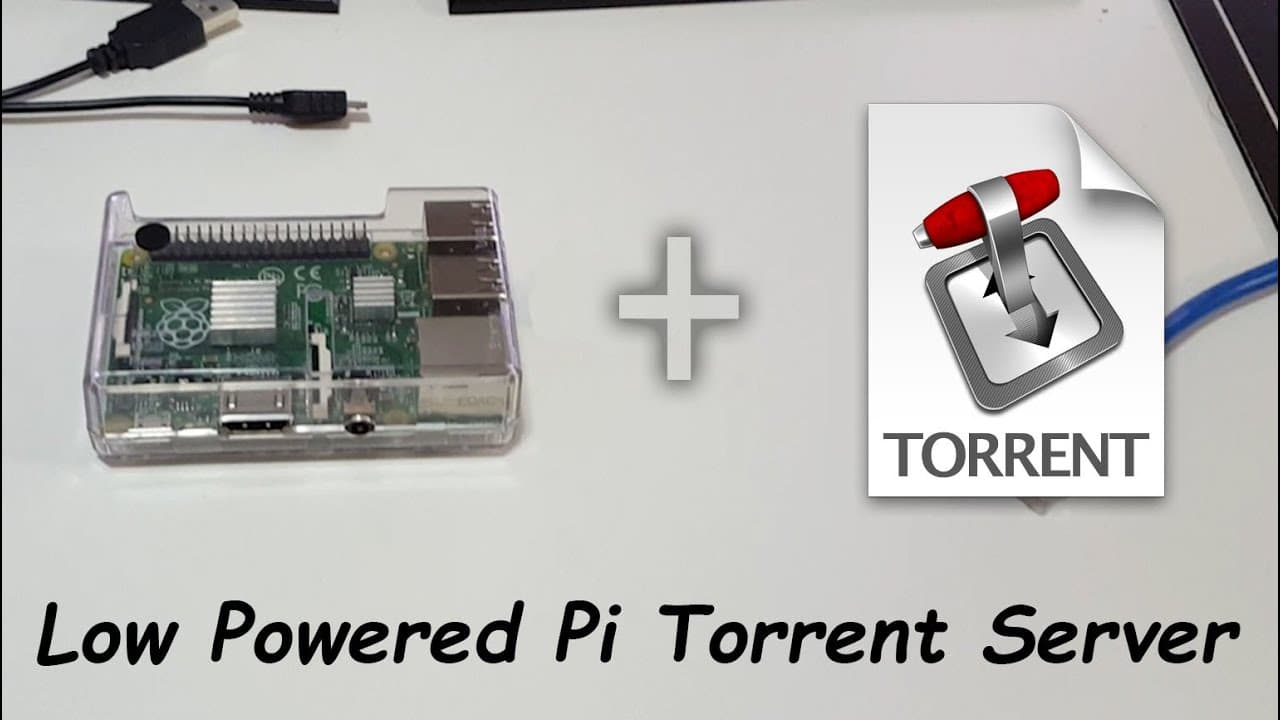
To set up a Raspberry Pi as a torrent server, begin by downloading the Debian image and using a tool like Win32 Disk Imager to load it onto an SD card. After booting the Raspberry Pi, install Transmission for torrent management, configure user permissions, and adjust settings as needed through SSH for effective remote control. This setup allows for a low-power, continuously running torrent box.
Transcript
hey YouTube I'm starting a new series called lowend Tech and what we're going to do here is actually take a lot of low-end Technology could be recent or could be old laptops cell phones and stuff like that and we're going to be creating new uses for them and in this episode we're going to be converting a Raspberry Pi B+ to a torrent box or t server... Read More
Key Insights
- 📪 The Raspberry Pi B+, despite its low specifications, can effectively function as a torrent box, showcasing its versatility for tech enthusiasts and DIY projects.
- ⚾ Software preparation for the Raspberry Pi involves several steps, including downloading and imaging software, which may require specific tools based on the operating system used.
- 🫥 SSH access is pivotal for configuring the Raspberry Pi remotely, demonstrating the importance of command-line skills in managing server setups.
- 👻 Using Transmission as the torrent client allows for robust management of downloads, including the ability to adjust settings according to user needs.
- 😘 The video highlights the practicality of using low-power devices like the Raspberry Pi for continuous operations without incurring significant energy costs.
- 🫵 By providing links and resources, the creator enhances the viewer's ability to follow along, enabling engagement and community support for troubleshooting.
- 🫵 The narrative promotes future content focused on additional Raspberry Pi projects, encouraging viewers to subscribe for ongoing educational resources.
Install to Summarize YouTube Videos and Get Transcripts
Explore YouTube Video Summarizer or Get YouTube Transcript Extractor
Questions & Answers
Q: What is the purpose of the new series mentioned in the video?
The new series aims to explore innovative uses of low-end technology, showcasing projects that utilize affordable hardware like older laptops and smartphones. The first episode specifically focuses on converting a Raspberry Pi B+ into a functional torrent server, highlighting its potential in everyday applications.
Q: What steps are involved in preparing the Raspberry Pi for torrenting?
Preparing the Raspberry Pi involves downloading the Debian image, extracting it, and using a program called Win32 Disk Imager to load the image onto an SD card. Once the SD card is inserted into the Raspberry Pi, configuration steps include connecting to the network, finding the device’s IP address, and accessing it via SSH using Putty.
Q: How does the author recommend setting up the torrent software on the Raspberry Pi?
The author recommends installing the Transmission daemon, configuring the necessary folders for completed and incomplete downloads, and setting permissions for the software to write to these folders. The instructions also include changing the default username and password for added security, making it user-friendly for those accessing the server.
Q: What tips does the creator give for managing and accessing downloads on the Raspberry Pi?
The creator suggests using the web interface of Transmission to manage downloads, where users can set download and upload limits. Additionally, they can either upload torrent files directly or use magnet links to add downloads, enhancing accessibility and ease of use when managing torrent activities.
Summary & Key Takeaways
-
The content outlines a new series on utilizing low-end technology, focusing on the Raspberry Pi B+ as a torrent server.
-
Instructions include software installation, configuration steps, and troubleshooting tips for setting up the Raspberry Pi with Debian to run a torrent service.
-
Emphasis is placed on the versatility of the Raspberry Pi, inviting viewers to explore various projects, including future ones related to network storage.
Read in Other Languages (beta)
Share This Summary 📚
Summarize YouTube Videos and Get Video Transcripts with 1-Click
Try YouTube Summary with ChatGPT & Claude or YouTube Transcript Generator
Explore More Summaries from Novaspirit Tech 📚






Summarize YouTube Videos and Get Video Transcripts with 1-Click
Try YouTube Summary with ChatGPT & Claude or YouTube Transcript Generator