How to Install Zoom on Raspberry Pi Using Box86
TL;DR
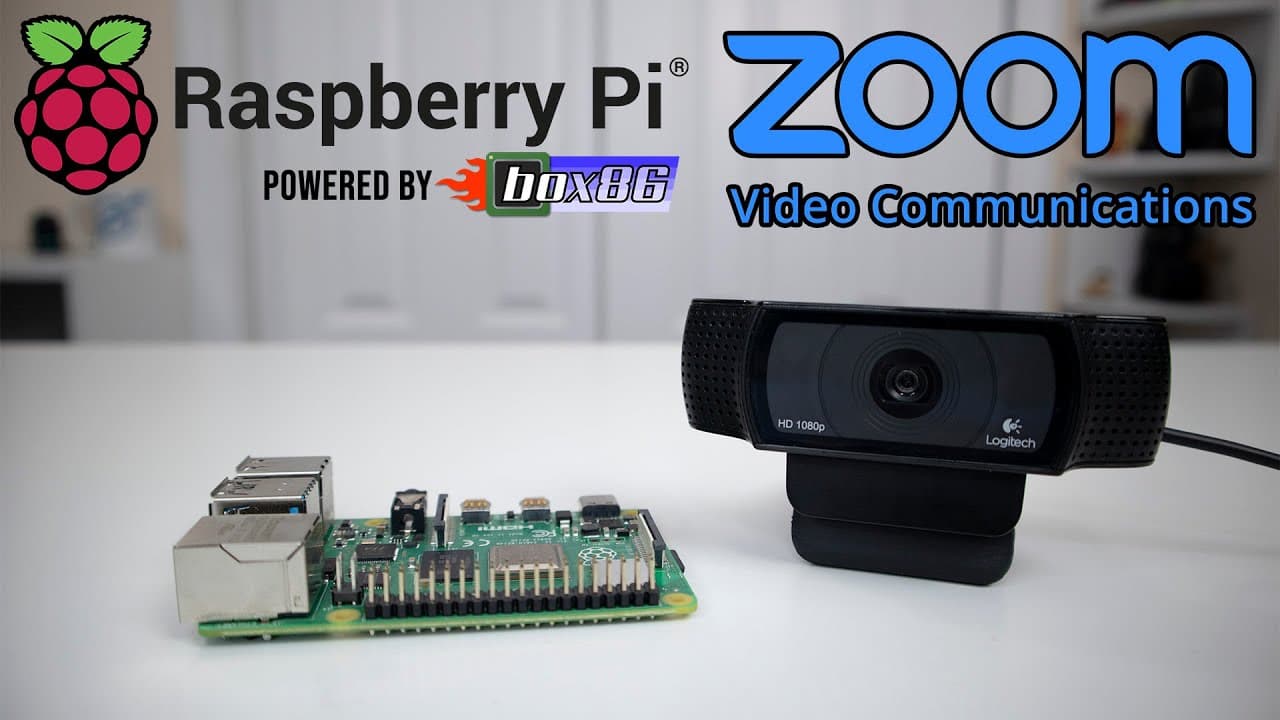
To install Zoom on a Raspberry Pi, use Box86 to run x86 applications on ARM devices. Download the necessary Zoom and Box86 files, install them, and configure settings for video and audio. While performance may be slow, basic functions like video calls, chat, and screen sharing work effectively.
Transcript
hey guys what's going on it's don here from novaspirittech and welcome back to the channel and today we are going to be installing zoom on our raspberry pi so let's get started so i do want to thank sebastian the creator of box 86 that actually made this possible now he created the software which is called box 86 that allows you to run native linux... Read More
Key Insights
- 🦾 Box86 is crucial for running traditional x86 applications on ARM devices, expanding their usability.
- 🎮 Installing Zoom involves several steps, including downloading necessary files and configuring audio and video settings.
- 🖤 Compatibility layers like Box86 are vital for enhancing the capabilities of devices like Raspberry Pi, which typically lack support for Windows software.
- 🈸 A supportive developer community, including Discord channels and GitHub forums, can significantly expedite troubleshooting and enhance application performance.
- 🏃 Performance on Raspberry Pi can vary, with some applications running slower due to hardware limitations, yet still offering decent functionality.
- 🎮 The integration of video conferencing software into lightweight ARM devices can democratize access to remote communication tools.
- 👤 The necessity for ongoing software updates is highlighted, as rapid development in tools like Box86 ensures continuous improvement of user experiences.
Install to Summarize YouTube Videos and Get Transcripts
Explore YouTube Video Summarizer or Get YouTube Transcript Extractor
Questions & Answers
Q: What is Box86, and why is it significant for Raspberry Pi users?
Box86 is a compatibility layer that allows x86 Linux applications to run on ARM devices like Raspberry Pi. This is significant because many popular applications, including Zoom, are originally designed for x86 architecture, limiting their availability on ARM-based systems. By using Box86, users can access these applications, broadening the functionality of their devices.
Q: How did the creator troubleshoot issues with Zoom on the Raspberry Pi?
The creator faced initial crashing problems while using Zoom on Raspberry Pi. To troubleshoot, he consulted the Box86 GitHub issue boards and engaged with the developer, Sebastian, on Discord. Their collaboration led to identifying bugs and implementing fixes, resulting in a more stable Zoom experience on the device.
Q: What hardware components are necessary for running Zoom on a Raspberry Pi?
To effectively run Zoom, users need a Raspberry Pi equipped with a webcam for video conferencing, a microphone (often built into the webcam), and an audio output option like HDMI or headphones. A stable internet connection is also essential for smooth video calls.
Q: What are some features of Zoom that work on Raspberry Pi via Box86?
Users can utilize video conferencing, chat functionalities, and screen sharing while using Zoom on Raspberry Pi. Virtual backgrounds are also supported, although they may demand more resources, which can affect performance. Overall, most essential Zoom features remain functional.
Summary & Key Takeaways
-
The video details the steps to install Zoom on a Raspberry Pi, leveraging Box86, software that allows x86 applications to run on ARM devices effectively.
-
The creator discusses previous struggles with app performance and interaction with the developer, producing solutions that improved Zoom's functionality on the Raspberry Pi.
-
Users can expect to encounter minor performance issues, but essential Zoom features such as video calls, chat, and screen sharing will work satisfactorily.
Read in Other Languages (beta)
Share This Summary 📚
Summarize YouTube Videos and Get Video Transcripts with 1-Click
Try YouTube Summary with ChatGPT & Claude or YouTube Transcript Generator
Explore More Summaries from Novaspirit Tech 📚






Summarize YouTube Videos and Get Video Transcripts with 1-Click
Try YouTube Summary with ChatGPT & Claude or YouTube Transcript Generator