How to Pass Through Integrated GPU to Proxmox VM
TL;DR
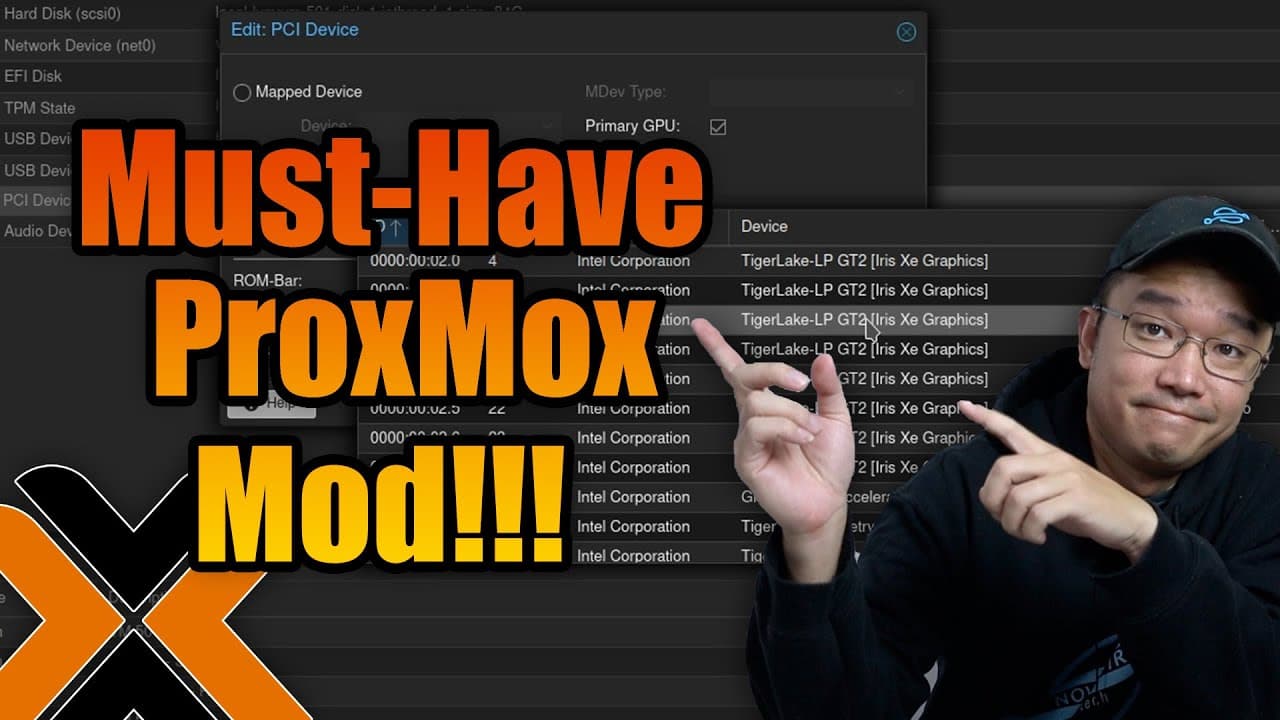
To pass through an integrated GPU to a VM in Proxmox, configure your system using the appropriate kernel version and follow specific instructions for your Intel CPU generation. This enhancement greatly improves VM capabilities, enabling resource-intensive applications like transcoding and graphic processing, especially beneficial for Mini PC users.
Transcript
hey guys what's going on it's Don here from Nova Spirit Tech and today I want to show you guys a really cool mod that you could do to your proxmox which allows you to pass through your integrated GPU to your VM so let's check it out now I personally do a lot of Home lab stuff especially on proxmox and a lot Docker stuff so if you guys are intereste... Read More
Key Insights
- 👻 The GPU pass-through feature significantly enhances the potential of virtual machines in Proxmox by allowing access to GPU functionalities, opening avenues for more complex applications.
- 🛳️ Integrated GPU pass-through is particularly valuable for Mini PC setups where hardware upgrades are limited.
- 😀 Compatibility with CPU generation is crucial; users with 11th gen Intel CPUs may face unique challenges that others may not encounter.
- 🛂 Kernel version control is essential for maintaining stability while using GPU pass-through; ensuring matching versions can prevent system disruptions.
- 👤 Users need to experiment cautiously due to the experimental nature of the pass-through feature, as it's still evolving in Proxmox environments.
- 🐵 Community engagement is key for troubleshooting and sharing experiences, as many users may face similar issues when implementing GPU pass-through.
- 😒 This modification is not just beneficial for transcoding; it can empower a variety of graphic-intensive tasks, thus broadening the use cases for virtual machines in home labs.
Install to Summarize YouTube Videos and Get Transcripts
Explore YouTube Video Summarizer or Get YouTube Transcript Extractor
Questions & Answers
Q: What does the GPU pass-through modification in Proxmox allow users to do?
The GPU pass-through modification allows users to allocate their integrated GPU to virtual machines, enabling them to run demanding applications that require graphics processing. This includes tasks like video transcoding, gaming, or running graphic-intensive software like Photoshop, which significantly enhances the functionality of a VM, particularly on Mini PCs that lack dedicated GPUs.
Q: What are some challenges associated with passing through integrated GPUs on Proxmox?
One challenge users may face is compatibility with different Intel CPU generations. While the modification works well with 12th and 13th gen CPUs, those in the 11th generation may encounter issues. Additionally, users need to ensure they are using the correct kernel version and Intel graphics drivers, which can be confusing and often requires precise compilations.
Q: What specific steps are involved in compiling the GPU pass-through for Proxmox?
Compiling the GPU pass-through involves downloading the necessary files from GitHub and ensuring they match the kernel version of your Proxmox setup. Users need to modify specific code segments based on the kernel version being used (6.1 or 6.2), and carefully follow the instructions provided in community resources or the original article referenced in the video.
Q: Why is it important to be cautious with kernel upgrades when using the GPU pass-through feature?
Kernel upgrades can disrupt the GPU pass-through functionality, as seen with the speaker's experience. If the updated kernel conflicts with the compiled modifications or drivers, it can lead to a loss of GPU detection or stability issues. Therefore, users must consider rolling back kernel versions or troubleshooting the compilation if a recent update causes problems.
Summary & Key Takeaways
-
Proxmox users can enhance VM performance by passing through integrated GPUs, which allows for advanced tasks like transcoding and graphic applications.
-
The tutorial provides detailed instructions on how to pass through GPUs, highlighting compatibility issues with various Intel CPU generations that affect the process.
-
Users are encouraged to engage with the community for additional insights and troubleshooting tips, especially since this method remains experimental and may lead to system instability.
Read in Other Languages (beta)
Share This Summary 📚
Summarize YouTube Videos and Get Video Transcripts with 1-Click
Try YouTube Summary with ChatGPT & Claude or YouTube Transcript Generator
Explore More Summaries from Novaspirit Tech 📚






Summarize YouTube Videos and Get Video Transcripts with 1-Click
Try YouTube Summary with ChatGPT & Claude or YouTube Transcript Generator