How to use OpenAI Atlas for AI powered browsing
TL;DR
Atlas blends a familiar browser with AI agents to accelerate web tasks. It starts fast by running Chromium as an out of process service and enables agent driven actions like clicking and browsing. The interview highlights productivity gains, security trade offs, and future web interaction directions.
Transcript
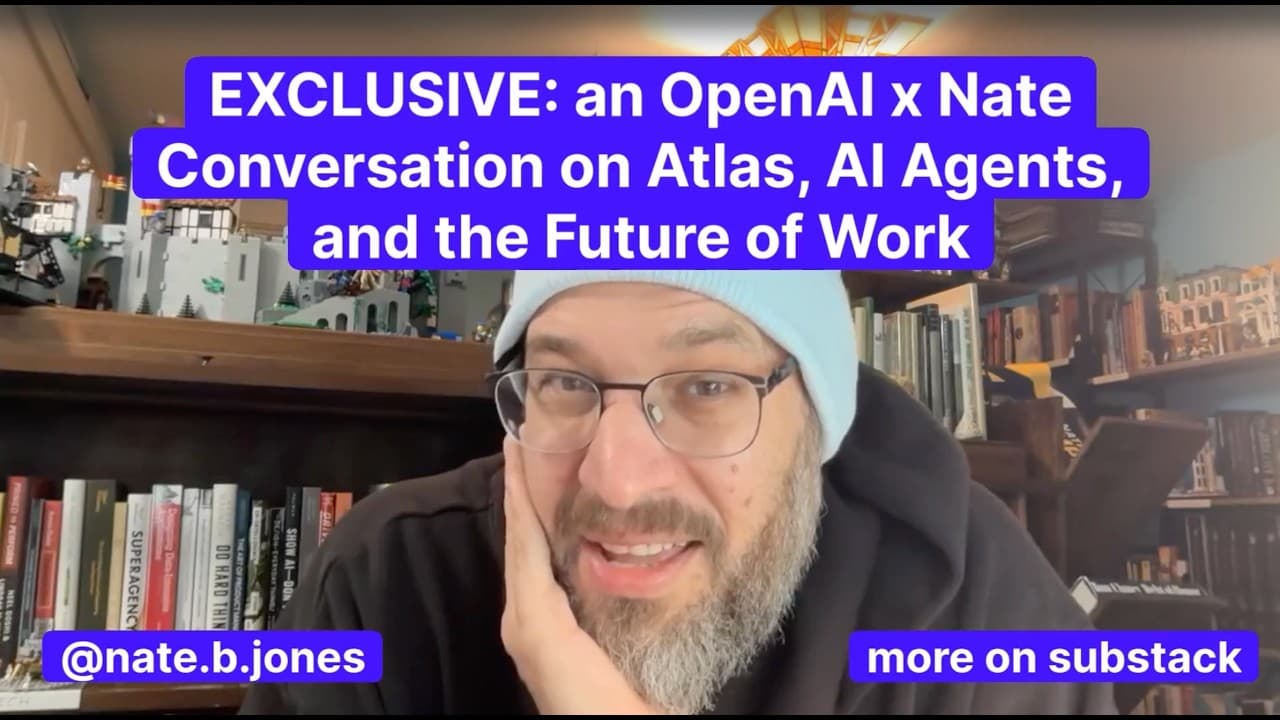
This is a good one, guys. I got to sit down with Open AAI's Ben Goodger, the lead engineer building the Atlas browser for OpenAI. We had a really wide-ranging conversation. We talked about the history of browsers. Ben, of course, has been involved in building Chrome, been involved in building Netscape Navigator for those of you with gray hairs, and... Read More
Key Insights
- Atlas is built to resemble a traditional browser so users have an intuitive starting point before introducing advanced AI features
- The Atlas architecture runs Chromium as an out of process service to enable fast startup and non blocking operation
- Agent features synthesize inputs and perform actions on the page to automate tasks while maintaining security
- Codeex and related tools shift engineering productivity by enabling rapid prototyping and code exploration
- Product decisions balance familiar browser UX with new AI driven capabilities to lower friction for users
- The team emphasizes the rapid development speed of AI features and how this changes roadmap planning
- Atlas demonstrates practical use cases like shopping where agents compare prices and surface better deals
- Atlas aims to redefine web interaction by embedding AI agents into everyday browsing rather than just adding tabs
- More videos from this channel:
- More from this channel: AI News & Strategy Daily | Nate B Jones
Install to Summarize YouTube Videos and Get Transcripts
Explore YouTube Video Summarizer or Get YouTube Transcript Extractor
Questions & Answers
Q: A real search query question about the video (e.g. 'How to...', 'What is...', 'Why does...', 'When should...'). Question 1
What is Atlas and how does it differ from a traditional browser in practice? Atlas is described as an AI powered browser from OpenAI that preserves a familiar browser experience while integrating agent driven features. It uses advanced capabilities like agents to click and navigate on web pages, enabling faster information gathering and task execution. The architecture supports quick startup and interaction, making AI assisted browsing more seamless.
Q: Question 2
Why is Atlas considered a step change in browser evolution? Atlas introduces agent based browsing and AI assisted workflows, which go beyond simple tab management. The approach aims to reduce friction by making the magic of AI accessible directly within the browsing experience, allowing users to perform complex tasks with minimal manual steps.
Q: Question 3
How do AI agents in Atlas affect engineering productivity according to the interview? The speaker notes that tools like Codeex significantly boost productivity for both inexperienced and experienced engineers, enabling faster prototyping and more efficient code exploration. This accelerates feature development and helps teams iterate ideas rapidly.
Q: Question 4
What are the security trade offs mentioned when using AI agents in Atlas? The conversation touches on security implications as part of the design, including how agents interact with pages and input events. The aim is to pair powerful automation with a secure architecture that supports robust, controlled interactions on the web.
Q: Question 5
What is the role of fast startup in Atlas and how is it achieved? Atlas is designed to start quickly by running Chromium as an out of process service, ensuring the browser does not block while the agent features initialize. This accelerates access to AI driven capabilities and reduces waiting time for users.
Q: Question 6
What is one practical use case of Atlas highlighted in the interview? A notable use case is shopping, where Atlas can compare prices across sites and find deals. The agent can browse the web, evaluate options, and surface cheaper or better offers to the user, illustrating real world efficiency gains.
Q: Question 7
How does Atlas integrate with developer tooling and workflows? The interview discusses how engineers use Codeex and related tooling to refactor code, build new features, and explore repositories more effectively. This integration supports higher velocity development and better collaboration between AI assisted insights and human engineering.
Q: Question 8
What is the broader vision for the future of web interaction with Atlas? The discussion frames Atlas as a glimpse into how AI will live on the web, combining intelligent agents with browsing to enable new forms of interaction and productivity. The goal is to evolve how people work with information online, not just browse it.
Summary & Key Takeaways
-
Atlas reframes the browser as an agent driven tool that pairs familiar browsing with AI capabilities
-
The product design balances familiarity with new features to reduce friction while introducing advanced experiences
-
Atlas emphasizes developer productivity and faster iteration through tools like Codeex and agent driven workflows
Read in Other Languages (beta)
Share This Summary 📚
Summarize YouTube Videos and Get Video Transcripts with 1-Click
Try YouTube Summary with ChatGPT & Claude or YouTube Transcript Generator
Explore More Summaries from AI News & Strategy Daily | Nate B Jones 📚





Summarize YouTube Videos and Get Video Transcripts with 1-Click
Try YouTube Summary with ChatGPT & Claude or YouTube Transcript Generator