How Do Attackers Bypass Next-Gen Security Tools?
TL;DR
Next-generation security tools can be bypassed when they trust signed Windows binaries, depend on cloud connectivity, skip oversized files, or fail to inspect obfuscated and memory-based activity. Effective testing should reproduce real attack techniques with accessible tools, including Cactus Torch, MSHTA, Metasploit, and Trevor C2, while examining file-based, fileless, scripting, application, and living-off-the-land methods.
Transcript
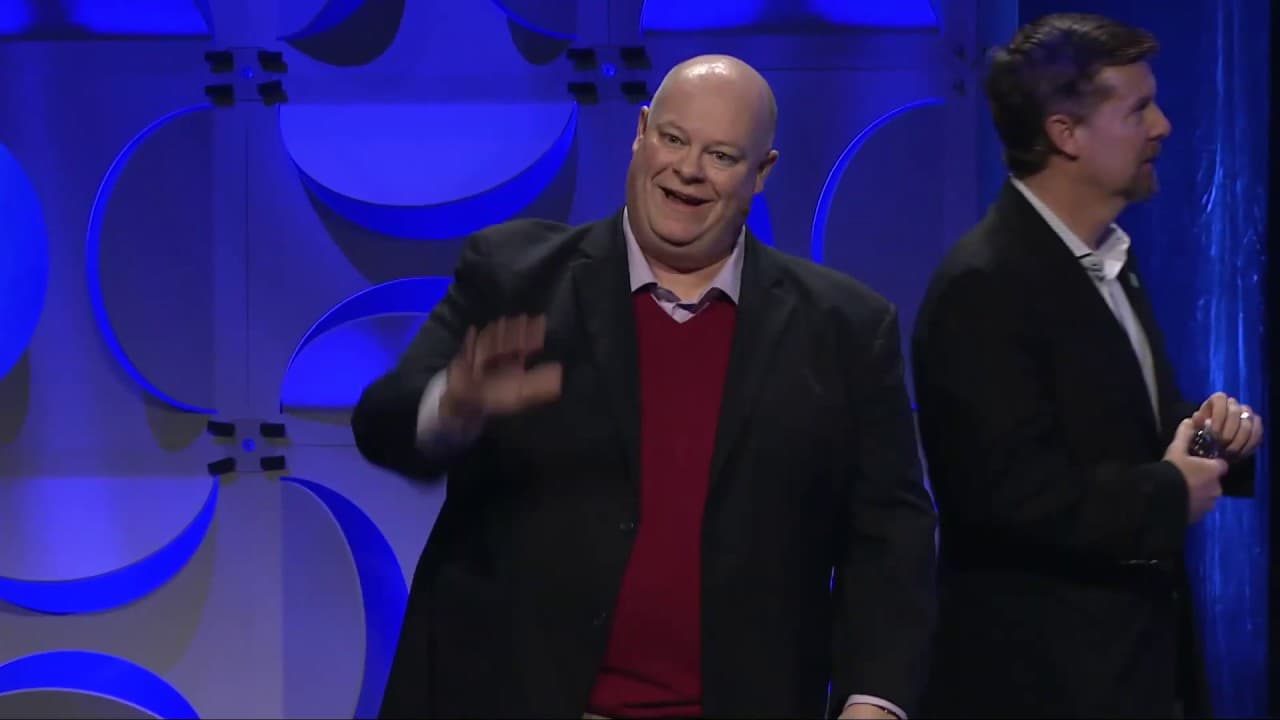
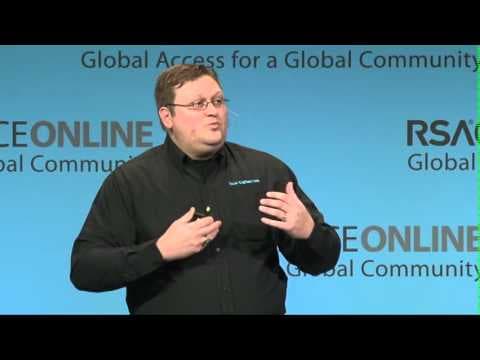
Please welcome Brian Robison and Stuart McClure. Hey, everybody. What's up, big guy? We- All right. All right. W- Hey, we hit it. We didn't miss, right? I, I know. I thought we'd have a nerd moment for sure and just- Whoo ... totally with it, so a little bit fearful, but thank you all for coming this early morning and braving the rain. Hopefully yo... Read More
Key Insights
- File pumping is an evasion technique that adds data to malware or ransomware until the file exceeds a product's inspection threshold. The presenters state that making a file larger than 20 megabytes can bypass about half of the next-generation technologies they tested.
- DLL sideloading is a technique that uses a trusted application or security vendor DLL-loading process to load a malicious DLL. The presenters identify this method as the attack used in the OPM breach and state that it still works against most next-generation technologies.
- Command obfuscation is capable of bypassing many next-generation defenses because products may not recognize altered command lines or renamed tools. The presenters give the simple renaming of PowerShell as an example of changing how a familiar administrative capability appears to security monitoring.
- Universal unhooking is a technique that can remove security monitoring hooks after an attacker obtains administrator privileges on a machine. The presenters acknowledge that administrative access is required, but describe the subsequent unhooking process as simple and previously documented in their research.
- Cloud dependence can weaken endpoint protection when internet connectivity disappears. The presenters state that some products must send telemetry to cloud services and wait for analysis, and that disconnecting the internet can force those products to allow activity that they might otherwise inspect or block.
- Cactus Torch is a publicly available tool first released in July 2017 that can launch shellcode through JavaScript or VBScript. It spawns a 32-bit version of a selected binary, injects shellcode into it, and can use programs such as Notepad, Calculator, or rundll32.
- The Cactus Torch workflow begins by generating raw 32-bit shellcode with a tool such as Metasploit or Cobalt Strike. The shellcode is Base64-encoded, copied into a JavaScript or VBScript variable, and executed with WScript, allowing the technique to be incorporated into documents.
- MSHTA is a default Windows executable that can run HTA content and execute code in memory. Because it is Microsoft's own signed binary, the technique turns a trusted executable against the system and creates difficulties for application whitelisting or blocking strategies.
Install to Summarize YouTube Videos and Get Transcripts
Explore YouTube Video Summarizer or Get YouTube Transcript Extractor
Questions & Answers
Q: How can attackers bypass next-generation endpoint security tools?
Attackers can exploit inspection limits, trusted binaries, scripting engines, memory execution, and cloud dependencies. The presenters identify file pumping, DLL sideloading, command obfuscation, renamed PowerShell, universal unhooking, and loss of internet connectivity as effective older methods. They also demonstrate newer approaches involving Cactus Torch, MSHTA, JavaScript, VBScript, injected shellcode, and trusted Windows executables.
Q: What is file pumping, and why can it evade security scanning?
File pumping adds a large quantity of data to a malicious file, including malware or ransomware, so that its total size exceeds a security product's scanning threshold. The presenters state that increasing a file beyond 20 megabytes is enough to bypass about half of the next-generation technologies they evaluated, although they note that products have reasons for imposing such limits.
Q: How does DLL sideloading bypass endpoint protection?
DLL sideloading causes a trusted program or loading process to load a malicious DLL. The presenters describe an example in which an antivirus vendor's DLL was leveraged to load another malicious DLL. They connect this technique to the OPM breach and state that DLL hijacking and sideloading continue to work against most next-generation security technologies.
Q: Why can disconnecting the internet weaken next-generation security?
Some next-generation products rely on cloud connectivity to analyze endpoint events. They send observed data and telemetry to a cloud service, then receive a response about the activity. According to the presenters, removing internet connectivity can prevent that exchange and force some products to let activity run, creating an opportunity for attacks that would otherwise receive cloud-based scrutiny.
Q: How does Cactus Torch execute shellcode on Windows?
Cactus Torch launches shellcode through JavaScript or VBScript and spawns a 32-bit version of a chosen binary. It then injects the shellcode into that process. The presenters say an operator can use binaries such as Notepad, Calculator, or rundll32, allowing malicious behavior to operate through familiar programs instead of appearing as a conventional standalone executable.
Q: How is a Cactus Torch payload prepared and launched?
The demonstrated process starts with raw 32-bit shellcode generated through a tool such as Metasploit or Cobalt Strike. The operator Base64-encodes that shellcode and copies the encoded payload into a variable within JavaScript or VBScript. WScript then runs the script, and the same approach can be placed into different documents to support infection and execution.
Q: Why is MSHTA useful for fileless attack techniques?
MSHTA is a default Windows executable that can run HTA content and execute associated code in memory. It is also a trusted, Microsoft-signed binary, which makes straightforward application whitelisting or blocking less effective. The presenters explain that attackers can use this legitimate executable against the system instead of relying on an unfamiliar malicious executable that defenses may identify more easily.
Q: Why are Cactus Torch and HTA payloads difficult to detect on a network?
Cactus Torch can place obfuscated shellcode inside content wrapped with HTML, while MSHTA provides a trusted mechanism for running the resulting HTA code. From the network perspective, the presenters say the transfer can resemble normal HTTP or HTTPS HTML traffic. This combination of obfuscation, ordinary web formatting, trusted execution, and in-memory activity makes detection and blocking difficult.
Summary & Key Takeaways
-
McClure and Robison examine foundational weaknesses in next-generation security technologies through live demonstrations. Their examples come from customer penetration tests, attacks observed in the wild, and published security research. Proprietary components are replaced with accessible tools so attendees can reproduce the underlying techniques and evaluate defensive products in their own environments.
-
Older evasion methods remain effective against many next-generation products. The presenters identify file pumping beyond 20 megabytes, DLL hijacking and sideloading, command obfuscation, renaming PowerShell, universal unhooking after gaining administrator access, and disconnecting internet access as techniques that can exploit scanning limits, trusted components, monitoring weaknesses, or dependence on cloud analysis.
-
The newer demonstrations focus on fileless and memory-oriented execution. Cactus Torch places Base64-encoded, raw 32-bit shellcode into JavaScript or VBScript, spawns a 32-bit binary, and injects the shellcode. MSHTA can execute the resulting code through a trusted, Microsoft-signed Windows binary, while HTML wrapping makes network detection more difficult.
Read in Other Languages (beta)
Share This Summary 📚
Summarize YouTube Videos and Get Video Transcripts with 1-Click
Try YouTube Summary with ChatGPT & Claude or YouTube Transcript Generator
Explore More Summaries from RSAC Cybersecurity 📚


Summarize YouTube Videos and Get Video Transcripts with 1-Click
Try YouTube Summary with ChatGPT & Claude or YouTube Transcript Generator