How to edit in FilmCraft, a Premiere Pro clone
TL;DR
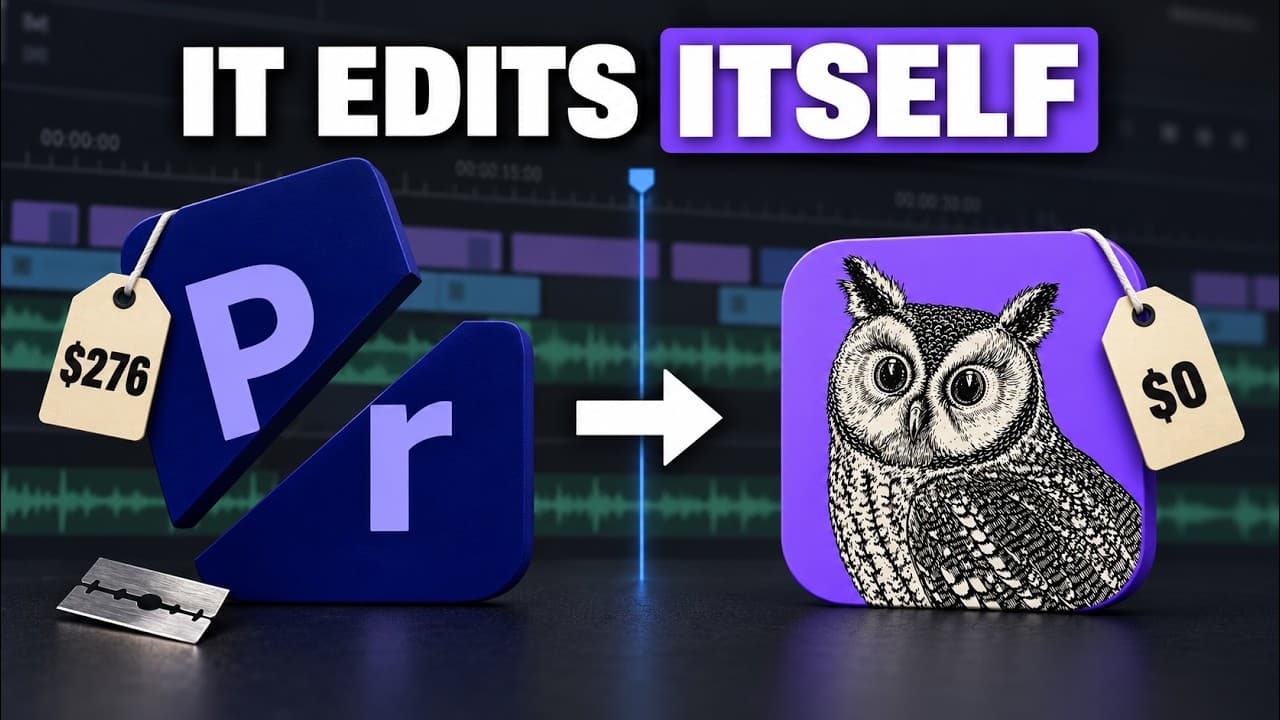
FilmCraft is a free open source Premiere Pro clone that replicates the UI and shortcuts. The video tests setup, runs Claude to fix bugs, and enables text based editing to cut videos. It shows how to download, install, and customize a local editing workflow with Claude integration.
Transcript
So, check this out. This is Filmora, it is a free open-source clone of Premiere Pro with the same panels, the same tools, almost exactly the same UI as Premiere Pro, and even the same keyboard shortcuts. So, I can just start editing in this timeline. Playback is super smooth. I can speed it up with L, just like I would in Premiere. Hit D to select ... Read More
Key Insights
- FilmCraft is a free open source clone of Premiere Pro with similar UI and keyboard shortcuts.
- The video demonstrates downloading, installing, and testing FilmCraft on multiple operating systems.
- Playback performance is tested with 1080p and 4K clips to gauge real time editing feasibility.
- Initial tests reveal some navigation and tool quirks that can slow workflows.
- Claude is used to fix bugs and extend FilmCraft with custom editing capabilities.
- An MCP server is built to allow Claude to cut based on text instructions, enabling text based editing.
- The editor compares features and notes FilmCraft is not yet a complete replacement for Premiere Pro.
- The overall goal is to create a token efficient editing setup using FilmCraft and Claude.
Install to Summarize YouTube Videos and Get Transcripts
Explore YouTube Video Summarizer or Get YouTube Transcript Extractor
Questions & Answers
Q: What is FilmCraft in relation to Premiere Pro
FilmCraft is a free open source clone of Premiere Pro that replicates the same panels, tools, and keyboard shortcuts, allowing users to edit with a Premiere style workflow without the official software. It supports cross platform downloads and aims to provide a local editing environment similar to Premiere Pro, albeit with fewer features and some bugs to fix.
Q: How do you get FilmCraft up and running
To set up FilmCraft you download the appropriate package from the GitHub repository or the project site, choose the correct build for your OS, install it by moving it to the applications folder, and then launch it. The process mirrors how you would install typical desktop applications, with ongoing updates coming from GitHub commits.
Q: What role does Claude play in this workflow
Claude is used to fix bugs and extend FilmCraft by building custom editing features and enabling text based editing. The workflow includes forking the project, applying Claude generated fixes, and creating an MCP server so Claude can interpret text commands to perform edits on the timeline, aiming to improve efficiency.
Q: What is MCP server used for in this setup
The MCP server allows Claude to receive structured editing instructions and execute cuts and adjustments on the FilmCraft timeline. This enables text based editing where the user describes edits in natural language or structured prompts and Claude translates them into concrete timeline actions, reducing manual clicking.
Q: What kind of tests are performed on FilmCraft in the video
Tests include checking 1080p playback for smoothness, introducing a 4K 60 clip to push the timeline, attempting standard edits like cuts and ripple trims, and evaluating keyframe and effect controls. The reviewer also notes some interface quirks and navigation challenges that affect the editing flow.
Q: What are the improvements Claude adds to FilmCraft
Claude adds bug fixes, custom editing capabilities, and the ability to build an editing workflow that accepts text based instructions. This includes enabling text based editing and integrating a machine guided cut system, which aims to increase efficiency and bring the tool closer to a full Premiere Pro style experience.
Q: What limitations are observed with FilmCraft during testing
Limitations include incomplete parity with Premiere Pro, some navigation and tool quirks, audio issues, and rough edges in keyboard shortcuts. The video acknowledges those limits and frames Claude driven fixes as essential to approaching a usable editing workflow while FilmCraft remains a beta style project.
Q: What is the overall verdict on using FilmCraft with Claude
The verdict is cautious optimism: FilmCraft is a promising free alternative for editors who want a local, open source workflow and the Claude integration helps fix bugs and introduce text based editing. It may not replace Premiere Pro yet, but with ongoing development it can become a practical, token efficient editing setup.
Summary & Key Takeaways
-
FilmCraft is presented as a free open source clone of Premiere Pro with similar panels and shortcuts, designed to run on Mac, Windows, and Linux. The creator demonstrates live editing, playback, and basic timeline manipulation to assess how closely it matches Premiere Pro. The video then explores customizing it with Claude and building an MCP server for automated editing instructions.
-
The core workflow shown includes downloading FilmCraft from a GitHub repository, installing it, and testing playback with 1080p and 4K footage. The presenter highlights some rough edges and bugs and previews how Claude fixes issues and enables more advanced editing like text based editing and color grading.
-
The verdict emphasizes that while FilmCraft is not fully equivalent to Premiere Pro yet, it is a workable, growing tool for editors who want a free alternative and a locally hosted editing pipeline. The Claude integration is framed as a way to push the tool toward practical, token efficient editing.
Read in Other Languages (beta)
Share This Summary 📚
Summarize YouTube Videos and Get Video Transcripts with 1-Click
Try YouTube Summary with ChatGPT & Claude or YouTube Transcript Generator
Explore More Summaries from Pat Simmons 📚
Summarize YouTube Videos and Get Video Transcripts with 1-Click
Try YouTube Summary with ChatGPT & Claude or YouTube Transcript Generator