How to Customize Windows 10 Themes with UXPatcher?
TL;DR
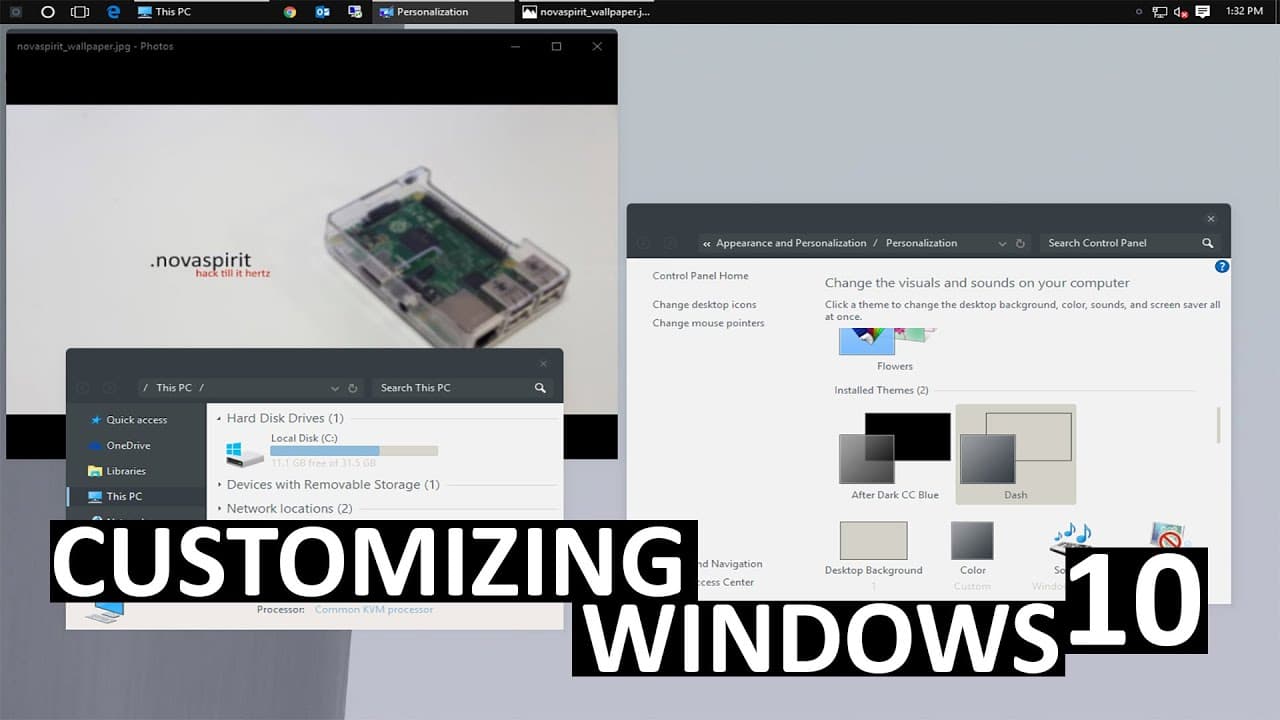
To customize Windows 10 themes using UXPatcher, start by creating a system restore point for safety. You can change the visual style, including dark themes, login screens, and title bars, by modifying system files and applying registry changes. Utilize third-party applications for easier modifications and explore theme options from sources like DeviantArt for additional customization.
Transcript
hey guys what's going on it's Don here from Nova Spirit Tech and today we're going to be customizing our Windows 10 not just changing the font or the wallpaper we're actually going to be changing like the entire thing title bars to login screens right here right now like in all things dangerous to our computer we should always create a system resto... Read More
Key Insights
- 👤 Customizing Windows 10 involves more than just changing backgrounds; it can create a personalized environment tailored to user preferences.
- 🎰 Utilizing a virtual machine during modifications is a safe approach to preview changes without affecting the main operating system.
- 🧘 The process for installing a dark theme requires editing the Windows registry, a procedure that must always be followed by a system reboot.
- 👤 Changing the login screen background can refresh the initial user experience, making the operating system feel more unique.
- 🤗 Using UX Theme Patcher opens up possibilities for extensive theme modifications, enabling an entirely new visual aesthetic for Windows 10.
- 🥳 Several third-party applications can simplify the customization process, making it more accessible for users with limited technical knowledge.
- ☄️ Custom themes often come with their own specific requirements and may necessitate additional software installations or adjustments.
Install to Summarize YouTube Videos and Get Transcripts
Explore YouTube Video Summarizer or Get YouTube Transcript Extractor
Questions & Answers
Q: Why is it important to create a system restore point before customizing Windows 10?
Creating a system restore point is crucial because it allows you to safeguard your system against potential issues that may arise during the customization process. If any modifications lead to errors or malfunctions, you can easily revert your computer back to its previous state, ensuring stability and recoverability.
Q: How can I enable the dark theme in Windows 10?
To enable the dark theme, you need to modify the Windows registry by applying a specific registry file that changes the theme settings. After double-clicking and confirming the changes, a system reboot is necessary for the new theme to take effect, turning the Windows interface predominantly dark.
Q: What steps are involved in changing the login screen background?
To change the login screen background, download the Windows 10 login background changer application, provide it with administrative rights, and use the interface to select your desired image. After applying the changes, the new background will appear the next time you access the login screen, enhancing personalization.
Q: What is the purpose of using UX Theme Patcher in Windows customization?
UX Theme Patcher allows users to install custom themes by allowing modifications to system files that regulate Windows’ appearance. By patching these themes, users can employ a wider range of aesthetic options, moving beyond the default themes provided by Windows 10.
Q: Where can I find custom themes to download for Windows 10?
Custom themes can be found on platforms like DeviantArt, where users often share their creations. By searching for terms like "Windows customization" or "ux theme," you can discover numerous options ranging from minimalist themes to exaggerated style changes suitable for your personal preferences.
Q: What are the risks associated with modifying system files in Windows 10?
Modifying system files can lead to instability or crashes if not executed correctly. There’s a possibility of making your operating system unbootable if essential files are altered or deleted. Hence, it’s vital to proceed carefully and have a restore point prepared for recovery.
Summary & Key Takeaways
-
The video by Don from Nova Spirit Tech focuses on advanced ways to customize Windows 10, surpassing basic changes like wallpapers and fonts.
-
Viewers are instructed to create a system restore point to safeguard against potential issues during the modification process.
-
The tutorial includes steps for applying dark themes, changing login screens, and utilizing theme patchers to enhance the overall look of the operating system.
Read in Other Languages (beta)
Share This Summary 📚
Summarize YouTube Videos and Get Video Transcripts with 1-Click
Try YouTube Summary with ChatGPT & Claude or YouTube Transcript Generator
Explore More Summaries from Novaspirit Tech 📚






Summarize YouTube Videos and Get Video Transcripts with 1-Click
Try YouTube Summary with ChatGPT & Claude or YouTube Transcript Generator