How to Install Windows 2000 on a Raspberry Pi Using Docker
TL;DR
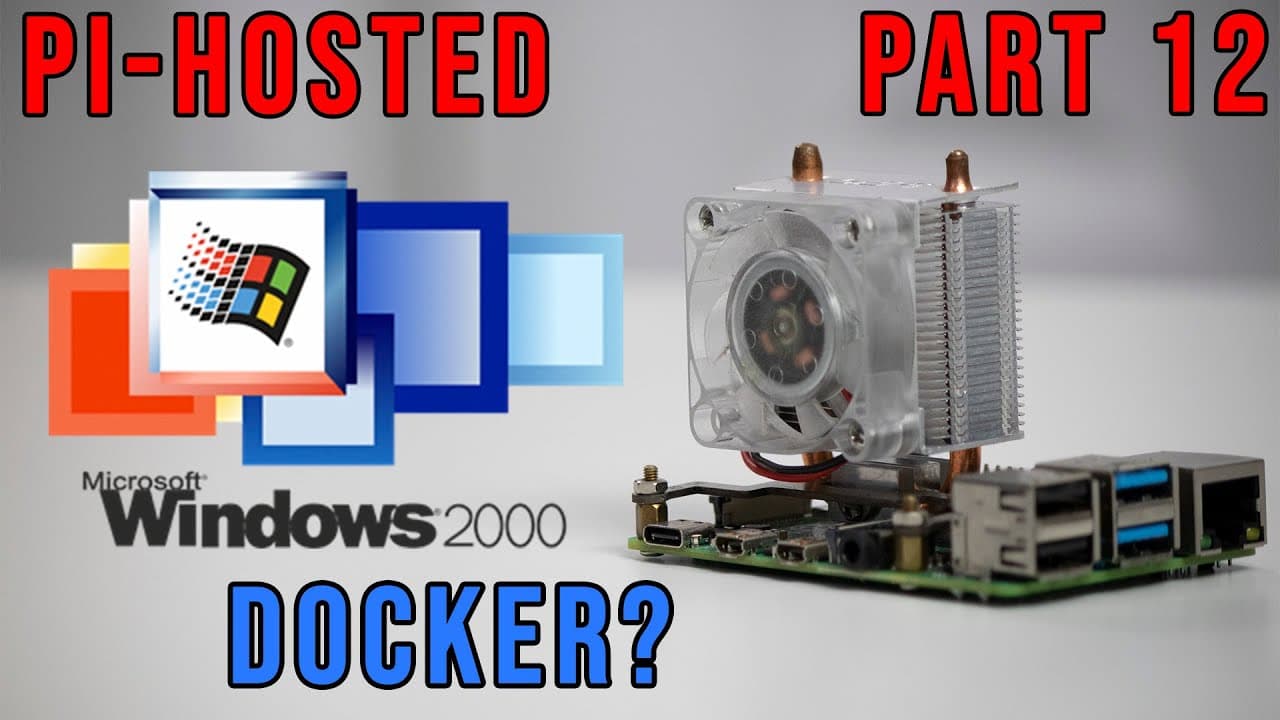
To install Windows 2000 on a Raspberry Pi with Docker, deploy the container using Portainer and enable RDP or VNC for remote access. Despite limited performance, the operating system runs adequately with 512MB of RAM and two cores, allowing users to experiment with retro applications and configure file sharing.
Transcript
hey guys what's going on it's don here from novaspirittech and welcome back to the channel and today we are going to be doing something less productive but more fun on our pi hostess series which is installing windows 2000 as a docker so let's get started now for those of you who are new to this channel i will leave a link to the top left of the pl... Read More
Key Insights
- 😒 The tutorial creatively leverages the Raspberry Pi's capabilities to host an older operating system, showcasing its flexibility beyond typical uses.
- 😄 Docker serves as an efficient way to containerize operating systems like Windows 2000, which is beneficial for isolation and ease of installation.
- 👤 The inclusion of remote desktop access options, like RDP and VNC, enhances the user interaction experience with the operating system.
- 👻 Users can modify the mounted drive locations, allowing flexibility in file management and system storage on the host device.
- 😚 Although performance may be slow, the OS can execute tasks with limited resources, making it practical for specific applications.
- 👻 Windows 2000’s low resource footprint allows a relatively smooth performance, despite running on less powerful hardware compared to modern systems.
- 👻 A linked video can augment the functionality of Windows 2000, enhancing user experiences by allowing the installation of newer software.
Install to Summarize YouTube Videos and Get Transcripts
Explore YouTube Video Summarizer or Get YouTube Transcript Extractor
Questions & Answers
Q: What prerequisites are needed to install Windows 2000 on a Raspberry Pi?
To install Windows 2000 on a Raspberry Pi, you will need Docker installed on the device. Additionally, familiarity with basic Linux commands and networking concepts can help ensure a smoother setup. The Raspberry Pi should have enough resources available, including at least two cores and 512 MB of RAM, to effectively run the OS in a Docker container.
Q: How does the performance of Windows 2000 on a Raspberry Pi compare to modern systems?
The performance of Windows 2000 running on a Raspberry Pi is not as fast compared to modern systems but is sufficient for basic usage. The OS works well with minimal resource requirement, utilizing only about 62 MB of RAM. However, users may experience lag and slower response times when navigating and running applications due to the limited processing power of the Raspberry Pi.
Q: Can I install modern applications on the Dockerized Windows 2000?
Yes, it is possible to install some modern applications on Windows 2000 by utilizing an extended kernel, which enhances compatibility with newer software. The video suggests checking additional resources to unlock TLS support, enabling users to run newer browsers and applications that typically require a newer version of Windows, such as Windows 7.
Q: Why would someone want to run Windows 2000 on a Raspberry Pi?
Running Windows 2000 on a Raspberry Pi can provide a nostalgic experience for users familiar with the OS, allowing experimentation with older software and retro applications. It serves both entertainment and educational purposes, offering insight into legacy systems and how they operate today, making it ideal for tech enthusiasts and learners.
Summary & Key Takeaways
-
The content features a tutorial on installing Windows 2000 server edition as a Docker container on a Raspberry Pi, showcasing its functionality and retro appeal.
-
Users can configure networking and remote desktop access, enabling the use of RDP and VNC to interact with the OS effectively, despite limitations in speed.
-
It also provides insights into enhancing Windows 2000 with updates and installing newer applications, including information provided by a linked video for extended functionality.
Read in Other Languages (beta)
Share This Summary 📚
Summarize YouTube Videos and Get Video Transcripts with 1-Click
Try YouTube Summary with ChatGPT & Claude or YouTube Transcript Generator
Explore More Summaries from Novaspirit Tech 📚






Summarize YouTube Videos and Get Video Transcripts with 1-Click
Try YouTube Summary with ChatGPT & Claude or YouTube Transcript Generator