How to Make a free Facebook Messenger Bot (Manychat Tutorial)
TL;DR
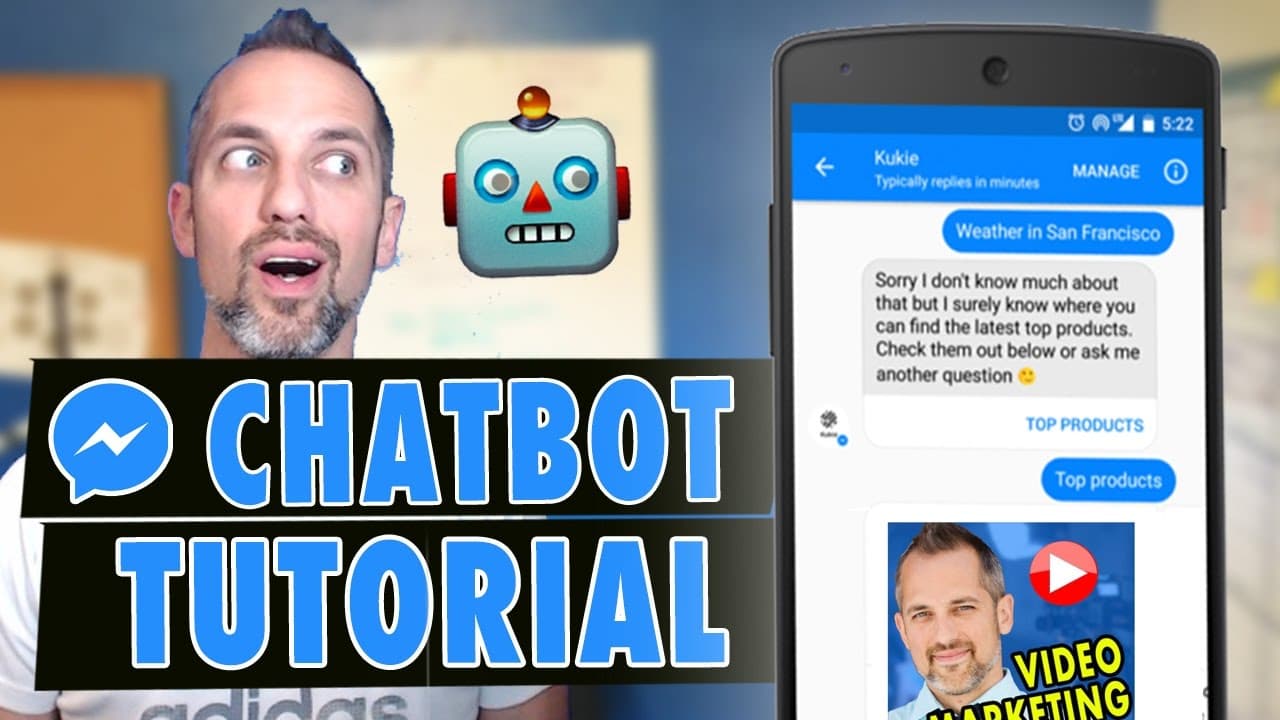
Learn how to create and customize a Facebook Messenger bot for free, and discover the various functionalities it offers.
Transcript
today's a very special day I'm gonna be showing you how to make a facebook Messenger bye if that sounds like the kind of stuff that you're into then you definitely want to subscribe to the channel I'll do a lot of training on internet marketing how to use cool apps software and tech but also how to use marketing more effectively in your business so... Read More
Key Insights
- 🥶 ManyChat allows users to create and customize a Facebook Messenger bot for free.
- 🧰 Growth tools in ManyChat provide various options for subscription boxes.
- 👤 Users can customize the appearance, message, and actions of the subscription box.
- 👻 ManyChat also allows users to add additional elements like images, buttons, videos, and audio files.
- 👨💻 JavaScript code needs to be installed on the website to enable the subscription box to appear.
- 🍱 The subscription box can be configured to appear on specific pages or only on certain devices.
- 🚁 ManyChat provides options for sending welcome messages and opt-in messages to subscribers.
Install to Summarize YouTube Videos and Get Transcripts
Explore YouTube Video Summarizer or Get YouTube Transcript Extractor
Questions & Answers
Q: How do I create a Facebook Messenger bot for free?
To create a Facebook Messenger bot for free, you can log into ManyChat, set up a free account, and connect it to your Facebook business page.
Q: What are growth tools in ManyChat?
Growth tools in ManyChat are tools that allow you to create and manage different types of subscription boxes or pop-ups for your Facebook Messenger bot.
Q: Can I customize the appearance of the subscription box?
Yes, you can customize the appearance of the subscription box by changing colors, adding an image, and adjusting the headline and description.
Q: What actions can I add to the subscription box?
You can add actions like redirecting to a URL, opening a website, calling a phone number, and adding subscribers to a sequence or autoresponder series.
Summary & Key Takeaways
-
Log into ManyChat and set up a free account, and connect it to your Facebook business page.
-
Access the "Growth Tools" section to create and customize different types of subscription boxes.
-
Customize the appearance, message, and actions of the subscription box, and add additional elements like images, buttons, and videos.
Read in Other Languages (beta)
Share This Summary 📚
Summarize YouTube Videos and Get Video Transcripts with 1-Click
Try YouTube Summary with ChatGPT & Claude or YouTube Transcript Generator
Explore More Summaries from Owen Video 📚






Summarize YouTube Videos and Get Video Transcripts with 1-Click
Try YouTube Summary with ChatGPT & Claude or YouTube Transcript Generator