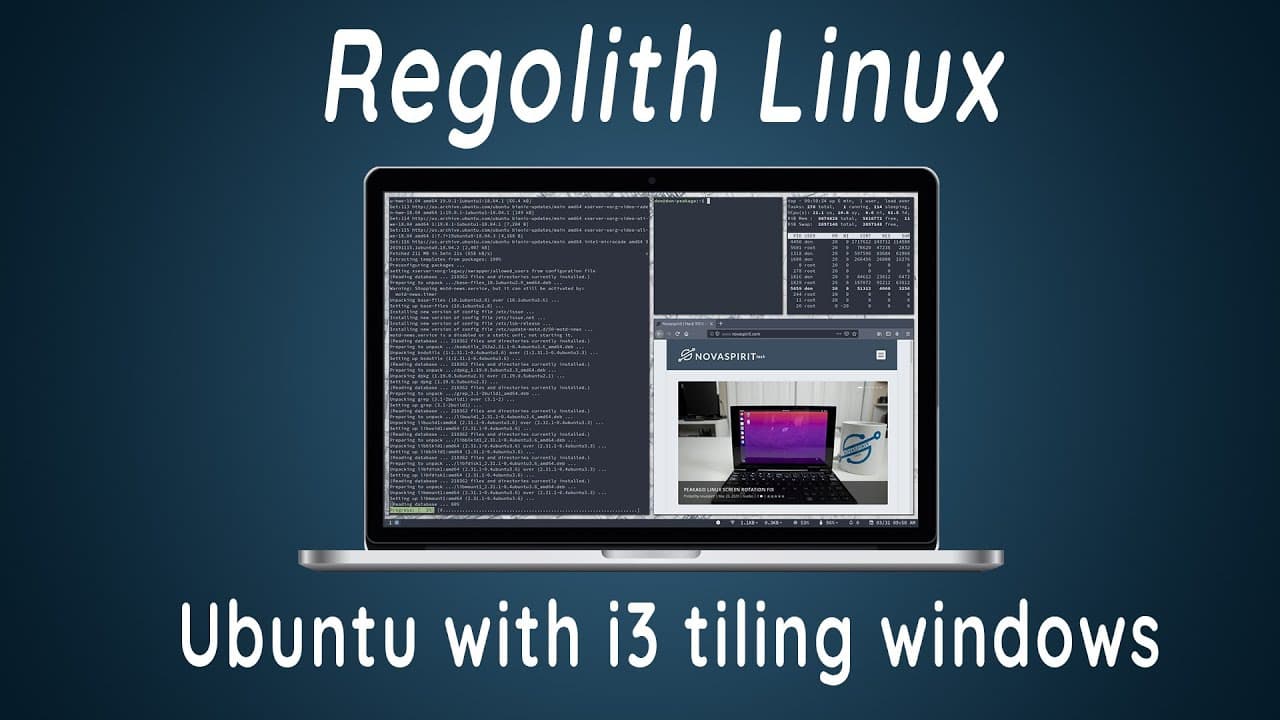
Regolith Linux - Ubuntu with i3 Tiling Window Manager
TL;DR
Regolith Linux combines AI3 tiling with Ubuntu for efficient window management.
Transcript
hey guys what's going on it's down here from Nova Sparrow Tech and welcome back to the channel and today we are gonna be checking out regolith Linux so let's get started so first off I'm gonna leave a link to what I'm talking about in the description down below and if I'm saying their name wrong I am sorry because I think it's pronounced that way b... Read More
Key Insights
- 😄 Regolith Linux streamlines the user experience by combining a powerful tiling window manager with an established Ubuntu base, easing the transition for those familiar with Linux.
- 🐭 The focus on keyboard navigation fosters productivity, particularly in environments where a mouse may not be ideal or efficient.
- 😑 Pre-installed utilities eliminate potential setup time and complexity, letting users dive straight into their tasks with minimal configuration.
- 👤 The operating system's support for multiple desktop setups enhances its versatility for users managing extensive projects or multitasking.
- 👤 Regolith’s documentation is user-friendly, providing guidance for beginners and advanced users alike, while still allowing for deep configuration options.
- 💻 The operating system is well-suited for laptops, particularly with its space-efficient window arrangement and functionalities designed for smaller screens.
- 👤 The community around Regolith is supportive, with resources available through GitHub, encouraging users to share themes and configurations.
Install to Summarize YouTube Videos and Get Transcripts
Explore YouTube Video Summarizer or Get YouTube Transcript Extractor
Questions & Answers
Q: What is Regolith Linux and what makes it stand out?
Regolith Linux is a distribution that combines the AI3 window tiling manager with an Ubuntu base, offering a unique and efficient environment for users, particularly those who prefer keyboard navigation over mouse usage. Its pre-configured settings simplify setup and enable smooth window management, making it suitable for various workflows.
Q: How does the AI3 window tiling manager work in Regolith?
The AI3 window tiling manager organizes open windows in a non-overlapping layout, maximizing screen real estate. Users can manipulate window positions and sizes without using a mouse, relying instead on intuitive keyboard shortcuts. This feature is particularly beneficial for multitasking and keeping projects organized.
Q: Are there any special tools or features included in Regolith Linux?
Yes, Regolith includes a theme manager called Regolith Looks, which allows users to change visual themes effortlessly. Additionally, the built-in keyboard shortcuts facilitate window management, and the integration with various Gnome utilities allows for convenient system configurations, significantly enhancing user experience.
Q: How can users customize their Regolith Linux experience?
Users can tailor their Regolith Linux setup through the Regolith Looks theme changer, adjusting visual aesthetics to their preference. Furthermore, users can modify keyboard shortcuts and configurations as documented on the official website, allowing for a personalized workflow suited to individual needs.
Summary & Key Takeaways
-
Regolith Linux is built on an Ubuntu base, integrating the AI3 window tiling manager to enhance user experience, especially on laptops. Its keyboard-friendly design promotes efficiency, allowing users to manage windows without a mouse.
-
The operating system features a range of customizations that avoid the need for users to configure essential utilities manually, as they are pre-loaded. This makes it suitable for users who want to experience tiling in a streamlined fashion.
-
Users can modify themes through the Regolith Looks app and easily navigate settings with simple keyboard shortcuts. Documentation provided helps in configuring various aspects of the system according to users' preferences.
Read in Other Languages (beta)
Share This Summary 📚
Summarize YouTube Videos and Get Video Transcripts with 1-Click
Try YouTube Summary with ChatGPT & Claude or YouTube Transcript Generator
Explore More Summaries from Novaspirit Tech 📚






Summarize YouTube Videos and Get Video Transcripts with 1-Click
Try YouTube Summary with ChatGPT & Claude or YouTube Transcript Generator