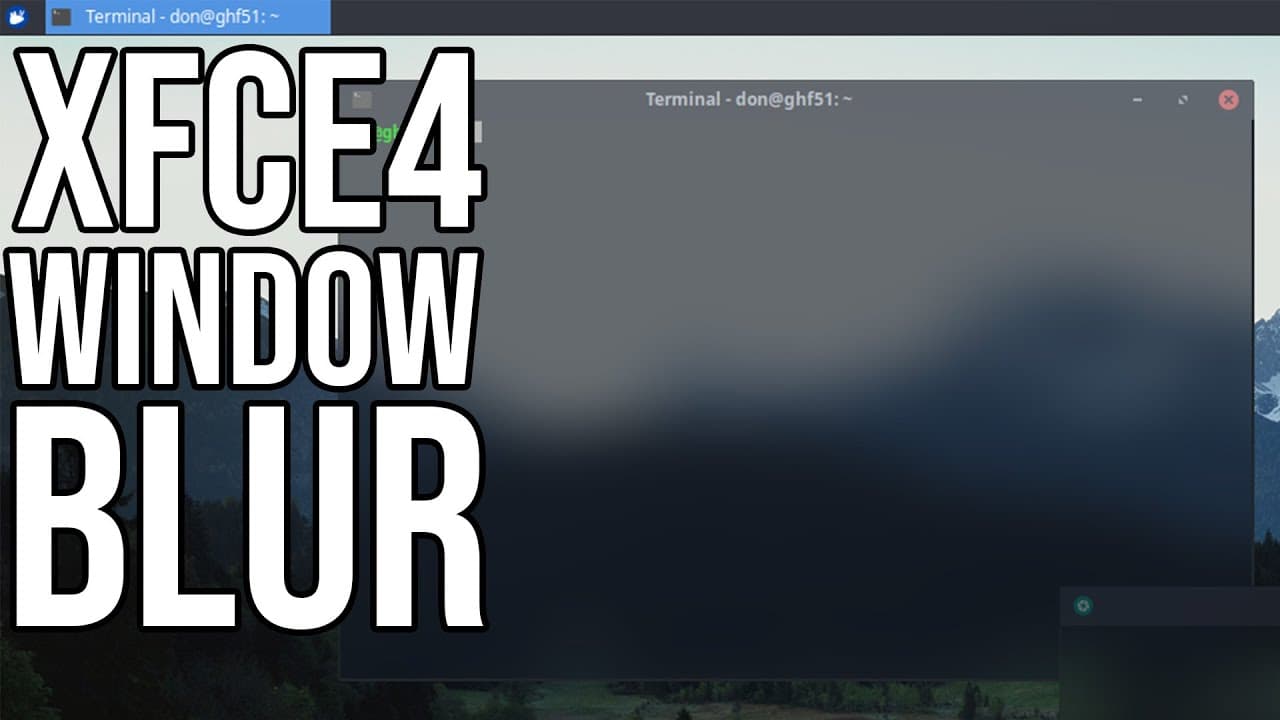
How to Apply Blur to xfce 4 Desktop Manager
TL;DR
Learn how to add blur effects to XFCE4 for a modern look.
Transcript
hey guys what's going on it's don here from nova spare tech and welcome back to the channel and today we are going to be doing some blur effects on xfce4 so let's get started now we all know xfce is actually a really good desktop environment it's lightweight very functional but as far as appearance goes it's not that great so i'm actually going to ... Read More
Key Insights
- 🎨 XFCE4 is known for its lightweight and functional design but can benefit significantly from aesthetic enhancements like blur effects.
- 😒 The video tutorial uses a practical approach, demonstrating live installation and customization steps to ensure viewers can follow along effectively.
- 🫠 Installing themes like arc and icon packs can drastically change the desktop environment's look and feel, aligning with modern design trends.
- 😒 The use of terminal commands is a fundamental aspect of this process, emphasizing the skills needed for manipulating Linux environments.
- 👀 PyCom provides advanced features such as rounded corners and various transparency options, catering to users looking for a visually refined desktop experience.
- 👤 Users are encouraged to make adjustments and custom configurations, reflecting the flexibility and adaptability of the XFCE4 environment.
- 😘 The final setup retains low resource usage, maintaining XFCE4's reputation as a lightweight desktop, even with additional graphical features.
Install to Summarize YouTube Videos and Get Transcripts
Explore YouTube Video Summarizer or Get YouTube Transcript Extractor
Questions & Answers
Q: What is the purpose of adding blur effects to XFCE4?
Adding blur effects enhances the visual aesthetics of XFCE4, making it appear more modern and visually appealing. With blur, transparency effects can provide a more seamless and immersive interface, similar to what users experience in other desktop environments like KDE. This can improve overall user experience and satisfaction with the desktop environment.
Q: How do you install arc theme and papyrus icon theme?
To install arc theme and papyrus icon theme, you can open the terminal emulator and run the command "sudo apt install arc-theme papirus-icon-theme." This process automatically downloads and sets up the themes, which you can then apply in the system settings to improve the XFCE4 appearance significantly.
Q: What is PyCom, and why do we need it?
PyCom is an advanced compositor for X11 that replaces the existing XCom manager on XFCE4. It allows for the implementation of transparency and blur effects on windows, enhancing the visual quality of the desktop environment. PyCom supports features like rounded corners, shadow effects, and translucent windows, making it a valuable tool for customization.
Q: What challenges might arise when compiling PyCom?
Compiling PyCom may present challenges such as missing dependencies or errors in configuration files. Specifically, users might encounter issues with incorrectly configured sample files or missing libraries. It is crucial to follow installation instructions carefully, and users should be prepared to troubleshoot errors related to syntax or incorrect installations during the compilation process.
Summary & Key Takeaways
-
This video tutorial demonstrates how to improve the appearance of the XFCE4 desktop environment by applying blur effects, making it visually appealing.
-
The creator uses a fresh installation of Zubuntu and walks through the theme installation process, including arc themes and icon packs, for a cohesive aesthetic.
-
The main feature is the installation of PyCom, which replaces the default compositing manager to achieve transparency and blur effects on windows and menus.
Read in Other Languages (beta)
Share This Summary 📚
Summarize YouTube Videos and Get Video Transcripts with 1-Click
Try YouTube Summary with ChatGPT & Claude or YouTube Transcript Generator
Explore More Summaries from Novaspirit Tech 📚






Summarize YouTube Videos and Get Video Transcripts with 1-Click
Try YouTube Summary with ChatGPT & Claude or YouTube Transcript Generator