How Muse AI agent UX feels designed for families
TL;DR
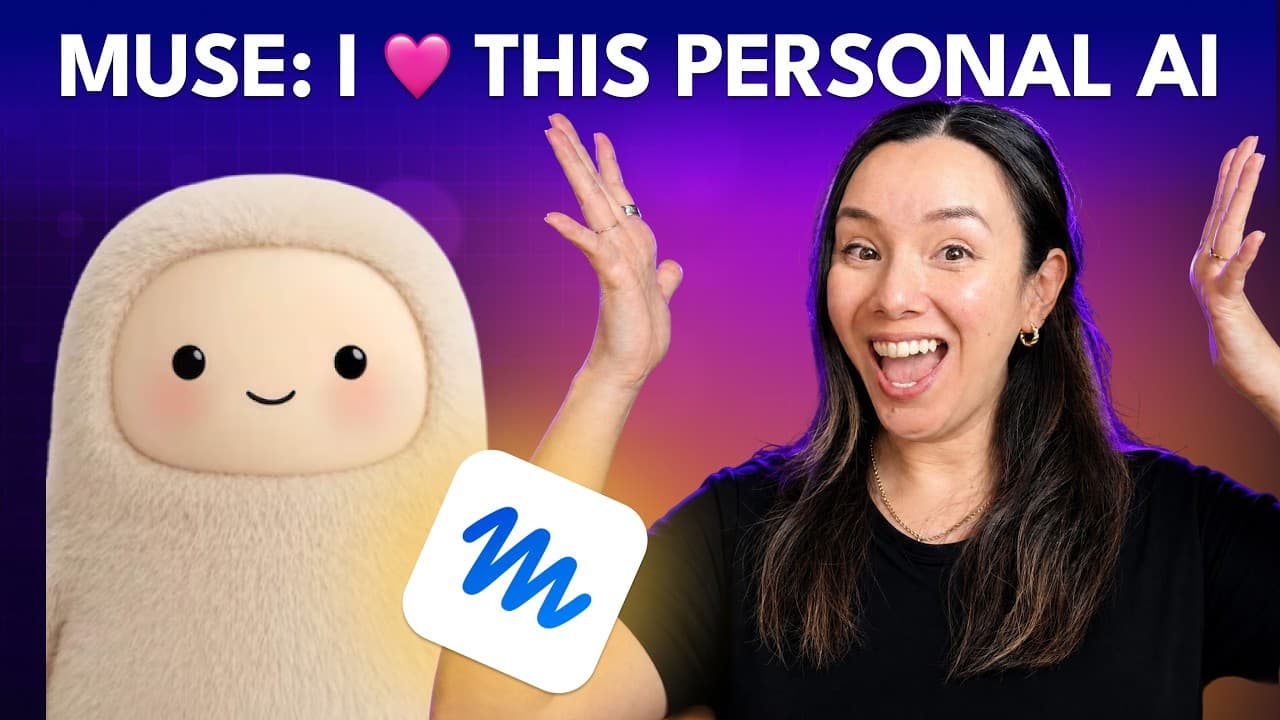
Muse is presented as a consumer friendly personal AI agent built by Meta, focused on family use and safe interactions. The onboarding is smooth, it asks for permissions upfront, and it supports calendars, email, and a one shot PDF agenda. The designer notes a strong activity feed, clear approvals, and a charming animated avatar, though some features require testing to confirm limits.
Transcript
It's the weekend. The kids are out of the house, and that means one thing. It's time to test a new AI agent. Today, I'm going to give you my first pass opinion about Muse, Meta's new personal agent. We're going to talk about what Muse is, what I had it do for me, and what it didn't do quite well, and why I think it might be my favorite designed age... Read More
Key Insights
- Muse is designed as a personal agent with a focus on parental use cases and ease of setup.
- The onboarding emphasizes permission control and trust, showing what Muse will do before taking actions.
- The activity history and approvals feature provide transparency into what the agent does for the user.
- Muse includes a dedicated secure computer with a browser, highlighting security as a core design element.
- The identity and memory customization options allow users to tailor the agent’s personality and recall the user’s context.
- The platform supports multiple communication channels, including mobile and WhatsApp, for accessibility.
- The ability to generate artifacts like PDFs shows Muse can produce tangible outputs beyond simple task lists.
- There are still untested areas where Muse may fall short, indicating current category limits.
Install to Summarize YouTube Videos and Get Transcripts
Explore YouTube Video Summarizer or Get YouTube Transcript Extractor
Questions & Answers
Q: How does Muse handle onboarding and permissions for new users
On onboarding Muse asks for essential permissions and explains what it will do, creating a trustful setup where the user remains in control. The process includes connecting calendars and identifying family details, which enables Muse to start managing schedules and tasks with clear boundaries. This approach reduces ambiguity and increases user confidence in automation.
Q: What makes Muse’s activity feed valuable compared to other agents
The activity feed provides a clear lineage of tasks Muse has completed, showing what happened and when. This transparency helps users understand the agent’s actions, reassess decisions, and audit workflows. It also supports design conversations by highlighting how and why certain automations were chosen.
Q: Can Muse generate sharable outputs like a PDF agenda
Yes, Muse can generate artifacts such as a one page PDF agenda for a family, integrating schedules, callouts, and relevant information. This demonstrates Muse’s ability to produce usable, shareable outputs beyond simple task lists, which can aid in daily routines and family communication.
Q: How does Muse support calendar management for families
Muse can connect to calendars and manage events, including adding or deleting items like soccer practices. The system streamlines scheduling by handling routine updates and confirming actions with the user, which helps reduce manual coordination and keep family plans aligned.
Q: What role does the avatar play in Muse’s design
The avatar adds a personable, approachable identity to the agent, making interactions feel more human and engaging. Users can customize the avatar, which may influence how comfortable they are with the agent performing tasks and offering reminders or recommendations.
Q: What are the security features highlighted for Muse
Muse emphasizes security credentials, permissions, and the use of secure environments with a persistent Linux VM and browser. This framing suggests a focus on safeguarding user data while enabling practical automation tasks, which is important for family uses.
Q: How does Muse handle cross platform communication
Muse supports desktop and mobile interfaces and can interact via WhatsApp, increasing accessibility and convenience. This cross platform capability allows users to engage with the agent in their preferred channel, maintaining continuity across devices.
Q: What limitations or caveats does the video discuss about Muse
The video notes there are limits to what Muse can do and that some features may require longer testing to confirm reliability. It also mentions areas where other agents may have strengths, suggesting a nuanced view of Muse within the broader AI agent landscape.
Summary & Key Takeaways
-
Muse is positioned as a consumer oriented personal AI agent from Meta with family friendly use cases and safety focus that aims to simplify everyday tasks.
-
The onboarding flow is highlighted for ease of sign in, permissions, identity customization, and the ability to manage calendars and tasks with clear task lineage.
-
A one shot family PDF agenda demonstrates Muse’s potential for producing shareable artifacts, while the video also notes the presence of an activity feed and avatar customization as design strengths and areas to test further.
Read in Other Languages (beta)
Share This Summary 📚
Summarize YouTube Videos and Get Video Transcripts with 1-Click
Try YouTube Summary with ChatGPT & Claude or YouTube Transcript Generator
Explore More Summaries from How I AI 📚






Summarize YouTube Videos and Get Video Transcripts with 1-Click
Try YouTube Summary with ChatGPT & Claude or YouTube Transcript Generator