How to Create Reusable AI Workflows with Claude Skills
TL;DR
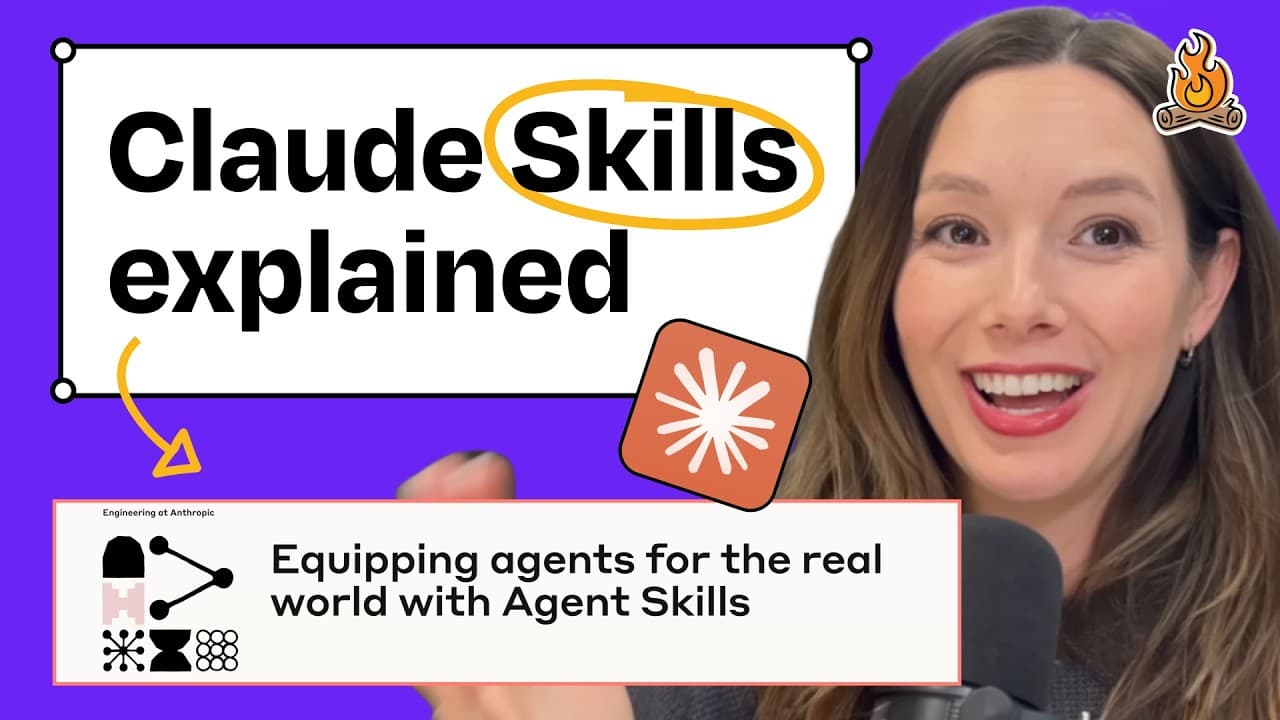
Claude Skills allow users to create reusable AI workflows without coding. These workflows consist of instructions that can be executed on demand, making AI tasks more efficient. Skills are created using Markdown files and can include Python scripts for validation. They can be used in Claude Code, Cursor, and uploaded to the Claude web app, enabling tasks like generating newsletters from changelogs.
Transcript
Welcome back to How I AI. I'm Claire Vo, product leader and AI obsessive here on a mission to help you build better with these new tools. Today we have the first of many how I AI mini episodes. This week is going to be all about Claude Skills, the newly released feature from Anthropic that lets anybody create and load up Claude Code the API or clau... Read More
Key Insights
- Claude Skills are reusable workflows defined in natural language, enabling specific tasks to be executed on demand.
- They differ from Claude Projects by offering dynamic, task-specific instructions rather than general-purpose context.
- Skills are structured with metadata, instructions, and linked files, often using Markdown format.
- Creating skills in Cursor is more efficient than using the Claude web app, allowing faster generation of skills.
- Python scripts can be included in skills for validation, enhancing their utility for technical tasks.
- Skills can be uploaded to the Claude web or desktop app, allowing seamless integration into existing workflows.
- Practical applications include transforming changelogs into newsletters and converting demo notes into follow-up emails.
- Defining workflows in natural language is preferred over rigid automation tools for flexibility and ease of use.
Install to Summarize YouTube Videos and Get Transcripts
Explore YouTube Video Summarizer or Get YouTube Transcript Extractor
Questions & Answers
Q: How to create Claude Skills?
Claude Skills are created by defining instructions in a Markdown file, which includes metadata and linked resources. These instructions are then uploaded to Claude Code or the web app. Users can also use tools like Cursor to generate skills efficiently, leveraging natural language to define workflows.
Q: What are Claude Skills?
Claude Skills are reusable AI workflows that allow users to define specific tasks in natural language. These skills can be executed on demand, providing dynamic instructions for AI to follow. They differ from static projects by offering task-specific, flexible instructions.
Q: Why use natural language for defining workflows?
Using natural language to define workflows allows for greater flexibility and ease of use compared to rigid automation tools. It enables users to create dynamic, task-specific instructions that can be easily understood and executed by AI, making the process more intuitive and accessible.
Q: How do Claude Skills differ from Claude Projects?
Claude Skills differ from Claude Projects by providing dynamic, task-specific instructions that can be executed on demand. While projects have a static context, skills offer flexibility and adaptability, allowing users to define detailed, reusable workflows in natural language.
Q: Can Claude Skills include code for validation?
Yes, Claude Skills can include Python scripts for validation, making them suitable for technical tasks that require data analysis or execution. This feature enhances the utility of skills by allowing users to validate their workflows and ensure consistent execution.
Q: How are Claude Skills used in the web app?
Claude Skills can be uploaded to the Claude web or desktop app by zipping the skill files and importing them. Once uploaded, these skills can be invoked in the app to perform tasks, allowing seamless integration into existing workflows and enhancing productivity.
Q: What are practical examples of Claude Skills?
Practical examples of Claude Skills include generating newsletters from changelogs, converting demo notes into follow-up emails, and automating repetitive tasks. These skills streamline workflows by providing structured, reusable instructions for AI to execute specific tasks efficiently.
Q: How to validate Claude Skills?
Claude Skills can be validated using Python scripts included in the skill files. These scripts check for correct formatting, metadata, and instructions, ensuring that the skills are correctly structured and ready for execution. Validation enhances the reliability and consistency of the skills.
Summary & Key Takeaways
-
Claude Skills enable users to define reusable AI workflows in natural language, making them accessible without coding expertise. These skills consist of structured instructions that can be executed on demand, enhancing the efficiency of AI tasks.
-
Skills are created using Markdown files, which include metadata, instructions, and linked resources. Users can also incorporate Python scripts for validation, making skills versatile for various applications.
-
Skills can be utilized in Claude Code, Cursor, and uploaded to the Claude web app, allowing users to automate tasks like generating newsletters from changelogs or turning demo notes into follow-up emails.
Read in Other Languages (beta)
Share This Summary 📚
Summarize YouTube Videos and Get Video Transcripts with 1-Click
Try YouTube Summary with ChatGPT & Claude or YouTube Transcript Generator
Explore More Summaries from How I AI 📚




Summarize YouTube Videos and Get Video Transcripts with 1-Click
Try YouTube Summary with ChatGPT & Claude or YouTube Transcript Generator