What Are Operating Systems and How Have They Evolved?
TL;DR
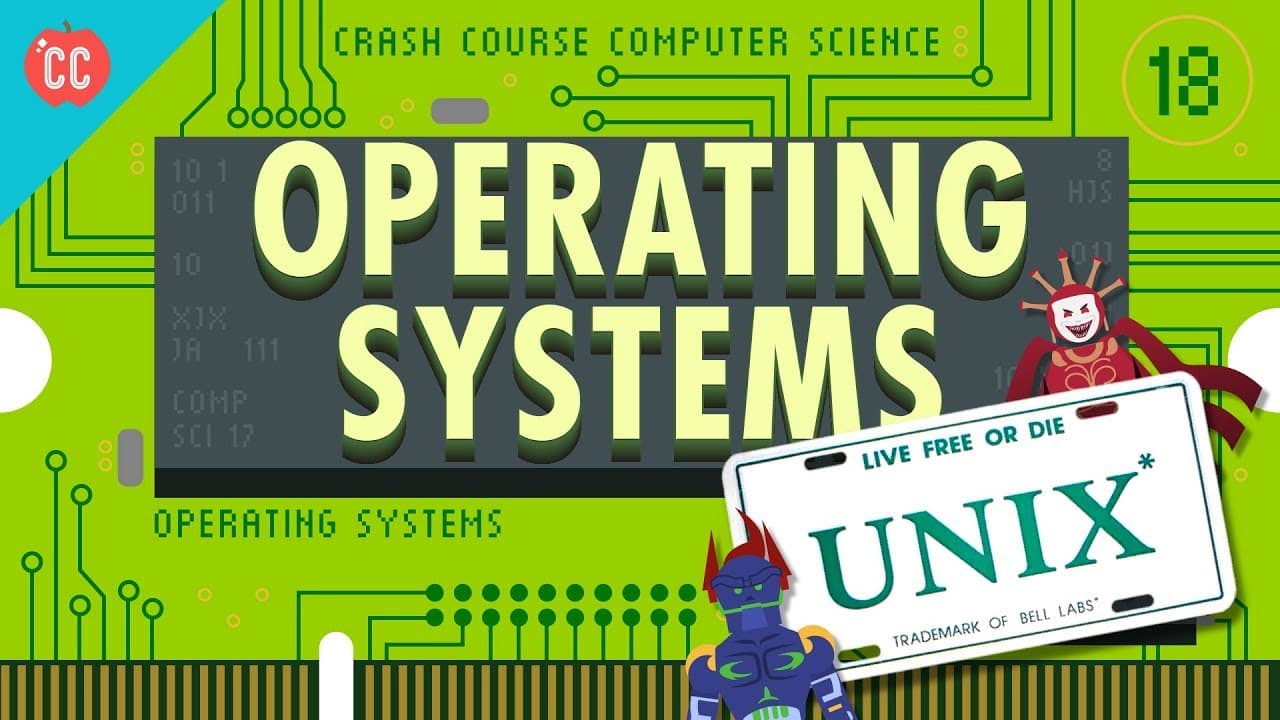
Operating systems (OS) manage computer hardware and software resources, enabling multitasking and user interaction. They evolved from simple batch processing systems in the 1950s to complex, multitasking environments with memory protection, as seen in modern OS like Windows and Linux. Key developments include the introduction of device drivers, virtual memory, and the creation of Unix, which influenced many contemporary operating systems.
Transcript
This episode is supported by Hover. Hi, I'm Carrie Anne, and welcome to Crash Course Computer Science! Computers in the 1940s and early 50s ran one program at a time. A programmer would write one at their desk, for example, on punch cards. Then, they’d carry it to a room containing a room-sized computer, and hand it to a dedicated computer operator... Read More
Key Insights
- Operating systems emerged in response to the inefficiency of manually loading programs on increasingly fast computers in the 1950s.
- Batch processing was an early advancement in operating systems, allowing computers to run multiple programs without human intervention.
- Device drivers and APIs in operating systems simplified programming by standardizing interaction with hardware peripherals.
- Atlas Supervisor introduced multitasking by allowing multiple programs to share CPU time, improving efficiency.
- Virtual memory and memory protection, pioneered by Atlas, enable flexible memory allocation and safeguard against program errors.
- The development of time-sharing operating systems like Multics allowed multiple users to share a single computer's resources.
- Unix's lean design separated the operating system into a kernel and tools, influencing many modern OS architectures.
- Personal computers in the 1980s required simpler operating systems like MS-DOS, which lacked multitasking and memory protection.
Install to Summarize YouTube Videos and Get Transcripts
Explore YouTube Video Summarizer or Get YouTube Transcript Extractor
Questions & Answers
Q: What problem did operating systems initially solve?
Operating systems were developed to address the inefficiency of manually loading programs on increasingly fast computers. As computers became faster, the manual process of loading programs via punch cards often took longer than running the programs themselves, necessitating a more automated solution.
Q: How did batch processing improve computer efficiency?
Batch processing allowed computers to run multiple programs automatically without human intervention. Instead of loading one program at a time, computers could process batches of programs, reducing downtime and improving overall efficiency by eliminating the need for manual program loading.
Q: What role do device drivers play in operating systems?
Device drivers in operating systems provide a software abstraction layer that standardizes interaction with hardware peripherals. This allows programmers to use common input and output hardware through standardized APIs, simplifying software development and ensuring compatibility across different hardware configurations.
Q: What was the significance of the Atlas Supervisor?
The Atlas Supervisor was significant for introducing multitasking, allowing multiple programs to share CPU time on a single machine. This innovation improved computational efficiency by enabling the CPU to switch between programs, reducing idle time and maximizing resource utilization.
Q: How did virtual memory and memory protection enhance operating systems?
Virtual memory and memory protection, first implemented in the Atlas system, allowed flexible memory allocation and safeguarded against program errors. Virtual memory enabled programs to assume a continuous memory space, while memory protection isolated programs from each other, preventing one program from corrupting another's data.
Q: What was the impact of time-sharing operating systems like Multics?
Time-sharing operating systems like Multics allowed multiple users to share a single computer's resources simultaneously. This innovation enabled institutions to provide interactive access to many users, enhancing computational accessibility and efficiency, and laying the groundwork for modern multi-user systems.
Q: How did Unix influence modern operating systems?
Unix influenced modern operating systems through its lean architecture, which separated the OS into a kernel and tools. This design allowed Unix to run on diverse hardware, promoting flexibility and modularity. Its approach to system design has greatly influenced contemporary OS architectures, including Linux and macOS.
Q: Why were early personal computer operating systems like MS-DOS simple?
Early personal computer operating systems like MS-DOS were simple due to the limited capabilities of early personal computers. They lacked multitasking and memory protection, which were acceptable trade-offs for affordability and simplicity, allowing individuals to own and operate personal computers despite these limitations.
Summary & Key Takeaways
-
Operating systems were developed to address the inefficiencies of manually loading programs on fast computers, evolving from batch processing to multitasking and time-sharing systems. The Atlas Supervisor introduced multitasking, while Multics pioneered secure, multi-user environments.
-
Unix's lean architecture, separating the OS into a kernel and tools, influenced modern operating systems. Personal computers in the 1980s used simpler systems like MS-DOS, which lacked multitasking and memory protection, but laid the groundwork for more advanced systems.
-
Today, operating systems like Windows, Mac OS X, Linux, iOS, and Android incorporate multitasking, virtual memory, and memory protection, allowing users to run multiple programs simultaneously and securely, reflecting decades of OS development.
Read in Other Languages (beta)
Share This Summary 📚
Summarize YouTube Videos and Get Video Transcripts with 1-Click
Try YouTube Summary with ChatGPT & Claude or YouTube Transcript Generator
Explore More Summaries from CrashCourse 📚




Summarize YouTube Videos and Get Video Transcripts with 1-Click
Try YouTube Summary with ChatGPT & Claude or YouTube Transcript Generator