10 Best YouTube Videos on Building a Second Brain

Oct 25, 2026
12 min read
3 views
Last updated: October 2026
This is a ten-video path for building a second brain, an external note system that holds your ideas, sources, and tasks so your mind can do the thinking. It is for students, researchers, and knowledge workers who want a note system they will keep using, not one they rebuild every month.
The full set runs about 235 minutes, just under four hours. It covers the core methods by name, PARA, Zettelkasten, and Getting Things Done, along with the tools most people choose between, Notion and Obsidian, and it ends with a warning against letting the system replace the work.
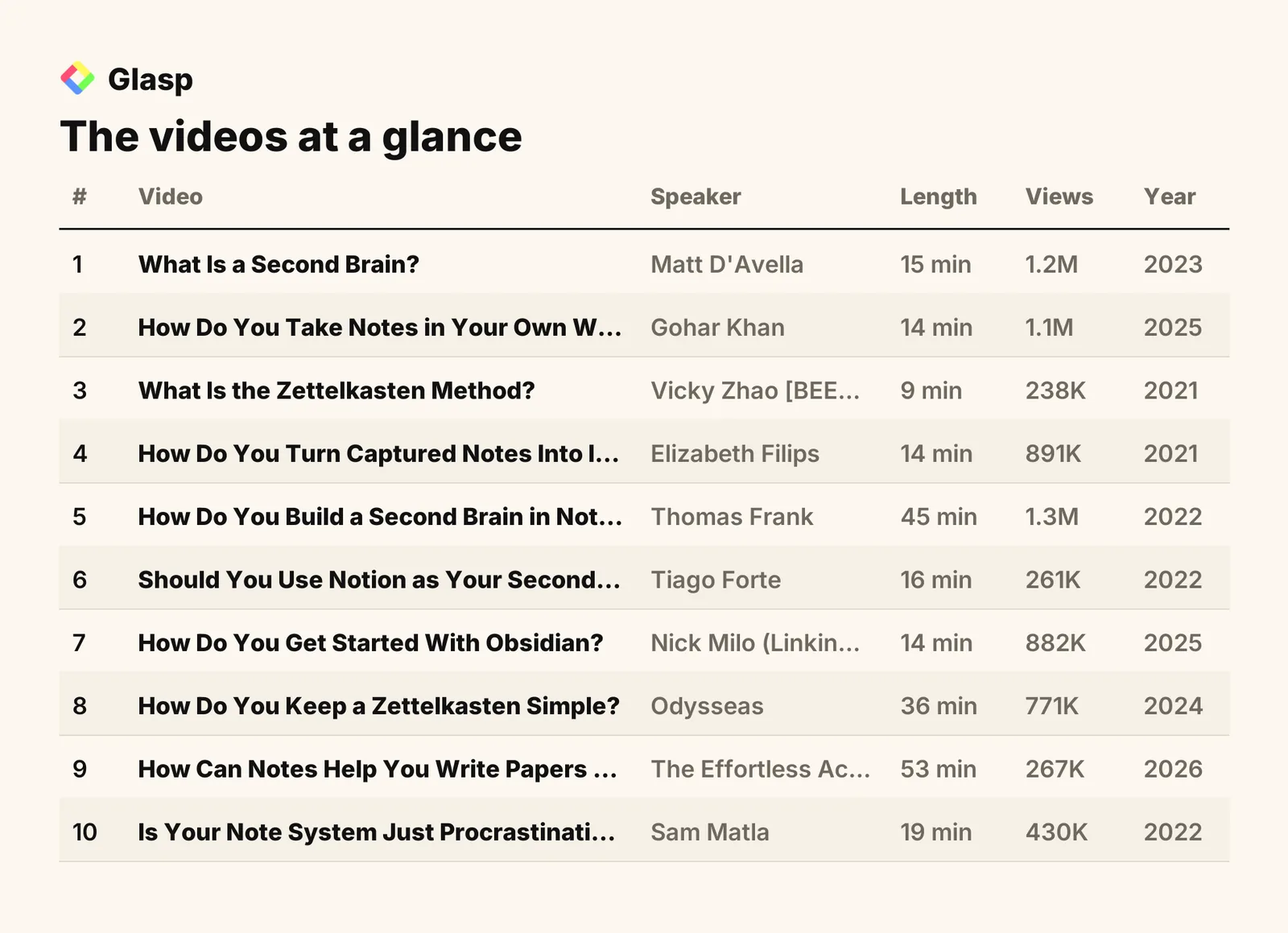
The videos on this list, in the order to watch them, are:
What Is a Second Brain? (Matt D'Avella)
How Do You Take Notes in Your Own Words? (Gohar Khan)
What Is the Zettelkasten Method? (Vicky Zhao [BEEAMP])
How Do You Turn Captured Notes Into Ideas? (Elizabeth Filips)
How Do You Build a Second Brain in Notion? (Thomas Frank)
Should You Use Notion as Your Second Brain? (Tiago Forte)
How Do You Get Started With Obsidian? (Nick Milo (Linking Your Thinking))
How Do You Keep a Zettelkasten Simple? (Odysseas)
How Can Notes Help You Write Papers Faster? (The Effortless Academic)
Is Your Note System Just Procrastination? (Sam Matla)
Total: 10 videos, 235 minutes of watch time (3 hours 55 minutes), and 7.4M combined views.
1. What Is a Second Brain?
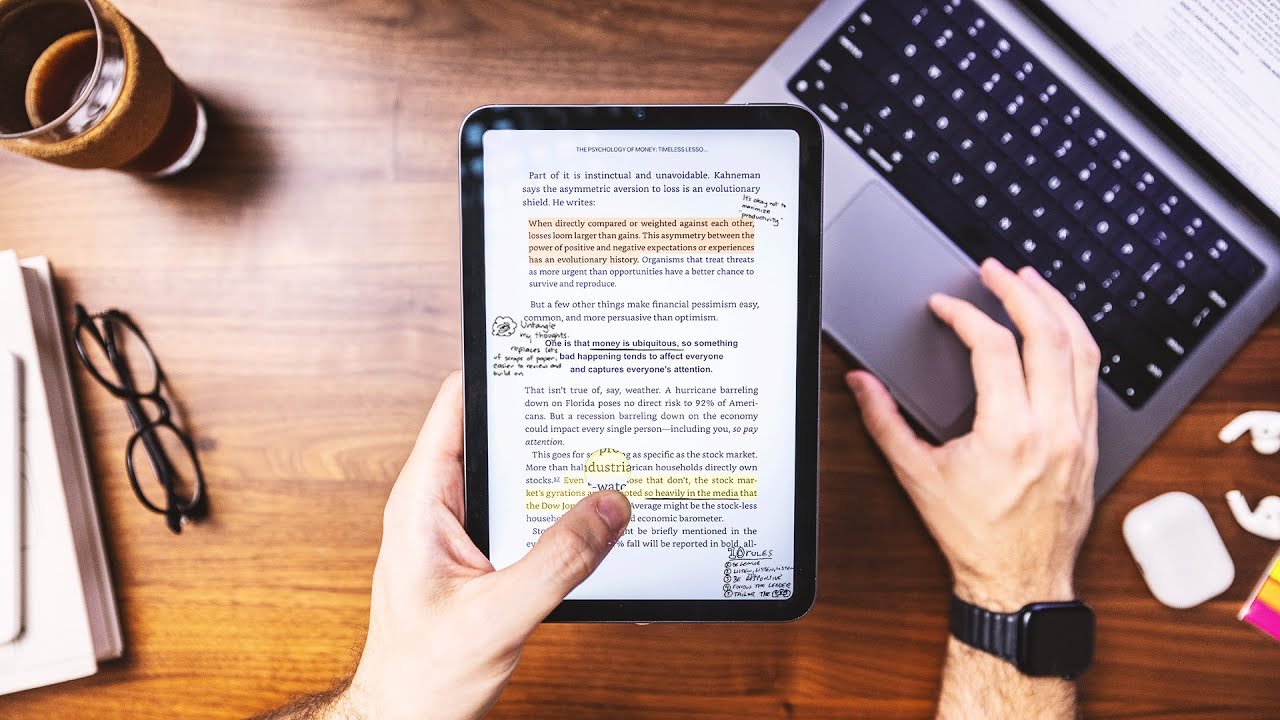
"How to Organize Your Life with a Second Brain System" · Matt D'Avella · 15 min · 1.2M views · 2023
In short: A second brain is a note-taking system that sorts notes into Projects, Areas, Resources, and Archives so you can recall information long term.
This is the clearest starting point because it defines a second brain and introduces PARA before any app enters the picture. It also sets the right expectation: your consistency matters more than the tools you pick.
Key takeaways
Building a Second Brain is a note-taking system that organizes and recalls information for long-term use, creating a comprehensive personal database of knowledge.
The PARA folder structure sorts notes into Projects, Areas, Resources, and Archives so that each note is easy to access and retrieve later.
Capture tools such as Readwise and a read-later app gather information from various sources and feed it into the second brain.
The success of a second brain depends less on the specific tools and more on the user's consistency and willingness to adapt the system.
Watch on YouTube · Read the summary and Q&A
2. How Do You Take Notes in Your Own Words?

"How to Take Notes for Deeper, Faster Learning" · Gohar Khan · 14 min · 1.1M views · 2025
In short: Listen for 10 to 20 seconds, then write the main point in your own words instead of transcribing every sentence the speaker says.
A second brain is only as good as the notes going into it, and this video fixes the most common input problem, which is copying instead of thinking. It shows how to capture structure first, record your own reactions, and connect new ideas to what you already know.
Key takeaways
Transcribing every word is a passive habit that keeps the hand busy but lets the mind skip processing the speaker's meaning.
The main themes and purposes of a lecture should be captured first, while facts, dates, and other specifics can be added later.
Personal reactions such as confusion, surprise, and connections to lived experience belong in notes, and question marks flag topics needing clarification.
Contextualization links each new concept to knowledge you already have, because isolated information tends to fade over time.
Watch on YouTube · Read the summary and Q&A
3. What Is the Zettelkasten Method?

"What Is the Zettelkasten Method and How Does It Work?" · Vicky Zhao [BEEAMP] · 9 min · 238K views · 2021
In short: Zettelkasten is a note system that turns fleeting and literature notes into permanent notes, each holding one idea and linked to other notes.
Zettelkasten is the second major method behind most second-brain setups, and this short video explains it without tying it to any one app. It covers the three note types and the rules for a permanent note, which you will see again in the Notion and Obsidian videos that follow.
Key takeaways
German sociologist Niklas Luhmann used the Zettelkasten system to produce 70 books and hundreds of articles over more than 30 years.
Zettelkasten uses three note types: fleeting notes for passing thoughts, literature notes summarizing content, and permanent notes made by reviewing and connecting both.
A permanent note expresses one idea clearly, assumes no context, and connects to other notes already in the system.
Zettelkasten works bottom up rather than through rigid categories, so connections between ideas emerge naturally as notes accumulate over time.
Watch on YouTube · Read the summary and Q&A
4. How Do You Turn Captured Notes Into Ideas?
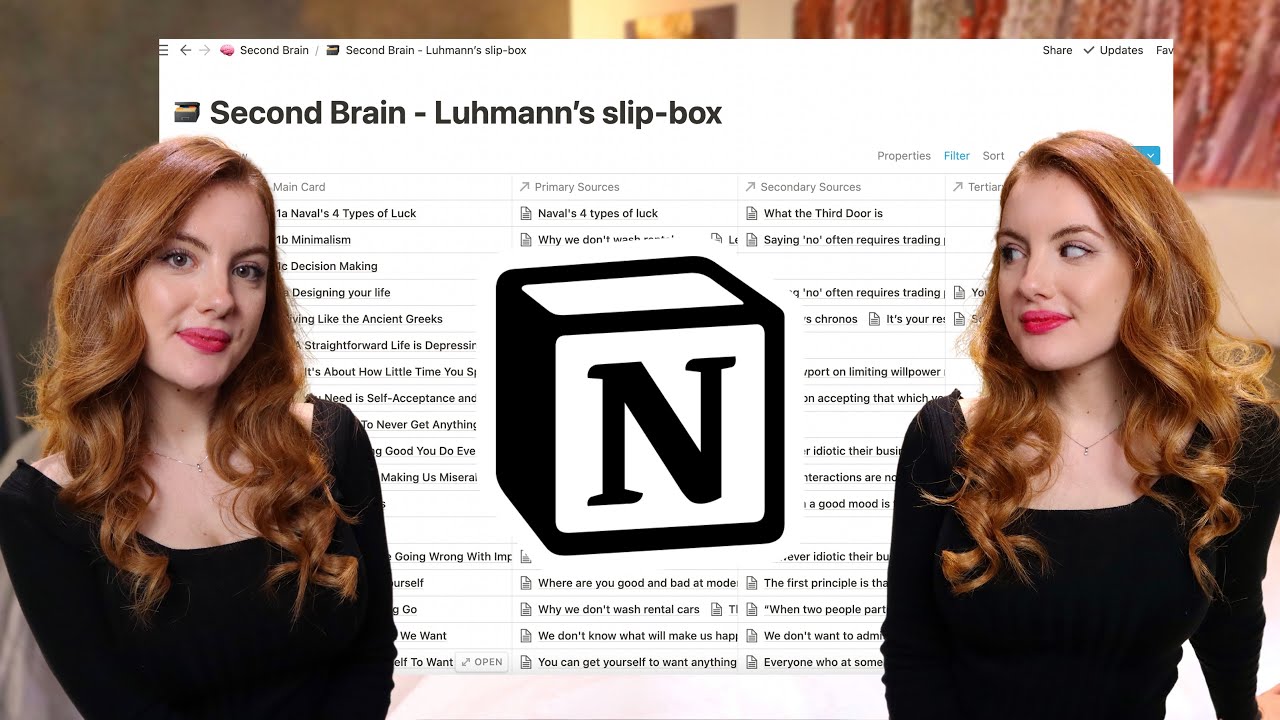
"How Do I Set Up My Second Brain in Notion? Full Walkthrough" · Elizabeth Filips · 14 min · 891K views · 2021
In short: Capture surprising material in a drafts inbox, add its source and your interpretation, then link each processed note to specific concepts in a slip-box.
This walkthrough shows a real slip-box in use, with a drafts inbox, processed notes, and concept pages linked together. It answers the question most people get stuck on: what happens to a note after you save it.
Key takeaways
Surprising information is a practical selection rule for capture, because a surprising passage is likely new or connected to an existing interest.
A processed note holds the original material, its source, highlighted key language, a meaningful title, and a personal interpretation of what it means.
Specific concepts, such as a claim or question, make better destinations for notes than broad topic labels like addiction or minimalism.
One source can link to many concepts, and this many-to-many linking is what turns stored notes into a useful network.
Watch on YouTube · Read the summary and Q&A
5. How Do You Build a Second Brain in Notion?

"How to Build a Complete Second Brain in Notion" · Thomas Frank · 45 min · 1.3M views · 2022
In short: Connect tasks, projects, notes, goals, areas, and resources in one Notion workspace, using low-friction capture, inboxes, daily planning, PARA, and Getting Things Done.
This is the most complete build in the list, combining PARA with Getting Things Done in one connected workspace. Watch it to see how capture, inbox processing, and daily planning fit together as a working routine, not just as a folder structure.
Key takeaways
A second brain is an external system that stores ideas, tasks, and events that would otherwise occupy mental attention, freeing a person for creative work.
Low-friction capture matters because ideas often appear away from the main workspace, so a quick-capture page on a phone home screen helps.
An inbox holds unorganized items temporarily: a task stays there until it gets a project, and a note stays until it gets an area or resource.
Daily planning is a focused selection process, and the My Day page shows the chosen plan without the distraction of the full task database.
Watch on YouTube · Read the summary and Q&A
6. Should You Use Notion as Your Second Brain?

"Should You Use Notion as Your Second Brain?" · Tiago Forte · 16 min · 261K views · 2022
In short: Notion can serve as a second brain through customization, searchability, and access across devices, though speed and offline access still need improvement.
Tiago Forte, who popularized the term second brain, gives a balanced look at Notion's strengths and weaknesses. It is a good checkpoint before you commit to a tool, since it names the criteria worth judging any app by.
Key takeaways
Notion is a popular second brain tool because of its customization options and features like searchability, duplication, shareability, and easy editing.
Notion's weaker areas include speed, offline access, and advanced tagging features, so users should weigh these against their own needs.
Notion's transferability and export options allow users to retrieve their data and avoid vendor lock-in when choosing a long-term knowledge tool.
Notion supports automation through its API, along with multimedia content and metadata that add extra organization and context to stored information.
Watch on YouTube · Read the summary and Q&A
7. How Do You Get Started With Obsidian?

"How to Master 80% of Obsidian in 15 Minutes" · Nick Milo (Linking Your Thinking) · 14 min · 882K views · 2025
In short: Create a local vault, capture notes as Markdown files, and connect ideas with links and backlinks, starting with a simple setup to avoid overwhelm.
This is the fastest way to learn the core of Obsidian, the main alternative to Notion. It covers vaults, Markdown, links, backlinks, graph view, and syncing, which is everything you need before adding plugins.
Key takeaways
Obsidian is a local-first note-taking app that stores notes as Markdown files, which keeps the data future-proof.
Typing double left brackets creates a link between notes, and graph view shows the relationships that links and backlinks form.
Automatic internal-link updates should be enabled before renaming notes, and vaults can sync across devices through Dropbox or Obsidian Sync.
Obsidian has no built-in AI, but users can integrate third-party AI tools and extend the app with plugins and themes.
Watch on YouTube · Read the summary and Q&A
8. How Do You Keep a Zettelkasten Simple?
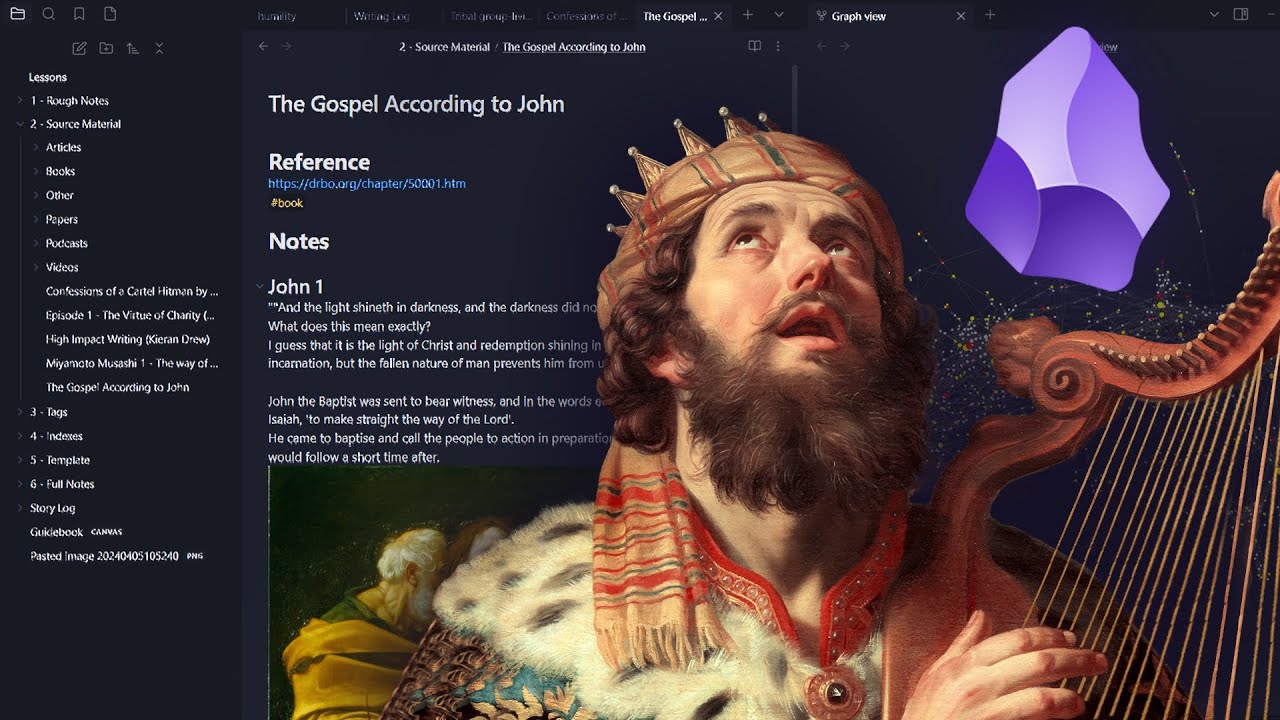
"How to Set Up a Minimalist Zettelkasten in Obsidian" · Odysseas · 36 min · 771K views · 2024
In short: Use only the Obsidian features that support writing and learning, and keep the system easy to navigate so perfectionism does not stall your work.
Once you know Obsidian and Zettelkasten, the next risk is overbuilding, and this video addresses it directly. It shows a minimalist setup that uses indexes and pruned tags to keep the system usable as it grows.
Key takeaways
Starting a Zettelkasten can trigger a cycle of perfectionism that hinders writing, which a minimalist setup focused on key features helps avoid.
Slowing down while reading and taking notes improves comprehension and builds lasting connections between ideas.
A single centralized note system in Obsidian avoids the chaos of using multiple notebooks or fragmented systems.
Indexes improve navigation through notes, and regularly revising and pruning tags keeps the knowledge system clear and maintainable.
Watch on YouTube · Read the summary and Q&A
9. How Can Notes Help You Write Papers Faster?

"How to Build an Obsidian Note-Taking System for Academics and Students to Write Papers Faster" · The Effortless Academic · 53 min · 267K views · 2026
In short: Organize notes by topic rather than by paper, and connect every factual claim to its reference, so verified claims become reusable blocks for writing.
This video applies the second brain to academic output, which makes it the most useful one for students and researchers. It replaces paper-by-paper summaries with topic notes in which every claim cites its source, so those notes can go straight into literature reviews.
Key takeaways
A scalable academic knowledge system is organized around topics, so claims from different sources accumulate around shared concepts instead of isolated paper summaries.
Wikipedia is a useful blueprint because it organizes knowledge through linked concepts and citations that show which sources support each statement.
Callouts in Obsidian can hold definitions, warnings, or summaries, and they clearly separate AI-generated summaries from text the researcher wrote.
The creator used this approach during a biology PhD, finishing five months early with four first-author papers.
Watch on YouTube · Read the summary and Q&A
10. Is Your Note System Just Procrastination?

"Stop Procrastinating With Note-Taking Apps Like Obsidian, Roam, Logseq" · Sam Matla · 19 min · 430K views · 2022
In short: It can be: optimizing tools and switching apps feels productive but stalls real work, so tie note-taking to specific projects and set limits.
This is the closing check that keeps the other nine videos useful. It argues that personal knowledge management should serve your projects, and it gives you a reason to stop tweaking and start producing.
Key takeaways
Personal knowledge management can create a false sense of productivity, making people feel smart without accomplishing meaningful work.
Spending excessive time optimizing note systems and switching between tools is often a form of procrastination rather than real progress.
Personal knowledge management should be project-based, using the tools to support specific projects rather than aimless note-taking.
Setting limits on how much time goes into improving a note-taking system helps prevent it from becoming an end in itself.
Watch on YouTube · Read the summary and Q&A
Frequently asked questions
What is a second brain?
A second brain is an external system for storing ideas, tasks, sources, and other information that would otherwise occupy your attention. Moving these items into a trusted workspace frees your mind for creative thinking and practical work.
What does PARA stand for?
PARA stands for Projects, Areas, Resources, and Archives. It is a folder structure from Building a Second Brain that sorts notes so they are easy to find and retrieve later.
What are fleeting, literature, and permanent notes?
In the Zettelkasten method, fleeting notes capture passing thoughts, literature notes summarize what you read or watch, and permanent notes come from reviewing and connecting the other two. Each permanent note expresses one idea clearly and links to other notes.
Should I use Notion or Obsidian for a second brain?
Notion offers customizable databases, search, and access across devices, but it has weaker speed and offline access. Obsidian stores notes as local Markdown files and connects them with links and backlinks, so the right choice depends on which tradeoffs fit your work.
Why shouldn't I copy lectures word for word?
Transcribing every word keeps your hand busy but lets your mind skip processing the meaning. Writing the main point in your own words after listening for a short stretch produces notes that reflect understanding.
What should go into a single note?
A useful note holds one idea, stated clearly enough to make sense without context, along with its source and your own interpretation. Linking it to specific concepts or other notes is what makes it retrievable and useful later.
What is an inbox in a second brain?
An inbox is a temporary place for captured items that have not been organized yet. A task stays there until it is assigned to a project, and a note stays until it is assigned to an area or resource.
How can researchers use a second brain to write papers?
Researchers can organize notes by topic instead of by paper and connect every factual claim to its reference. Those verified claims then become reusable blocks for literature reviews and academic writing.
How do I stop over-optimizing my note-taking system?
Tie your note-taking to specific projects and set limits on how much time you spend improving the system. Optimizing tools and switching apps can feel productive while it delays real work.
How to use this list
Watch the videos in the order listed, since each one builds on the last: first what a second brain is, then how to take good notes, the two main methods, the two main tools, and finally how to keep the system from becoming the work. If you are short on time, start with Matt D'Avella's 15-minute overview for the core idea and PARA, then watch Sam Matla's video before you spend hours on setup. Researchers who need results quickly can go from those two straight to The Effortless Academic. After that, pick one tool, set it up simply, and start using it for a real project this week.
Related lists
💡 Want summaries and transcripts for any YouTube video? Try YouTube Summary with ChatGPT & Claude.