How to use free open source Photoshop alternatives
TL;DR
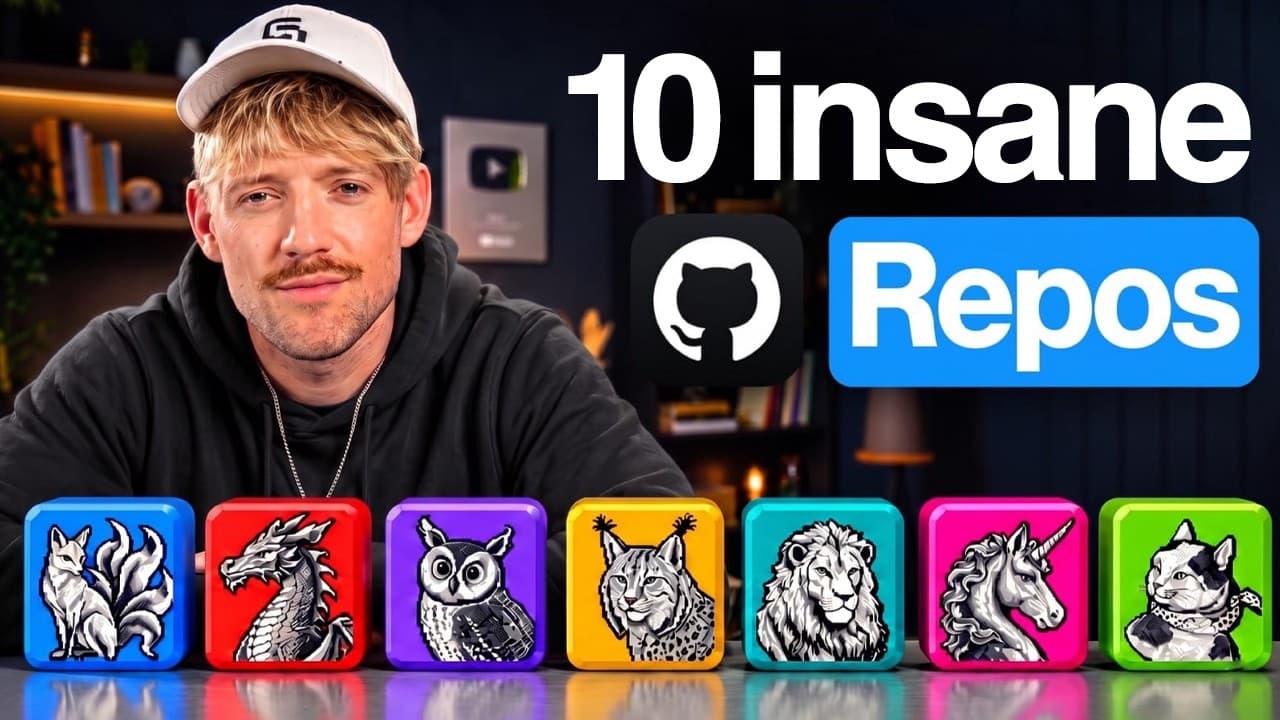
The video presents ten free GitHub repos that replicate Adobe tools like Photoshop and Premiere Pro through open source projects such as Photocraft and Compositor. It also introduces AI agents oriented tools like Ego Lite and Rea, showing how to run and integrate them into your workflow. The takeaway is that powerful, free alternatives exist and can be combined for creative and development tasks.
Transcript
We've just had some of the biggest open source jobs that I have ever seen. Somebody open sourced the entire Adobe suite, Premiier [music] Pro, Photoshop, and way more. And in this video, I'm going to show you the top 10 that you need to download. And if you're new, I'm Jack. I built my last tech startup with like a gazillion customers. And now I'm ... Read More
Key Insights
- Ten free GitHub repos offer open source alternatives to Adobe’s Creative Suite.
- Photocraft and Compositor provide Photoshop like functionality with open source design tools.
- Ego Lite is a browser for AI agents that runs in the background without taking control of your screen.
- Rea shows how any app does something and can build the same feature into your project.
- 21st.dev provides a living component library for UI design components.
- Find Skills helps identify the right skill for a task to accelerate projects.
- Orca enables running multiple AI agents side by side for parallel tasks.
- Cloudflare security audit style skills check your app before shipping.
Install to Summarize YouTube Videos and Get Transcripts
Explore YouTube Video Summarizer or Get YouTube Transcript Extractor
Questions & Answers
Q: What is Photocraft and why is it significant in the video?
Photocraft is presented as an open source alternative to Photoshop that mirrors many of its capabilities, including layers, masks, and editing workflows. The video emphasizes that it is free and open source, enabling users to run pro design applications without a paid subscription, which can significantly reduce costs and provide collaborative opportunities.
Q: What does Compositor do in the context of the video?
Compositor is introduced as part of the open source suite that serves as an alternative to high end design tools, similar to Photocraft but focused on compositing workflows. It supports building and editing visual tasks in an open source environment, aligning with the theme of free tools that replicate Adobe products.
Q: How does Ego Lite function according to the video?
Ego Lite is described as a browser for AI agents that operates in the background, enabling AI to browse the web and perform tasks across apps without taking control of the user’s screen. It allows multiple agents and models to run concurrently with signed in sessions, preserving user control.
Q: What is Rea and what problem does it solve?
Rea is introduced as a tool that demonstrates how any app works by analyzing UI and logic to extract how features are implemented. It helps developers understand and reproduce app behavior within their own projects, enabling rapid feature replication and improvement.
Q: What role does 21st.dev play in the video’s ecosystem?
21st.dev is described as a design component library that serves as a Willy Wonka like emporium for UI components. It provides living, shareable design elements that can be used to rapidly assemble and customize interfaces, enabling designers to prototype visually rich experiences quickly.
Q: What is the purpose of Find Skills in the list?
Find Skills is presented as a tool to identify the right skill for a given task, helping teams allocate the appropriate resources quickly. It optimizes project workflows by directing effort toward the most relevant expertise.
Q: How does Orca fit into the video’s narrative about AI agents?
Orca is described as a solution that runs many agents side by side, enabling parallel processing of tasks and experiments. This supports faster iteration and comparison of agent strategies, contributing to a more efficient AI driven workflow.
Q: What is the overarching message about free repos in the video?
The video emphasizes that free GitHub repos can reconstruct a wide range of technologies, from creative software to AI tooling, offering powerful, cost free alternatives that can be combined to replicate or surpass paid solutions.
Summary & Key Takeaways
-
The video introduces ten free GitHub repos that emulate major Adobe apps and other AI tooling, highlighting the cost benefits of open source design software.
-
It demonstrates how to install and use open source tools like Photocraft and Compositor, emphasizing their Photoshop-like capabilities and UI parity.
-
It showcases AI agent helpers and integration kits such as Ego Lite and 21st.dev, illustrating a workflow where AI agents perform complex tasks across apps.
Read in Other Languages (beta)
Share This Summary 📚
Summarize YouTube Videos and Get Video Transcripts with 1-Click
Try YouTube Summary with ChatGPT & Claude or YouTube Transcript Generator
Explore More Summaries from Jack Roberts 📚

Summarize YouTube Videos and Get Video Transcripts with 1-Click
Try YouTube Summary with ChatGPT & Claude or YouTube Transcript Generator