How to Build Jenkins CI/CD with Docker Agents
TL;DR
Install Java and Jenkins on an Ubuntu EC2 instance, allow inbound access to Jenkins on port 8080, and complete the initial setup with the generated administrative password. For scalable CI/CD, reserve the Jenkins master for scheduling, use Docker containers as lightweight agents, and follow a GitOps approach to deploy multiple applications to Kubernetes.
Transcript
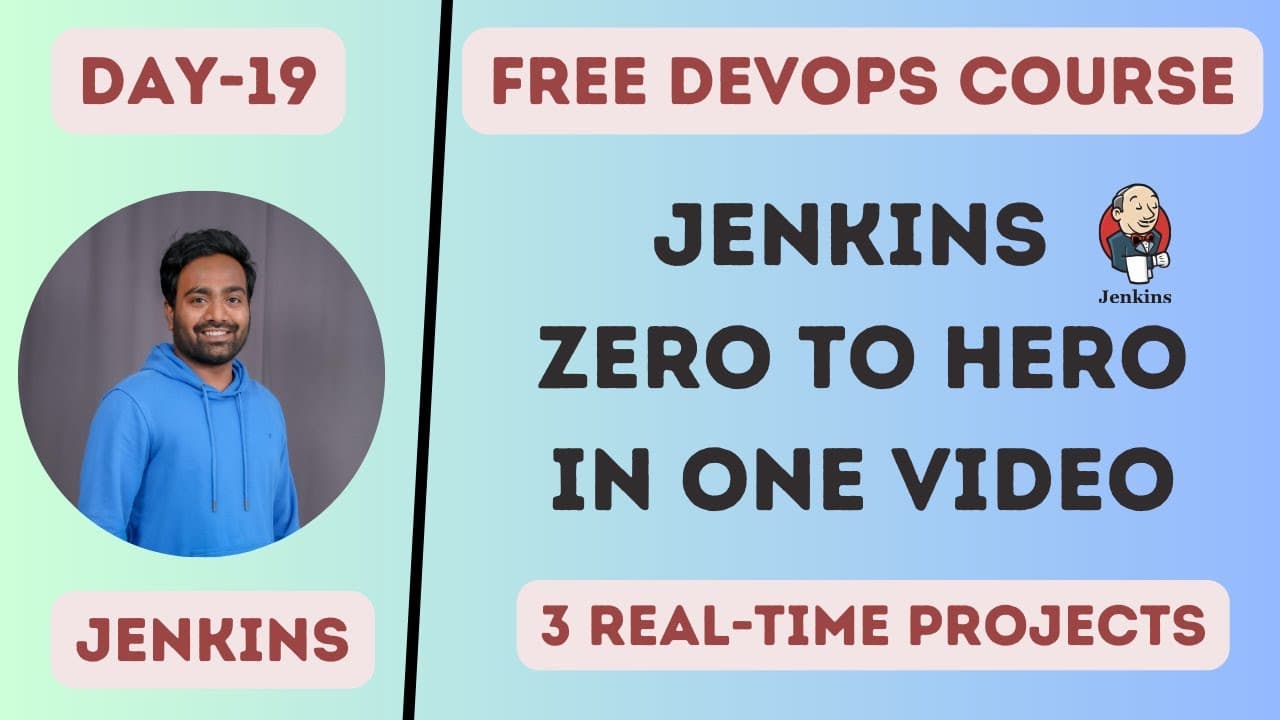
hello everyone my name is Abhishek and welcome back to my channel so today we are at day 19 of our complete devops course and in this video we will see practical implementation of Jenkins so that's the reason why I call it Jenkins 0 to 0 right so if you look at the about section I explained what are we going to do today uh that is uh install Jenkin... Read More
Key Insights
- Jenkins is a Java-based application, so a JDK must be installed before Jenkins can run on the Ubuntu EC2 instance. The demonstrated sequence updates the APT packages, installs the documented JDK version, installs Jenkins, and verifies that Java and the Jenkins service are available.
- Jenkins runs on port 8080 in the demonstrated setup. AWS blocks unsolicited inbound traffic by default, so the EC2 security group must include an inbound rule that permits the required source address to reach that port before the web interface becomes externally accessible.
- The initial Jenkins password is stored in a protected file identified by the setup page. Retrieving it requires a command with sudo access, after which the password can be pasted into the browser to unlock Jenkins and continue the first-time configuration process.
- Suggested plugins are selected from commonly used Jenkins plugins and provide a convenient starting configuration. Jenkins also allows selected plugins to be installed instead, and additional plugins can be added later according to the needs of the projects and pipelines running on the server.
- The Jenkins master should be used primarily for scheduling work. Running all builds on one master creates excessive load and can cause dependency conflicts when development teams require different Java versions, Python versions, operating systems, or project-specific packages.
- Jenkins worker nodes can be assigned according to application groups, development teams, or operating systems. This separation lets organizations direct particular workloads to suitable execution environments instead of forcing unrelated projects to share the same software configuration on the master.
- Docker containers are presented as lightweight Jenkins agents and as an alternative to creating multiple EC2 worker instances. The approach is intended to provide the agent separation needed for builds while taking advantage of the lightweight characteristics and other benefits of containers.
- The demonstrated CI/CD workflow extends beyond Jenkins installation to deploying multiple applications onto Kubernetes. The description identifies a GitOps approach for deployment, while the linked GitHub repository documents the installation, configuration, Docker-agent setup, and Kubernetes project workflow.
Install to Summarize YouTube Videos and Get Transcripts
Explore YouTube Video Summarizer or Get YouTube Transcript Extractor
Questions & Answers
Q: How do you install Jenkins on an Ubuntu EC2 instance?
Start with an Ubuntu EC2 instance so the documented APT commands apply directly. Update the APT packages, install the required JDK because Jenkins is Java-based, and then run the provided Jenkins installation commands. After installation, verify Java with the documented command and check that the Jenkins service is running. The linked GitHub repository contains the full command sequence used in the demonstration.
Q: How do you expose Jenkins outside an AWS EC2 instance?
Open the EC2 instance in the AWS console, select its attached security group, and edit the inbound rules. Add a rule that permits access to port 8080, which is the port used by the demonstrated Jenkins process. Choose the source carefully. The demonstration allows traffic from anywhere temporarily, but it also shows that access can be limited to the user's own IP address.
Q: How do you complete the initial Jenkins setup?
Open the EC2 instance's public IP address with port 8080 in a browser. Jenkins displays the protected file location containing its initial password. Use sudo with the command shown in the lesson to read that file, copy the generated password, and paste it into the setup page. Then install suggested or selected plugins, confirm the Jenkins URL, save the configuration, and begin using Jenkins.
Q: Why should the Jenkins master be reserved for scheduling?
The Jenkins master receives work from multiple developers, projects, and development teams, so running every build on it can create excessive load. A shared build environment also produces dependency conflicts when teams need different Java versions, Python versions, operating systems, or packages. Keeping the master focused on scheduling and sending execution to agents separates workloads and avoids concentrating every requirement on one machine.
Q: How can Jenkins worker nodes be organized for different projects?
Worker nodes can be grouped by application range, development team, or operating system. One worker might serve a defined set of applications, another might support a different set, and dedicated workers can handle Windows or Linux workloads. This categorization lets DevOps engineers connect each project to an appropriate environment while preventing unrelated teams from imposing conflicting requirements on the Jenkins master.
Q: Why use Docker containers as Jenkins agents?
Docker containers are presented as lightweight agents that can replace an approach based on creating multiple EC2 worker instances. They provide separate execution environments for Jenkins workloads while avoiding the need to configure a collection of virtual machines as worker nodes. This supports the lesson's architectural goal of keeping build work away from the Jenkins master and reducing dependency conflicts between applications and teams.
Q: How does the Jenkins workflow deploy applications to Kubernetes?
The lesson extends the Jenkins implementation from installation and agent configuration to deploying multiple applications on a Kubernetes cluster. Its description identifies GitOps as the deployment approach and links a GitHub repository containing the documented project workflow. Users can fork or clone that repository and follow its README for the installation, configuration, Docker-agent, application, and Kubernetes deployment steps demonstrated in the class.
Q: Where can you find the commands and project files for this Jenkins setup?
The commands and project files are in the Jenkins Zero to Hero GitHub repository linked in the description, specifically its Python, Jenkins, Argo CD, and Kubernetes project directory. The README documents the process from installation through the later project steps. Users can fork or clone the repository and follow the instructions at their own pace if any part of the demonstration moves too quickly.
Summary & Key Takeaways
-
The practical setup begins with an Ubuntu EC2 instance. Update its APT packages, install the required JDK, install Jenkins, and confirm that the Jenkins process is running on port 8080. The commands are documented in the linked GitHub repository, while other Linux distributions can follow the official Jenkins installation documentation.
-
To reach Jenkins from outside AWS, edit the EC2 security group's inbound rules and permit traffic to port 8080 from an appropriate source. Open the public IP address with that port, retrieve the initial password from the Jenkins file shown on the setup page, and install the suggested plugins.
-
A production-style architecture keeps the Jenkins master focused on scheduling instead of running every build. Separate agents reduce load and dependency conflicts between projects requiring different environments. The demonstrated approach uses lightweight Docker containers as agents, then applies a GitOps workflow to deploy multiple applications to a Kubernetes cluster.
Read in Other Languages (beta)
Share This Summary 📚
Summarize YouTube Videos and Get Video Transcripts with 1-Click
Try YouTube Summary with ChatGPT & Claude or YouTube Transcript Generator
Explore More Summaries from Abhishek.Veeramalla 📚
Summarize YouTube Videos and Get Video Transcripts with 1-Click
Try YouTube Summary with ChatGPT & Claude or YouTube Transcript Generator