How to Use Claude Code as a Design Tool for Any Format
TL;DR
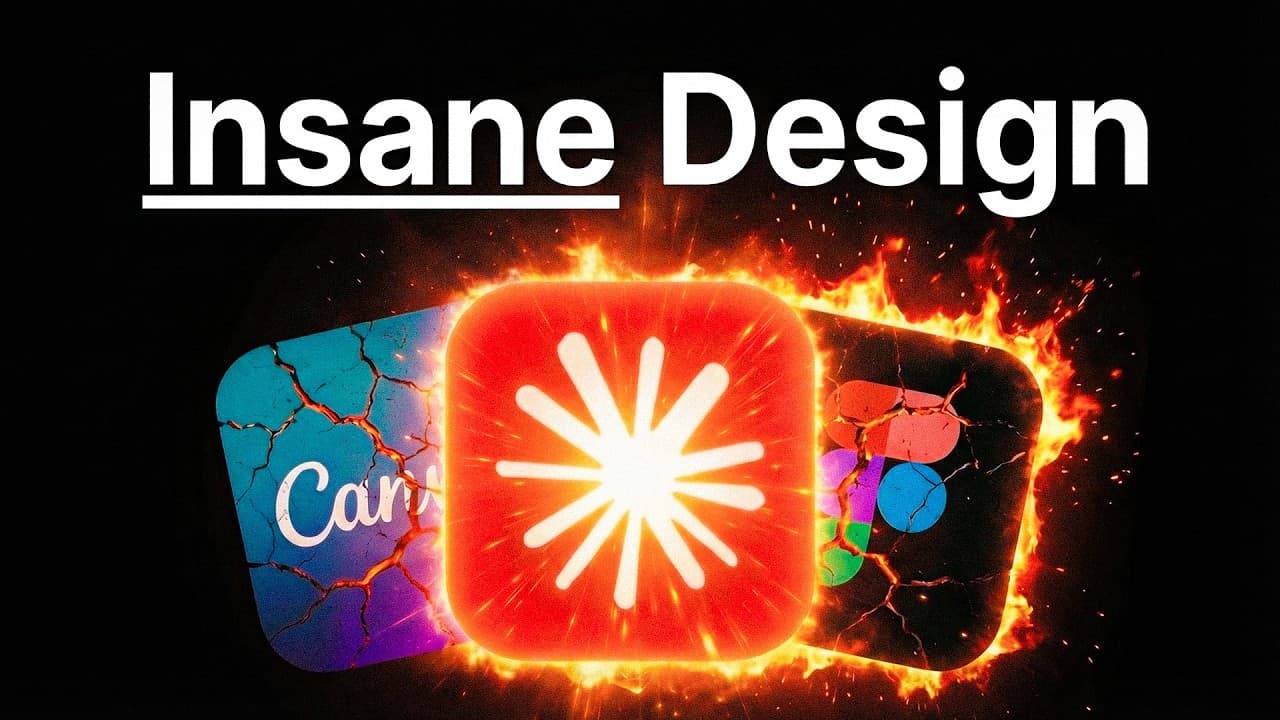
Design can be codified, so Claude Code can generate polished, interactive designs on demand once you explain what good design looks like. Using the open-source Awesome Design system (55+ brand systems, nearly 50,000 GitHub stars in two weeks), you can one-shot websites, decks, and reports, then follow a five-step process to replicate any format your business needs.
Transcript
Cloud Code just became the world's number one design tool. And 99% of people don't even realize yet. I discovered a new system that builds beautiful designs for any task. And in this video, I'll show you how to build these gorgeous and interactive designs in minutes, saving you time, making you more money, and getting you light years ahead of your ... Read More
Key Insights
- Design can be encoded rather than treated as an art form reserved for specialists. Typography scales, spacing systems, color tokens, and layout grids can all be explained to Claude Code, letting you produce designs on demand in any style you can describe.
- The central premise is that code can be turned into design. Because AI is exceptional at code and design elements can be codified, you can codify a design system once and then replicate it infinitely across projects.
- AI-generated content is criticized for looking identical, showing the same hero sections, purple gradients, Inter font, and three rounded boxes. According to cited data, quality sites convert about 91% better than regular ones, so avoiding generic AI slop matters.
- Awesome Design is an open-source GitHub repo that gained almost 50,000 stars within two weeks. It provides a plain-text design system for every area of a business and includes over 55 brand systems drawn from many well-known websites.
- The design system is delivered as a simple markdown file with no Figma export, no JSON schema, and no special tooling required. You just talk to Claude and it works, making the approach accessible without design software.
- The system applies to many formats, including landing pages, apps, HTML slide decks, branded graphics, reports, proposals, data visualization, and identity systems. The same design principles can be reused across all of these formats.
- The repo includes brand systems from companies like Stripe, Spotify, SpaceX, BMW, Apple, Wise, Cursor, Lovable, and ClickHouse. Selecting one, such as BMW, pulls that website's full design system details for Claude to build from.
- The workflow uses a five-step process starting with picking your format, then choosing designs while being design-first. Start with your highest-leverage, most frequent format first, such as presentations or landing pages, to get the most value.
Install to Summarize YouTube Videos and Get Transcripts
Explore YouTube Video Summarizer or Get YouTube Transcript Extractor
Questions & Answers
Q: How can Claude Code be used as a design tool?
Claude Code works as a design tool because design can be codified into code, which AI excels at producing. You explain what great design looks like through typography scales, spacing systems, color tokens, and layout grids. Once Claude understands those principles, it can produce designs on demand in any style you describe, and you can codify a system once to replicate it infinitely across projects and formats.
Q: What is the Awesome Design system on GitHub?
Awesome Design is an open-source GitHub repository that provides a plain-text design system for every area of a business. It gained almost 50,000 stars within two weeks and includes over 55 brand systems drawn from many well-known websites. The design system is delivered as markdown files, requiring no Figma export, JSON schema, or special tooling, so you can build beautiful, interactive designs by talking to Claude.
Q: Why do AI-generated designs all look the same?
The biggest criticism of AI-generated content is that it looks identical because it repeats the same patterns. On websites this shows up as the same hero section, purple gradients, Inter font, and the classic three rounded boxes, which you can spot from a mile away. The video argues this AI slop can be avoided by codifying real design systems, noting that quality sites convert about 91% better than regular ones.
Q: What formats can this design system be applied to?
The design system applies to many formats across a business, not just one thing. It works for landing pages and apps, HTML slide decks, branded graphics, reports and proposals, data visualization, and even identity systems. Because the same design principles are reusable, you can codify a system once and then generate any of these formats on demand, such as presentations, websites, or travel itineraries, with a single prompt.
Q: How do you install and use the Awesome Design skill?
You open the design prompt from the linked GitHub repo, click into the code, and copy it. Then you go to an integrated development environment such as AntiGravity, open Claude Code, and start a new local session. You ask Claude to install the GitHub repo and paste the repo link, and it installs itself. You can then browse the design.md file listing available brand systems and prompt Claude to build.
Q: What does building websites in one shot look like with this system?
The presenter prompts Claude to build three websites based on brand systems: Lovable, Ollama, and SpaceX. Claude does the research, pulls everything together, and generates all three. Opened in local host, the Lovable site shows a typing animation and cool scrolling sections, the Ollama site looks more code-heavy with diagrams, and the SpaceX site looks interplanetary and on-brand, all completely one-shot using the same design principles.
Q: What is the five-step design process described in the video?
The five-step process starts with step one, picking your format, which can be a website, presentation, social media post, infographic, or document. You should start with your highest-leverage, most frequent format first. Step two is being design-first and choosing your designs, coding first when picking what to build. The video demonstrates starting with a presentation format and connecting it to other things like trip itineraries you can cycle through and share.
Q: Why does design not require specialist skills according to the video?
The key takeaway is that design is not an art form reserved for specialists but a system that can actually be encoded. Elements like typography scales, spacing systems, color tokens, and layout grids can all be explained to Claude Code. Once you can articulate what good design looks like and give Claude the assets, you can drive it to produce professional results on demand without traditional design tools like Figma or Canva.
Summary & Key Takeaways
-
Claude Code is presented as a powerful design tool because design can be codified. Once you explain what great design looks like through typography, spacing, color tokens, and layout grids, you can produce designs on demand in any style, replicating a system infinitely across formats.
-
The Awesome Design GitHub repo, with nearly 50,000 stars in two weeks and over 55 brand systems, delivers plain-text markdown design systems. It requires no Figma or JSON tooling. The presenter installs it in AntiGravity and one-shots three websites based on Lovable, Ollama, and SpaceX styles.
-
A five-step process lets you replicate the approach for any business format: pick your highest-leverage format first, be design-first when choosing designs, and codify the system once so you can regenerate websites, presentations, reports, or travel itineraries whenever needed with a single prompt.
Read in Other Languages (beta)
Share This Summary 📚
Summarize YouTube Videos and Get Video Transcripts with 1-Click
Try YouTube Summary with ChatGPT & Claude or YouTube Transcript Generator
Explore More Summaries from Jack Roberts 📚



Summarize YouTube Videos and Get Video Transcripts with 1-Click
Try YouTube Summary with ChatGPT & Claude or YouTube Transcript Generator