Setting Up the Canon M6 Mark II for Beginners
TL;DR
Easily set up the Canon M6 Mark II for streaming and YouTube recording with essential accessories and settings. Key components include a cam link 4K and a micro HDMI extension cable, along with specific camera settings for optimal performance. This guide ensures a smooth setup and uninterrupted recording sessions.
Transcript
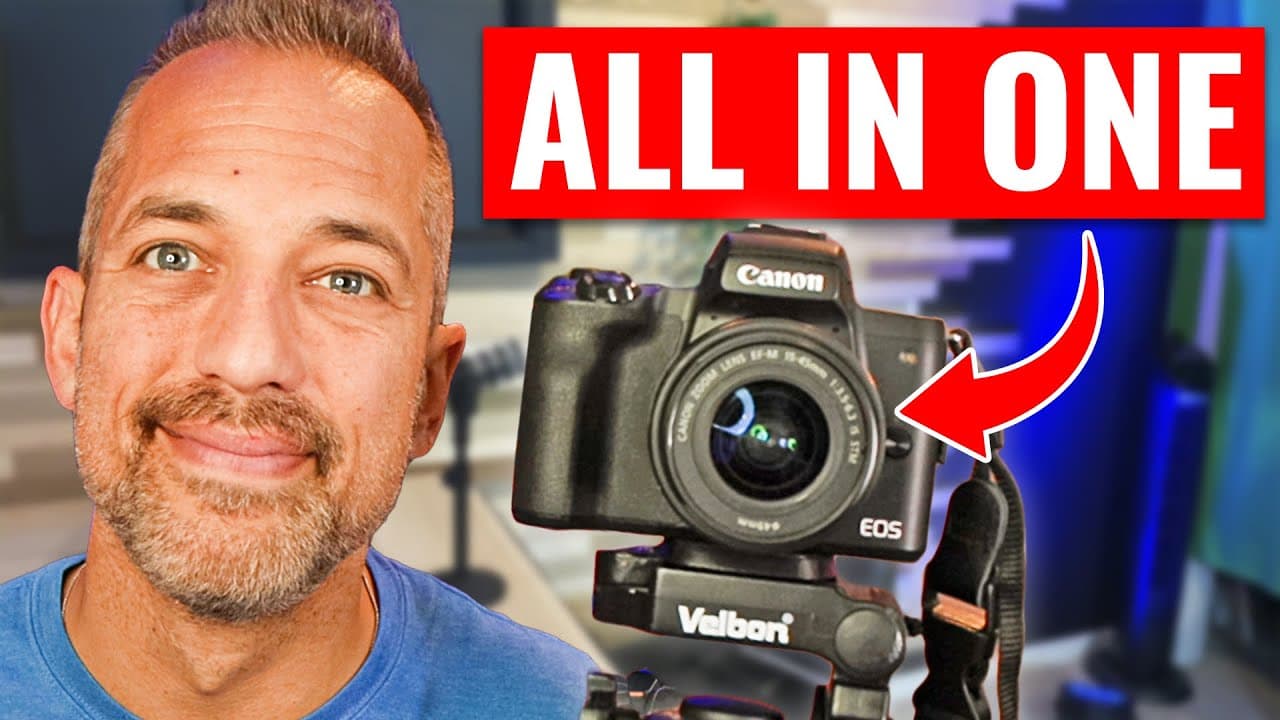
the Canon M6 is the perfect camera for beginners whether you're recording videos for YouTube or you're live streaming or both the Canon M6 Mark II camera is your One Stop Shop I recommend this to all of my clients with the settings that I'm going to show you today you'll be able to use your Canon M6 Mark II as a webcam for streaming live anywhere o... Read More
Key Insights
- 🫒 The Canon M6 Mark II is recommended for beginners in video recording and live streaming.
- 🎥 Specific accessories like a cam link 4K and a micro HDMI extension cable are essential for setting up the camera.
- 🎥 Adjusting camera settings, including auto focus and display options, is crucial for a clean output in live streaming and YouTube videos.
- 🪘 The Canon M6 plug-in battery adapter is necessary for long recording sessions to prevent overheating.
- 💟 Properly adjusting settings like eco mode and power saving ensures uninterrupted recording sessions with the Canon M6 Mark II.
- ✋ HDMI resolution and HDR output settings need to be optimized for high-quality video output.
- 🫒 Using the Canon M6 Mark II with software like vmix enhances live streaming capabilities.
Install to Summarize YouTube Videos and Get Transcripts
Explore YouTube Video Summarizer or Get YouTube Transcript Extractor
Questions & Answers
Q: What accessories are needed to set up the Canon M6 Mark II for streaming?
To set up the Canon M6 Mark II for streaming, you will need a cam link 4K and a micro HDMI extension cable. The cam link 4K connects the camera to your computer for streaming.
Q: How can you ensure a clean output for live streaming with the Canon M6 Mark II?
To achieve a clean output for live streaming, navigate to the camera settings and ensure that the HDMI info display is set to "clean 4K output" and adjust the eco mode and power-saving settings.
Q: Why is the Canon M6 plug-in battery adapter necessary for extended recording sessions?
The Canon M6 plug-in battery adapter prevents the camera from overheating during extended recording sessions by providing continuous power without reliance on the camera's internal battery.
Q: What settings should be adjusted in the Canon M6 Mark II for optimal performance in live streaming and YouTube videos?
Settings such as auto focus method, HDMI info display, playback grid, eco mode, power saving, HDMI resolution, and HDMI HDR output should be adjusted for optimal performance in live streaming and YouTube videos.
Summary & Key Takeaways
-
The Canon M6 Mark II is recommended for beginners recording videos for YouTube or live streaming.
-
Setting up the camera requires specific accessories like a cam link 4K and a micro HDMI extension cable.
-
Adjusting camera settings is crucial to ensure a clean output for live streaming or recording YouTube videos.
Read in Other Languages (beta)
Share This Summary 📚
Summarize YouTube Videos and Get Video Transcripts with 1-Click
Try YouTube Summary with ChatGPT & Claude or YouTube Transcript Generator
Explore More Summaries from Owen Video 📚






Summarize YouTube Videos and Get Video Transcripts with 1-Click
Try YouTube Summary with ChatGPT & Claude or YouTube Transcript Generator