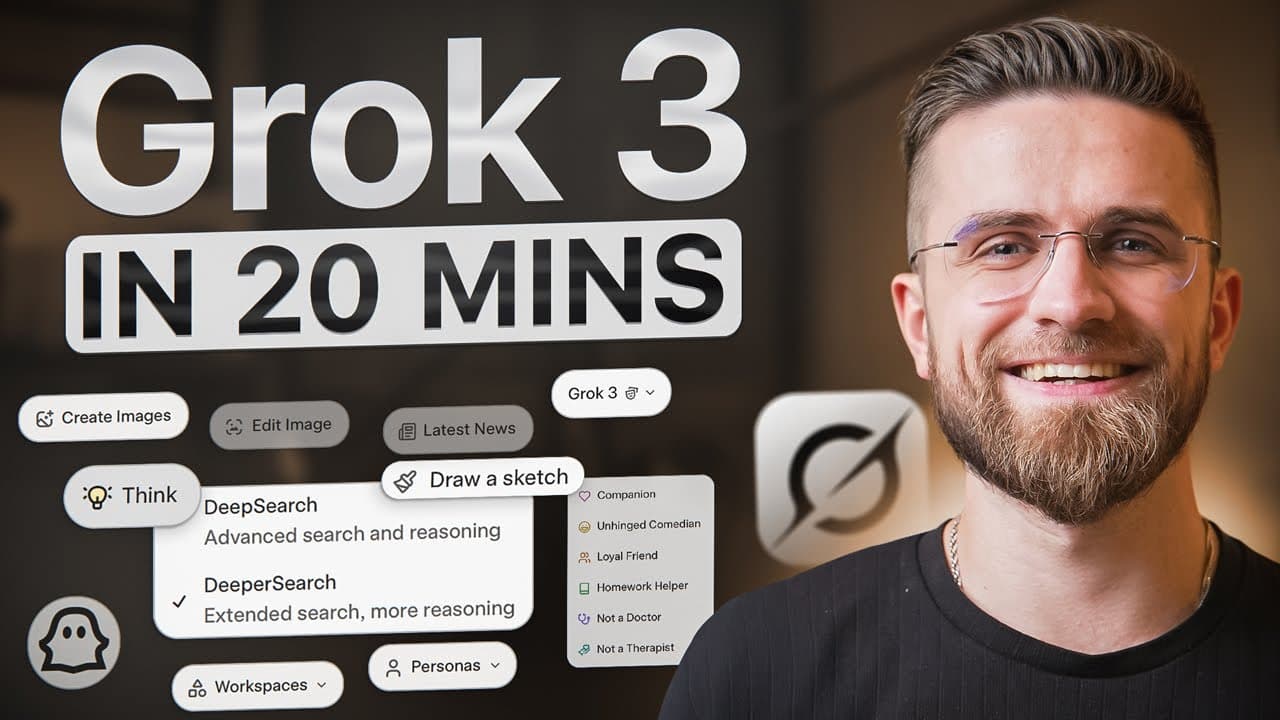
How to use Grok AI effectively for beginners
TL;DR
Grok AI should be configured with clear prompts, personalized settings, and careful data controls to maximize reliability. Start by choosing a ready-made style or crafting a custom persona, then outline your task in steps to keep results focused. Use memory sparingly and test prompts with iterative refinement for best outcomes.
Transcript
if any AI tool can really stand toe-to-toe with Chad GBT it's Grock elon's AI not only rolls out updates at breakneck speed and packs in shiny new tricks but it's also aiming straight for a huge share of the market still even though it looks like Chad GBT or Gemini or Claude Rock has its own vibe and you feel that right away it's been stuffed with ... Read More
Key Insights
- Grok’s interface mirrors other large language models but emphasizes three prompt parts: format, style, and restrictions, which determine how the answer is laid out, tone, and boundaries.
- Custom prompts improve accuracy by detailing who you are, what job Grok should do, and the tone to use, resulting in more relevant outputs for complex tasks.
- Memory settings influence answer consistency; turning off conversation history can reduce drift when working with sensitive data or mixing work with personal prompts.
- File integration with Google Drive and One Drive allows Grok to fetch and save files without extra uploads, streamlining project workflows.
- The tool encourages explicit prompts and stepwise approaches, making multi-part tasks easier to manage and less prone to wandering off topic.
- Vision features like canvas mode provide a separate workspace for editing and reorganizing text or prompts, though with limitations that require precise prompts.
- Iterative refinement, breaking tasks into smaller steps, helps Grok deliver structured outputs such as outlines or detailed analyses with clear progression.
- Clear, plain language and avoidance of overly long inputs help Grok maintain focus and avoid unnecessary fluff or repetition.
Install to Summarize YouTube Videos and Get Transcripts
Explore YouTube Video Summarizer or Get YouTube Transcript Extractor
Questions & Answers
Q: A real search query question about the video (e.g. 'How to...', 'What is...', 'Why does...', 'When should...'). Question 1
Grok AI offers a structured way to craft prompts by emphasizing three core components: format, style, and restrictions. To get reliable results, start with a specific objective, choose a relevant style or create a custom persona, and set clear limits such as word count and tone. This approach reduces drift and enhances readability and usefulness across tasks.
Q: Question 2
A practical prompt should specify who you are, what Grok should do, and the desired outcome. For example, define your role, the target audience, and the exact format like bullet points or a step by step guide. Providing precise context helps Grok produce concise, relevant, and actionable responses tailored to your needs.
Q: Question 3
Memory controls impact consistency. Turning off conversation history can prevent Grok from mixing past personal questions with current work tasks. This is especially important when handling sensitive information, or when you want repeatable results across sessions without cross prompt contamination.
Q: Question 4
Canvas mode creates a separate editing workspace where prompts can be refined without altering the main chat. While useful for precise edits, it has limitations and requires explicit prompts. Use it for targeted rewriting or layout adjustments, but expect some restrictions on tone and structure adjustments.
Q: Question 5
Iterative refinement is key for complex tasks. Start with a broad outline, then expand each bullet into paragraphs with dates and events or data points. Pause for feedback after each step and proceed with the next, ensuring the final output matches your planned structure and content goals.
Q: Question 6
When aiming for specific styles or visuals, reference a desired art style up front and consider style mixing. Grok can blend multiple styles by adjusting sliders or prompts, helping you achieve cohesive branding or creative outputs without starting from scratch.
Q: Question 7
Web search integration lets Grok pull in current information when the web switch is turned on. This capability expands the model’s utility for up to date facts and sources, but you should still verify critical data and avoid overreliance on live results for sensitive tasks.
Q: Question 8
To maximize effectiveness, provide concrete examples in prompts, paste a sample text for style guidance, and request a critique or rewrite. This helps Grok emulate your voice and writing rhythm, producing outputs that closely match your preferred tone and structure.
Summary & Key Takeaways
-
Grok UI setup and prompt design are foundational for getting accurate results, including choosing a ready-made response style or creating a custom one and configuring data controls to manage memory and privacy.
-
Effective Grok use relies on three parts of prompts: format, style, and restrictions, with plain English instructions and explicit output length to prevent drift and ensure clarity.
-
A practical workflow includes stepwise task breakdown, iterative refinement, and explicit examples or prompts to guide the model, plus using canvas mode and web search when needed for current information.
Read in Other Languages (beta)
Share This Summary 📚
Summarize YouTube Videos and Get Video Transcripts with 1-Click
Try YouTube Summary with ChatGPT & Claude or YouTube Transcript Generator
Explore More Summaries from AI Master 📚

Summarize YouTube Videos and Get Video Transcripts with 1-Click
Try YouTube Summary with ChatGPT & Claude or YouTube Transcript Generator