How to Use ChatGPT 4o: The Ultimate 2026 Beginner’s Guide
TL;DR
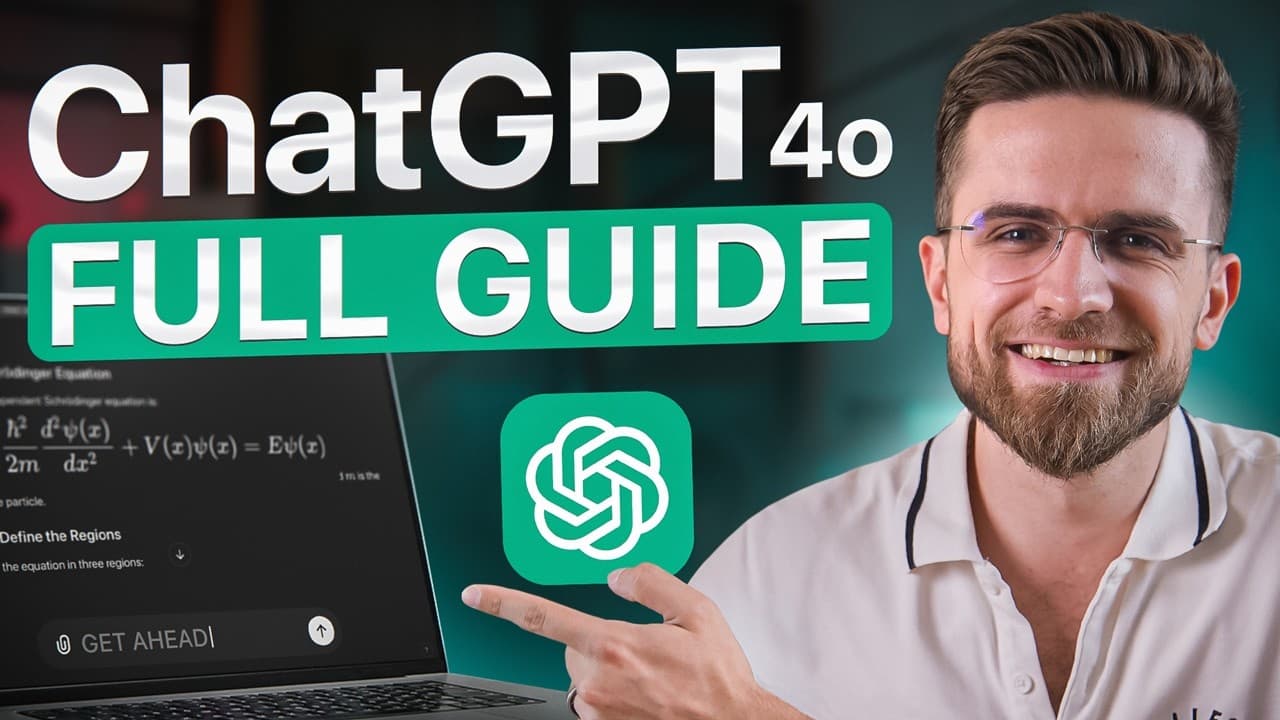
To use ChatGPT 4o effectively, create an account and write clear prompts that specify formatting, style, and restrictions. The guide also recommends adding relevant context, examples, and roleplay instructions to improve responses, while explaining the limited free tier, the $20-a-month subscription, model selection, and temporary chats. Read on for practical ways to progress from basic setup to stronger prompting.
Transcript
if you have no experience with Chad GPT but want to use the GPT 4L to its fullest watch this video in the next half an hour I will go from a complete zero to Pro I've already made many videos about Chad GPT but here I've combined everything into one video teach you how to correctly write prompts generate images create custom gpts an... Read More
Key Insights
- Creating an account on ChatGPT is the first step to access its features.
- A subscription to ChatGPT offers unlimited responses and early access to new features.
- Effective prompts require clear instructions, including formatting and style preferences.
- Roleplay can be used to tailor ChatGPT's responses to specific scenarios or personas.
- Nested prompts allow for detailed instructions and can improve the quality of responses.
- Custom GPTs can be created to automate repetitive tasks and integrate with external platforms.
- ChatGPT's vision capabilities allow it to recognize and describe objects in images.
- The mobile app offers additional features, including voice interaction and image recognition.
Install to Summarize YouTube Videos and Get Transcripts
Explore YouTube Video Summarizer or Get YouTube Transcript Extractor
Questions & Answers
Q: How do beginners use ChatGPT 4o effectively?
Start by creating an account at chatgpt.com, then enter requests in the prompt field. For better results, make each prompt clear about the desired formatting, style, and restrictions, and add relevant context or examples when helpful.
Q: How do you create a ChatGPT account?
Go to chatgpt.com, click “Sign Up,” and enter your email address and password. After creating the account, you can access the main page and begin a chat.
Q: What does the $20-a-month ChatGPT subscription provide?
The guide says the $20-a-month subscription removes the message cap and provides new features on day one. Without it, ChatGPT 4o is still available, but only for a limited number of responses.
Q: What happens after you reach the free-response limit?
After the free-response limit is reached, ChatGPT switches to the 4o Mini model. The guide describes 4o Mini as smarter and faster than GPT-4, but less capable than GPT-4 or GPT-4o.
Q: What should an effective ChatGPT prompt include?
The guide identifies three core elements: formatting, style, and restrictions. You can request a step-by-step guide, table, bullet list, simple or academic language, and boundaries that keep the response focused.
Q: Why should you add context and examples to a prompt?
Relevant context gives ChatGPT more information for completing the task without overriding the requested style or format. Examples also provide something concrete to follow, helping avoid generic output that feels obviously AI-generated.
Q: How does roleplay improve ChatGPT responses?
Roleplay lets you specify who ChatGPT should act as and who the intended reader is. In the guide’s example, changing the audience from a high school student to a 10-year-old brother shifts an explanation of ionic bonds from complex concepts toward analogies.
Q: What is a temporary chat in ChatGPT?
A temporary chat is presented as an option where submitted information will not be used for model training. The guide still advises avoiding the upload of sensitive information.
Summary & Key Takeaways
-
To start using ChatGPT 4, create an account and explore the interface. A subscription provides unlimited access and new features. Crafting effective prompts involves clear instructions and context, improving the quality of responses. Roleplay and customization further enhance the interaction experience.
-
Advanced features like custom GPTs and browsing expand ChatGPT's capabilities, allowing integration with external platforms and access to real-time information. Vision capabilities enable object recognition in images, while the mobile app offers voice interaction and enhanced usability.
-
Data analysis with ChatGPT involves using its built-in code interpreter to work with data sets, offering insights and visualizations. Mastering prompt engineering and utilizing advanced features can significantly enhance user experience and productivity with ChatGPT.
Read in Other Languages (beta)
Share This Summary 📚
Summarize YouTube Videos and Get Video Transcripts with 1-Click
Try YouTube Summary with ChatGPT & Claude or YouTube Transcript Generator
Explore More Summaries from AI Master 📚




Summarize YouTube Videos and Get Video Transcripts with 1-Click
Try YouTube Summary with ChatGPT & Claude or YouTube Transcript Generator