How to Start Programming in Java for Beginners
TL;DR
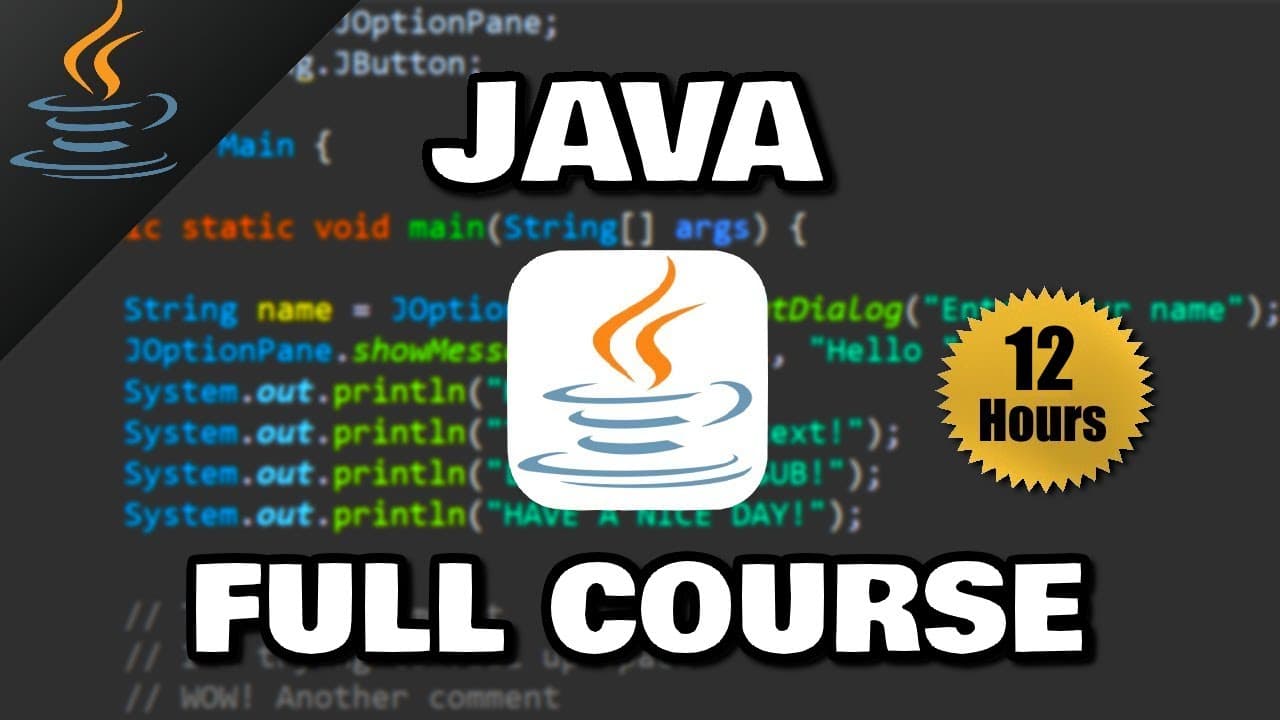
Start Java development by installing a Java Development Kit, choosing an IDE such as Eclipse or IntelliJ IDEA, and creating a project with a class and main method. Java source files compile into cross-platform bytecode, which the Java Virtual Machine translates into machine code. The course then progresses from basic output and variables through loops, collections, methods, and object-oriented programming.
Transcript
how's it going everybody it's bro hope you're doing well and in this video i'm going to teach you guys everything you need to know to get started with java so sit back relax and enjoy the show if you wouldn't mind please like comment and subscribe one like equals one prayer for the youtube algorithm here&... Read More
Key Insights
- Java source code is written in human-readable .java files, while computers ultimately require machine code. Compilation provides the transformation needed for execution, separating the format developers write from the low-level instructions a computer can process.
- Java bytecode is a cross-platform intermediate format stored in .class files. Code written and compiled on one operating system can be sent to another system, where a Java Virtual Machine translates the bytecode into the machine code required by that computer.
- The Java Development Kit is the primary package beginners need to install. It contains development tools and a Java Runtime Environment, which includes libraries, toolkits, and the Java Virtual Machine used to translate bytecode into machine code.
- An integrated development environment is software that helps developers write other software. Eclipse and IntelliJ IDEA are both recommended because they provide interfaces for writing Java, checking errors, compiling source code, and running programs more conveniently than a basic text editor.
- A Java project contains classes, and a class is introduced as a collection of related code. Creating a class in Eclipse produces a Java source file with the same name, such as a Main class stored in a Main.java file.
- The main method is the entry point required to run the demonstrated Java program. Its declaration is public static void main with a String array named args, and code placed inside its curly braces executes sequentially from the top downward.
- Console output is produced with a System.out.print statement. Displayed text must appear within double quotation marks, parentheses contain the text passed to the print method, and a semicolon marks the end of the Java statement.
- The course progression covers foundational syntax before object-oriented programming. Listed subjects include variables, input, expressions, conditionals, loops, arrays, strings, wrapper classes, ArrayLists, methods, constructors, inheritance, abstraction, encapsulation, interfaces, and polymorphism.
Install to Summarize YouTube Videos and Get Transcripts
Explore YouTube Video Summarizer or Get YouTube Transcript Extractor
Questions & Answers
Q: How do you start programming in Java?
Start by downloading and installing a Java Development Kit for the computer's operating system. Next, install an integrated development environment such as Eclipse or IntelliJ IDEA. Create a Java project, configure its runtime environment if necessary, add a class, and generate or type the public static void main method. Statements placed inside that method can then be compiled and run.
Q: What is the difference between Java source code and bytecode?
Java source code is the human-readable program written by a developer and saved with the .java file extension. Compiling that source produces bytecode, which uses the .class extension. Bytecode is an intermediate, cross-platform format rather than machine-specific code. A Java Virtual Machine translates it into machine code that the computer can execute.
Q: Why can Java bytecode run on different operating systems?
Java bytecode can run across operating systems because it is not compiled directly into the machine code of the computer where the source was written. Instead, Java source is compiled into a cross-platform .class file. A Java Virtual Machine on the destination computer translates that bytecode into the machine code appropriate for that particular system.
Q: What are the JDK, JRE, and JVM in Java?
The JDK is the Java Development Kit, which contains tools that help developers create Java programs. It also includes a JRE, or Java Runtime Environment. The JRE contains libraries, toolkits, and the JVM. The JVM, or Java Virtual Machine, performs the translation from Java bytecode into machine code that a computer can execute.
Q: Which IDE should a Java beginner use?
Eclipse and IntelliJ IDEA are both recommended for beginning Java development, and the Java code remains the same regardless of which one is selected. An IDE provides an interface for writing source code, checking for errors, compiling programs, and running them. This workflow is more beginner-friendly than writing code in a basic text editor and compiling it separately.
Q: How do you create a first Java project in Eclipse?
In Eclipse, create a Java project from the Package Explorer or use File, New, Java Project. Give the project a unique name and select the desired Java Runtime Environment. Then choose the project, create a new class, provide a class name such as Main, select the option that generates public static void main, and finish the setup.
Q: What is the main method in a Java program?
The main method is the point where execution begins in the demonstrated Java program. It is declared with public static void main, followed by a String array parameter named args and a body enclosed in curly braces. If the method is missing, the program reports that it cannot find the main method. Code inside it runs from top to bottom.
Q: How do you print text to the Java console?
Use System.out.print followed by parentheses and a semicolon. Place the text to display inside the parentheses and surround it with double quotation marks. For example, the lesson prints a statement about loving pizza. When the program is compiled and run, the output appears in the IDE's console window. Additional print statements can display more text.
Summary & Key Takeaways
-
Java programs begin as human-readable source code stored in files with the .java extension. Compilation transforms that source into cross-platform bytecode stored in .class files. A Java Virtual Machine then translates the bytecode into machine code, allowing compiled Java code to run on different operating systems when the required Java environment is available.
-
The initial setup requires a Java Development Kit, which includes development tools and a Java Runtime Environment. The runtime environment contains libraries, toolkits, and the Java Virtual Machine. An IDE such as Eclipse or IntelliJ IDEA provides a beginner-friendly interface for writing code, identifying errors, compiling programs, and running them.
-
A first Java program is organized inside a class and begins execution through the public static void main method. Statements inside that method execute from top to bottom. Console text can be displayed with System.out.print, using double quotation marks around text and a semicolon to terminate the statement.
Read in Other Languages (beta)
Share This Summary 📚
Summarize YouTube Videos and Get Video Transcripts with 1-Click
Try YouTube Summary with ChatGPT & Claude or YouTube Transcript Generator
Explore More Summaries from Bro Code 📚
Summarize YouTube Videos and Get Video Transcripts with 1-Click
Try YouTube Summary with ChatGPT & Claude or YouTube Transcript Generator