How to Learn SQL Right Now: Beginner Guide
TL;DR
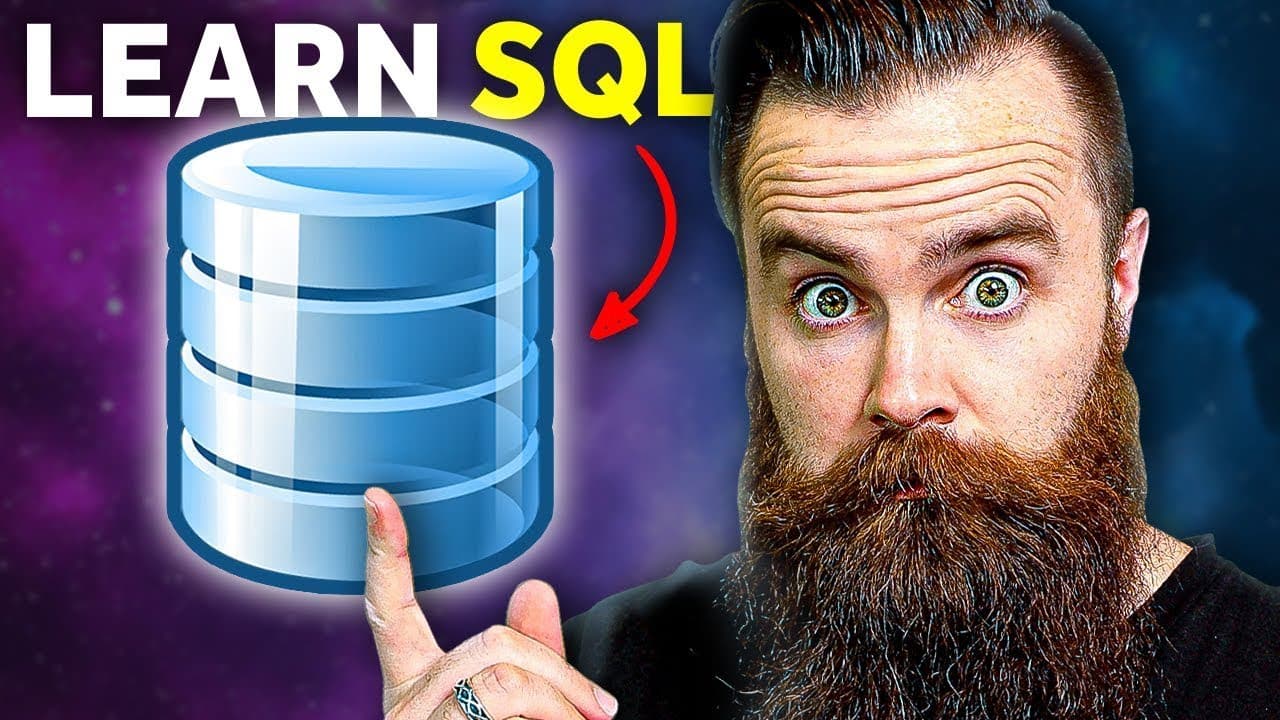
SQL is the language used to talk to databases, the backbone of many IT jobs. Start by understanding what a database and a table are, then install MySQL locally, verify the service, and begin writing simple queries. The video emphasizes practical, not deep, SQL skill with real-world use cases and a focused hands-on approach.
Transcript
SQL. It's more than an injection outta here. It's the love language of our databases. You know, the massive Excel spreadsheets that run the world. You need to learn SQL probably right now, especially if you want this job or this job, or this job are pretty much any job in it. And it's a skill I've actually had to use a lot, almost too much, too muc... Read More
Key Insights
- SQL is the standard language for talking to databases and is widely supported across major systems.
- A database is a collection of tables where data is organized in rows and columns, similar to an Excel sheet but scalable for large data sets.
- Relational databases link tables through keys so related data can be queried across multiple tables.
- MySQL is a popular free database system you can install locally to practice SQL commands.
- You can operate SQL via a command line interface, connecting to a local host without a password for learning purposes.
- CRUD stands for create, read, update, delete and represents the core operations you will practice in SQL.
- Understanding DBMS helps you manage data efficiently regardless of the specific database system.
- The video emphasizes a practical pace: learn enough to be dangerous, not to become a full DBA.
Install to Summarize YouTube Videos and Get Transcripts
Explore YouTube Video Summarizer or Get YouTube Transcript Extractor
Questions & Answers
Q: What is SQL and why is it useful to learn now
SQL stands for structured query language and is the primary way to talk to databases. It is useful because databases store data for many applications, and knowing SQL lets you create, read, update and delete that data. The video highlights that many IT jobs require this skill, making it a practical foundation for cloud engineering and other roles.
Q: What is a database in simple terms
A database is like a big organized collection of data made of tables. Each table has rows and columns, and data in one table can relate to data in another. This relational setup lets you perform powerful queries across related data, which is essential for real world applications and reporting.
Q: What is a relational database
A relational database uses tables that are linked by relationships. These relationships allow you to combine data from different tables in a single query. This structure is the foundation of most databases you will encounter in IT, and it enables complex data retrieval with simple commands.
Q: What is the difference between relational and non relational databases
Relational databases organize data into structured tables with defined relationships, making it easy to run complex queries. Non relational databases, by contrast, store unstructured data without fixed schemas. The video notes that the focus here is on relational databases and SQL rather than non relational options.
Q: How do you install and start using MySQL for practice
To practice SQL, you install MySQL server on your computer. After installation, you verify that the service is running, then connect to MySQL from the command line. From there you can issue basic commands, like showing databases and starting to query data, all in a local environment for learning.
Q: What does CRUD stand for and why is it important
CRUD stands for create, read, update and delete. These are the core operations you perform on data in any database. Understanding CRUD gives you a practical framework for building and manipulating data in tables, which is the essence of everyday SQL tasks.
Q: What practical steps does the video recommend for a beginner
The video recommends installing MySQL locally, verifying the service is running, connecting to MySQL through the command line, and starting with basic commands to list databases and create or query data. These steps provide a tangible, repeatable workflow that builds confidence and hands on experience.
Q: Why learn SQL as a foundational skill according to the video
The video argues that SQL opens doors to many IT roles beyond coding, such as cloud engineering, and helps you work with data across applications. It presents SQL as a practical, in demand skill that you can learn quickly with a focused, beginner friendly approach, enabling you to be productive early on.
Summary & Key Takeaways
-
SQL centers on relational databases and uses a standard language to create, read, update and delete data. Understanding databases as tables helps you relate to data structures quickly. The video guides you through setting up MySQL on your machine and running basic commands.
-
You learn to verify that the SQL service is running and how to connect to it locally. The instructor demonstrates a concrete workflow: show databases, connect to MySQL, and start querying. This practical path keeps learning approachable.
-
A key takeaway is that knowledge of SQL opens doors to IT roles beyond developers, such as cloud engineering, and can protect data while enabling efficient data handling. The talk grounds you in beginner-friendly steps and real-world relevance.
Read in Other Languages (beta)
Share This Summary 📚
Summarize YouTube Videos and Get Video Transcripts with 1-Click
Try YouTube Summary with ChatGPT & Claude or YouTube Transcript Generator
Explore More Summaries from NetworkChuck 📚

Summarize YouTube Videos and Get Video Transcripts with 1-Click
Try YouTube Summary with ChatGPT & Claude or YouTube Transcript Generator