How to Learn Java Programming for Beginners
TL;DR
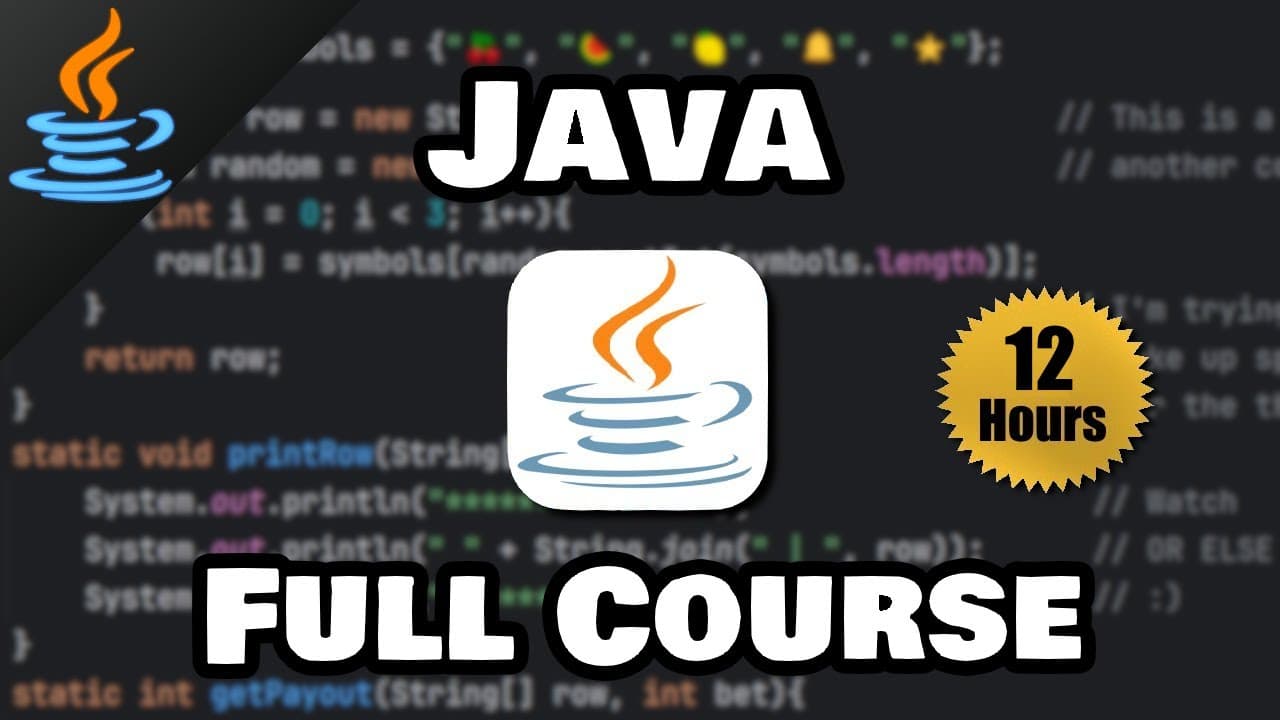
Start coding with Java by setting up a Java development kit (JDK) and an integrated development environment (IDE). This tutorial covers Java basics, including variables, user input, and arithmetic operations, with hands-on projects like creating an alarm clock. Ideal for beginners, it teaches Java essentials step-by-step.
Transcript
hey how's it going everybody in this video I'm going to teach you everything you need to know to start coding with Java this series even contains about 15 Hands-On projects that we're going to code together our final project will be a functioning alarm clock that plays music of your choice if you've never coded anything in your life don't worry we'... Read More
Key Insights
- Java requires a Java Development Kit (JDK) to compile and run code.
- An Integrated Development Environment (IDE) like IntelliJ enhances coding efficiency.
- Java supports various data types including integers, doubles, characters, and booleans.
- Variables in Java are containers for storing data values.
- Java uses if statements to execute code based on conditions.
- The Math class in Java provides useful methods for mathematical operations.
- Java's Random class can generate random numbers for various applications.
- Java supports object-oriented programming principles such as inheritance and polymorphism.
Install to Summarize YouTube Videos and Get Transcripts
Explore YouTube Video Summarizer or Get YouTube Transcript Extractor
Questions & Answers
Q: How to set up Java for programming?
To set up Java, download and install the Java Development Kit (JDK) from Oracle's website. Then, choose an Integrated Development Environment (IDE) like IntelliJ IDEA for writing and testing your Java code. This setup provides the necessary tools to compile and run Java programs efficiently.
Q: What are the basic data types in Java?
Java's basic data types include integers (int) for whole numbers, doubles (double) for decimal numbers, characters (char) for single characters, and booleans (boolean) for true/false values. These data types are fundamental for storing different kinds of data in Java programs.
Q: How does Java handle user input?
Java handles user input using the Scanner class from the java.util package. By creating a Scanner object, you can read input from various sources like keyboard input. Methods like nextInt() and nextLine() are used to read integers and strings, respectively, from the user.
Q: What is the role of the Math class in Java?
The Math class in Java provides a collection of methods for performing mathematical operations like calculating powers, square roots, and absolute values. It also offers constants such as PI and E for use in mathematical calculations, making it a valuable tool for developers.
Q: How to generate random numbers in Java?
To generate random numbers in Java, use the Random class from the java.util package. Create a Random object and use methods like nextInt() or nextDouble() to generate random integers or doubles within specified ranges. This is useful for applications like games and simulations.
Q: What is object-oriented programming in Java?
Object-oriented programming (OOP) in Java is a paradigm that uses objects to represent real-world entities. Java supports OOP principles like inheritance, encapsulation, and polymorphism, allowing developers to create modular, reusable, and scalable code by defining classes and objects.
Q: How does Java handle conditional logic?
Java handles conditional logic using if statements, which execute code blocks based on whether conditions are true or false. Java also supports else and else if clauses for more complex decision-making, allowing developers to control the flow of their programs effectively.
Q: What are some beginner projects to learn Java?
Beginner projects to learn Java include creating a simple alarm clock, a shopping cart program, and a basic calculator. These projects help reinforce Java concepts like loops, conditionals, and user input, providing practical experience and enhancing understanding of Java programming.
Summary & Key Takeaways
-
Learn Java by setting up a JDK and IDE to start coding. This course covers Java basics like variables, user input, and arithmetic with practical projects.
-
Understand Java's data types, control structures, and use of the Math class for calculations. Explore random number generation and object-oriented programming.
-
Hands-on projects include creating an alarm clock and a shopping cart program, illustrating Java's practical applications and enhancing learning.
Read in Other Languages (beta)
Share This Summary 📚
Summarize YouTube Videos and Get Video Transcripts with 1-Click
Try YouTube Summary with ChatGPT & Claude or YouTube Transcript Generator
Explore More Summaries from Bro Code 📚
Summarize YouTube Videos and Get Video Transcripts with 1-Click
Try YouTube Summary with ChatGPT & Claude or YouTube Transcript Generator