How to Learn C Programming: Full Course with 12 Hands-On Projects
TL;DR
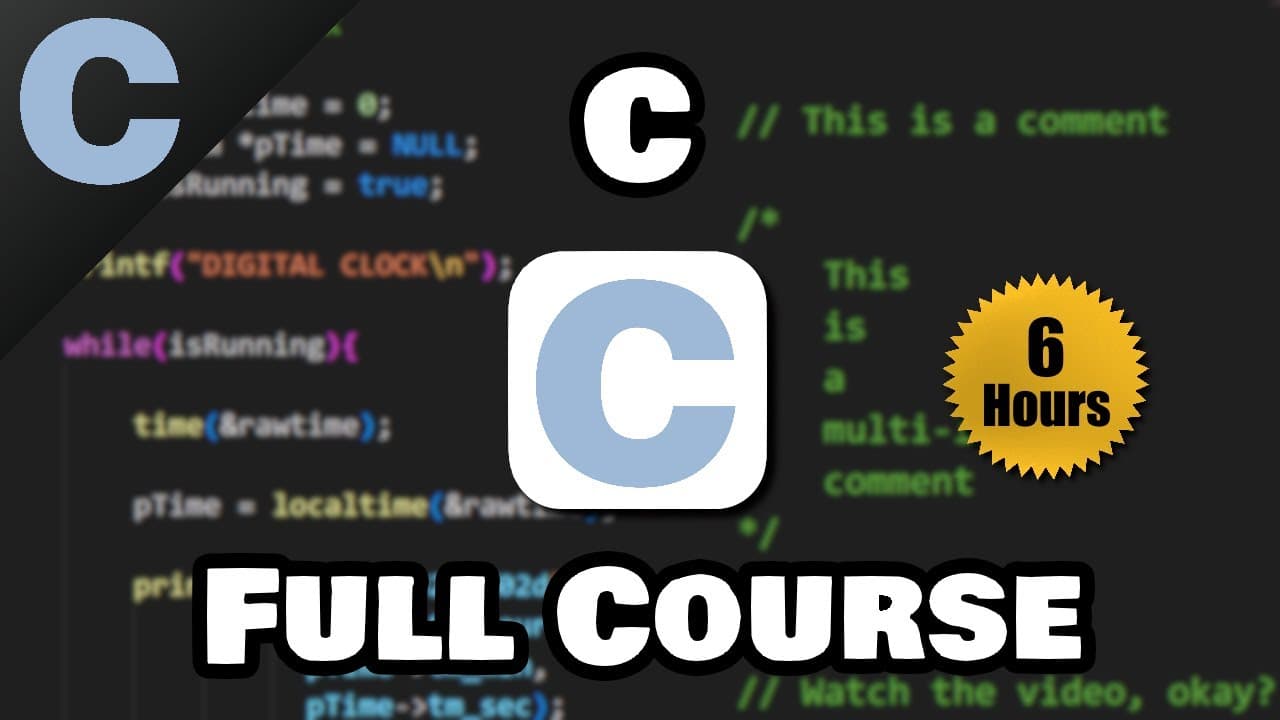
Learn C programming by setting up an IDE and compiler, writing a basic main.c program, and applying each concept in practical projects. The course covers variables, input, operators, conditions, functions, loops, arrays, and strings through 12 hands-on projects, culminating in a working clock. Read on for the setup steps, core program structure, and projects included in the course.
Transcript
hey what's going on everybody in this video I'm going to teach you everything you need to know to start coding in C this video contains 12 hands-on projects and for our final project we will code a working clock if that sounds good to you I encourage you to sit back relax and enjoy the show i don't like boring introductions so we're just going to j... Read More
Key Insights
- C development requires both an IDE and a compiler. Visual Studio Code provides the workspace for writing source code, while a C compiler converts the written program into machine code that the computer can understand and execute.
- Visual Studio Code can be prepared for C programming with the C/C++ Extension Pack and Code Runner. Enabling Clear Previous Output and Save File Before Run makes repeated program execution cleaner and avoids the need to save manually before each run.
- Compiler setup depends on the operating system. Windows users can install GCC through MSYS2 and add its UCRT64 bin directory to the system PATH, Mac users can install developer tools with xcode-select --install, and Linux users can install build-essential and gdb.
- The main function is the entry point of a C program. A program without main produces an error, while code placed inside its curly braces executes when the compiled program runs.
- The stdio.h header provides standard input and output capabilities. Adding #include <stdio.h> allows the program to use functions such as printf, which displays quoted text on the screen.
- The return value from main acts as an exit code for the operating system. Returning zero indicates successful execution, while a nonzero value typically indicates an error or another problem.
- C statements commonly end with semicolons, and output formatting uses special characters. The newline character \n moves subsequent output to the next line, preventing multiple printf results from appearing together on one line.
- Hands-on projects connect individual C concepts to working programs. The course applies input, arithmetic, conditions, functions, loops, random numbers, arrays, and strings in shopping, calculator, converter, guessing, banking, quiz, and clock projects.
Install to Summarize YouTube Videos and Get Transcripts
Explore YouTube Video Summarizer or Get YouTube Transcript Extractor
Questions & Answers
Q: How do you set up Visual Studio Code for C programming?
Install Visual Studio Code, open or create a project folder, and add a file named main.c. Install the C/C++ Extension Pack and Code Runner, then enable Clear Previous Output and Save File Before Run in Code Runner’s settings. You also need a separate C compiler because Visual Studio Code is an IDE, not a compiler.
Q: How do you install a C compiler on Windows?
Install MSYS2, which requires 64-bit Windows 10 or newer in the course’s instructions, and use its package manager to obtain the compiler packages. Confirm that the compiler works with gcc --version. Then locate the GCC directory in the MSYS2 UCRT64 bin folder and add it to the Windows PATH.
Q: How do you check or install a C compiler on Mac and Linux?
On a Mac, check for a compiler with clang --version and install the compiler and developer tools with xcode-select --install if necessary. On Linux, check with gcc -v, refresh the package list with sudo apt-get update, and install build-essential and gdb. The Linux packages provide the compiler, make, and debugger.
Q: What is the basic structure of a C program?
A basic program includes #include <stdio.h> and defines int main() with the executable statements inside curly braces. The stdio.h header makes standard input and output features such as printf available. The main function can finish with return 0; to indicate successful execution.
Q: Why does a C program need a main function?
The main function is the program’s entry point, so execution begins with the statements inside its curly braces. In the course demonstration, running the source without main produced an error and an exit status of one. Restoring main allowed the program to run and create an executable.
Q: How do printf and newline characters work in C?
The printf function displays text placed inside double quotes, and its statement ends with a semicolon. Consecutive calls without line breaks place their output on the same line. Adding \n inside the quoted text moves subsequent output to a new line.
Q: What topics are covered in this C programming full course?
The course covers variables, format specifiers, arithmetic operators, user input, math functions, conditions, switches, logical operators, functions, return values, scope, and prototypes. It also teaches while and for loops, break and continue, random numbers, arrays, strings, the ternary operator, and typedef. These concepts are applied throughout the course’s practical programs.
Q: What projects can beginners build while learning C?
The course contains 12 hands-on projects, including a shopping cart, Mad Libs, circle and compound-interest calculators, converters, a calculator, and games. Later projects include a banking program and a quiz. The final project is a working clock.
Summary & Key Takeaways
-
C development begins with two essentials: an integrated development environment for writing code and a compiler for translating that code into machine code. The course demonstrates Visual Studio Code setup, recommends the C/C++ Extension Pack and Code Runner, and explains how to check or install compilers on Windows, Mac, and Linux.
-
A first C program includes the standard input and output header, defines main as the program entry point, prints text with printf, and returns zero to indicate successful execution. The lessons also introduce semicolons, newline characters, single-line comments, multi-line comments, variables, format specifiers, arithmetic operators, user input, and mathematical functions.
-
The course develops programming skills through conditions, switches, logical operators, functions, return values, variable scope, prototypes, loops, random numbers, arrays, strings, typedef, and practical projects. Projects include a shopping cart, Mad Libs, calculators, converters, guessing and rock-paper-scissors games, banking and quiz programs, and a final working clock.
Read in Other Languages (beta)
Share This Summary 📚
Summarize YouTube Videos and Get Video Transcripts with 1-Click
Try YouTube Summary with ChatGPT & Claude or YouTube Transcript Generator
Explore More Summaries from Bro Code 📚
Summarize YouTube Videos and Get Video Transcripts with 1-Click
Try YouTube Summary with ChatGPT & Claude or YouTube Transcript Generator