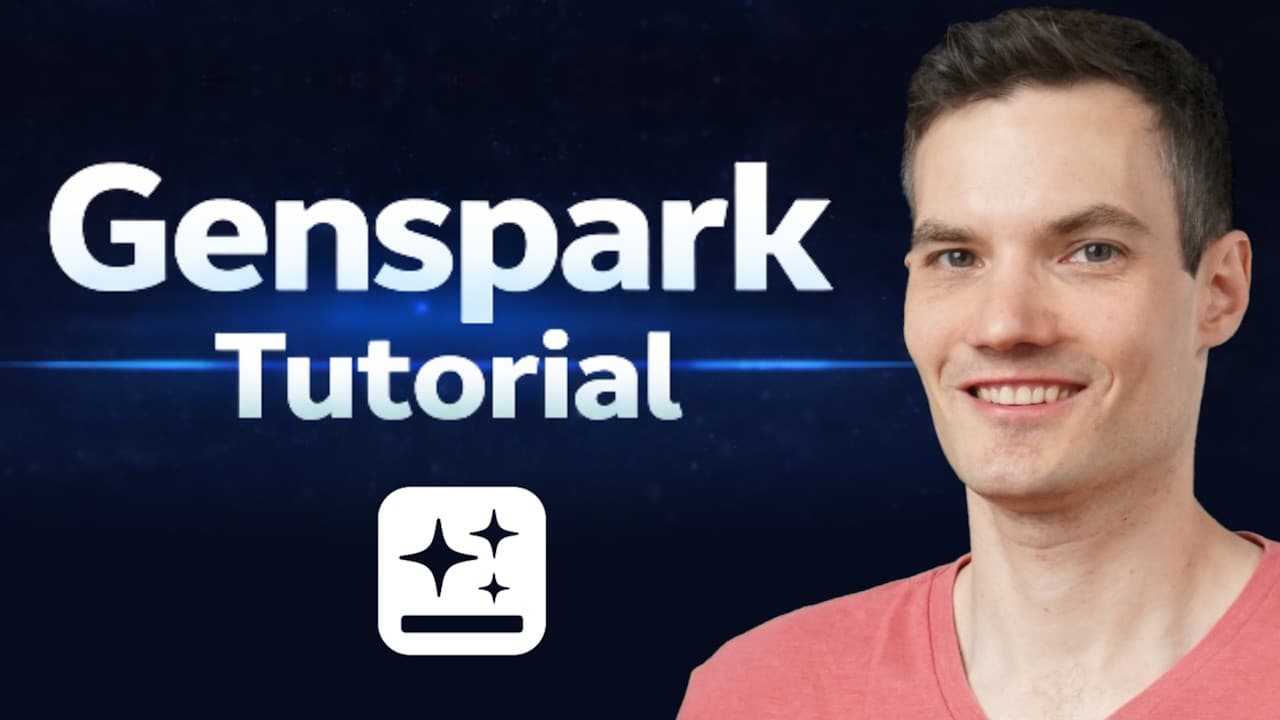
How to use Genspark AI for an all-in-one workspace
TL;DR
Genspark acts as an all-in-one AI workspace where a single Super Agent coordinates multiple models and tools to handle tasks like data analysis, slide creation, marketing assets, and website building. You can switch between AI Chat, AI Sheets, AI Slides, and other agents to complete a full workflow in minutes, not hours.
Transcript
What if one AI tool could replace your slide software, spreadsheet tool, website builder, design app, and even your email assistant? Genspark positions itself as an all-in-one AI workspace. You may have seen it featured during the Super Bowl. It reportedly hit $155 million in annual run rate in under a year. So, I wanted to test it out mys... Read More
Key Insights
- Genspark is described as an all-in-one AI workspace that consolidates multiple tools into a single interface for easier workflow management.
- The Super Agent is a central feature that delegates tasks to different models and tools to produce comprehensive outputs, including charts, summaries, and decks.
- AI Sheets demonstrates live data analysis with formulas behind the scenes, creating dynamic spreadsheets that update when source data changes.
- AI Slides enables quick generation of investor decks with editable previews, professional or creative modes, and advanced editing options for precision.
- AI Image and Video capabilities allow model selection, refinements, and branding integration, enabling rapid marketing asset creation and video narration options.
- AI Developer provides a starter point for building production-ready websites, generating full site structures that can be customized with prompts.
- The platform emphasizes time savings, with outputs like pitch decks, charts, and website structures produced in minutes rather than hours.
- Genspark promotes unlimited AI image and AI chat for paid plans, highlighting scalable asset creation within a single workspace.
- More videos from this channel:
- More from this channel: Kevin Stratvert
Install to Summarize YouTube Videos and Get Transcripts
Explore YouTube Video Summarizer or Get YouTube Transcript Extractor
Questions & Answers
Q: How does the Super Agent differ from a single AI model in Genspark?
The Super Agent differs from a single AI model by routing a task across multiple models and tools behind the scenes, then assembling the results into a single coherent output. This allows complex workflows, such as analyzing data and generating a pitch deck, to be completed more efficiently than using one model alone. It also supports mixing capabilities from different domains like data analysis, design, and presentation generation, enabling richer, more accurate outputs.
Q: What kinds of outputs can the Super Agent generate in one workflow?
The Super Agent can generate a range of outputs within one workflow, including financial charts, high level summaries, growth projections, investor deck slides, and marketing assets. It orchestrates data analysis, visualization, and narrative content, then consolidates these results into a cohesive package that can be exported to formats such as Excel or slides, reducing manual handoffs and speeding up decision making.
Q: How can AI Sheets help with live data analysis and forecasting?
AI Sheets accepts data input directly and leverages formulas behind the scenes to produce growth rates, forecasts, and scenario projections. It keeps outputs linked to the source data so that any updates automatically refresh the charts and tables. This creates a dynamic spreadsheet that behaves like a live analytics tool while remaining fully functional in Excel format for downstream use.
Q: What customization options exist for AI Slides output?
AI Slides offers professional and creative modes, a live preview, and an advanced edit feature to modify specific areas such as titles or numbers. Users can paste in prior outputs, then adjust the slide content or layout with prompts. The platform supports targeted edits without rebuilding slides from scratch, saving time and ensuring visual consistency.
Q: How does AI Image handle branding and refinements for marketing assets?
AI Image lets users choose models, set styles, and configure camera settings to generate images. It supports refinements by uploading logos and adjusting backgrounds, enabling branding to be embedded into assets. This allows iterative design processes where logos and prompts evolve, producing variations quickly while maintaining brand coherence across materials.
Q: What is the role of AI Video in the workflow?
AI Video creates promotional clips by selecting video models and configuring settings such as motion, pacing, and focus. Users input prompts to generate launch videos, then preview and refine results. This feature accelerates the production of marketing content, allowing teams to produce branded video assets without separate video editing tools.
Q: How does AI Developer help with website creation?
AI Developer provides a starting point for building websites or web apps, offering production-ready structures that can be customized by prompts. It generates a full site layout, including multiple pages, and supports prompt-based editing to tailor content and design. This streamlines the process of launching a new site within the same workspace.
Q: What long-term value does a single all-in-one workspace offer?
The long-term value lies in consolidating tools into a single workspace, which reduces context switching and improves collaboration. By centralizing data, design, and automation, teams can complete end-to-end projects faster, maintain consistent branding, and reuse outputs across presentations, marketing, and websites. This approach can improve efficiency and scalability as projects grow.
Summary & Key Takeaways
-
Genspark positions itself as an integrated platform combining AI chat, spreadsheets, slides, design, and automation into one workspace for streamlined work processes.
-
The video demonstrates the Super Agent routing tasks through diverse tools to generate outputs such as charts, summaries, pitch decks, and marketing assets.
-
The walkthrough emphasizes rapid project execution across data analysis, presentation design, image/video creation, and website development within a single platform.
Read in Other Languages (beta)
Share This Summary 📚
Summarize YouTube Videos and Get Video Transcripts with 1-Click
Try YouTube Summary with ChatGPT & Claude or YouTube Transcript Generator
Explore More Summaries from Kevin Stratvert 📚





Summarize YouTube Videos and Get Video Transcripts with 1-Click
Try YouTube Summary with ChatGPT & Claude or YouTube Transcript Generator